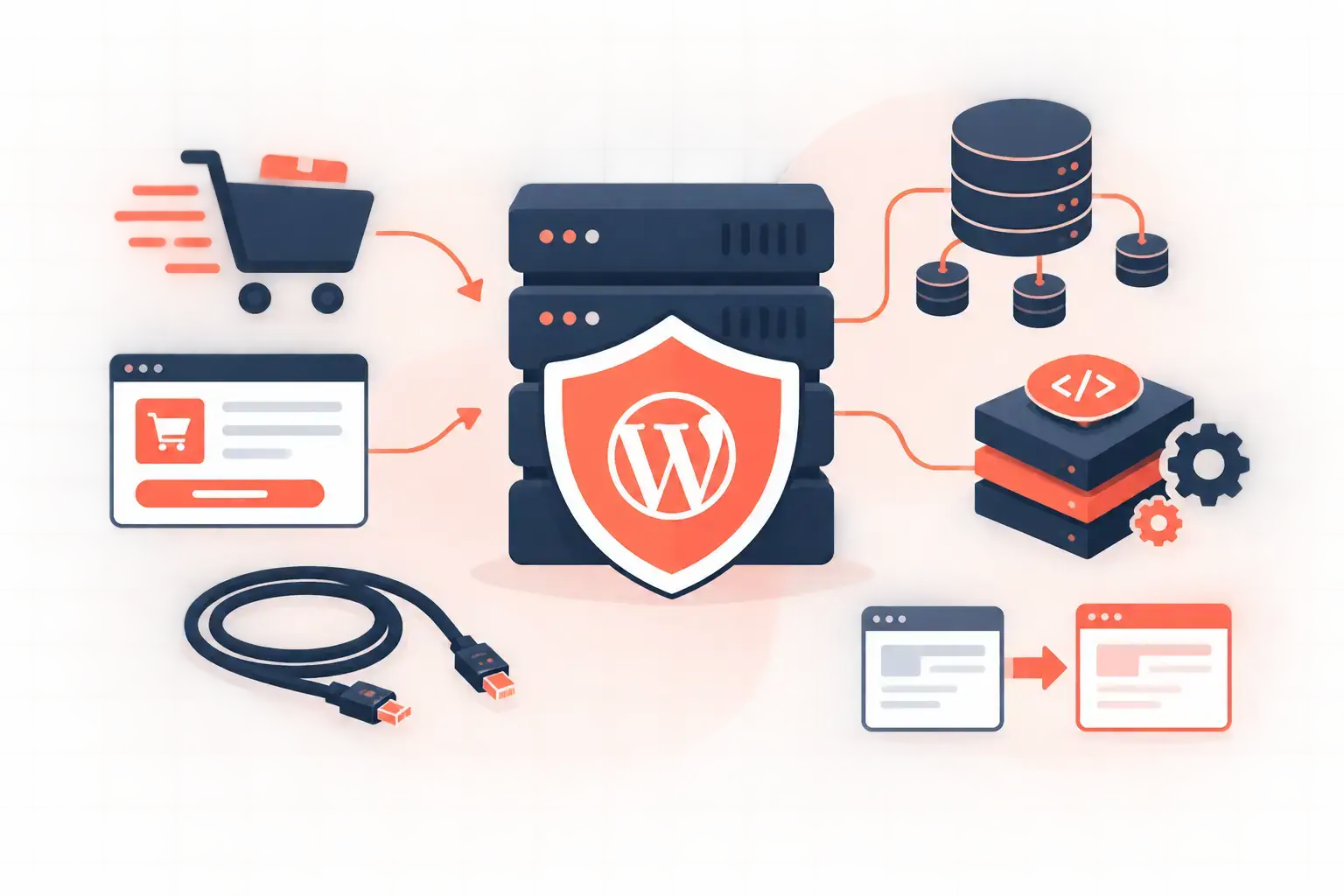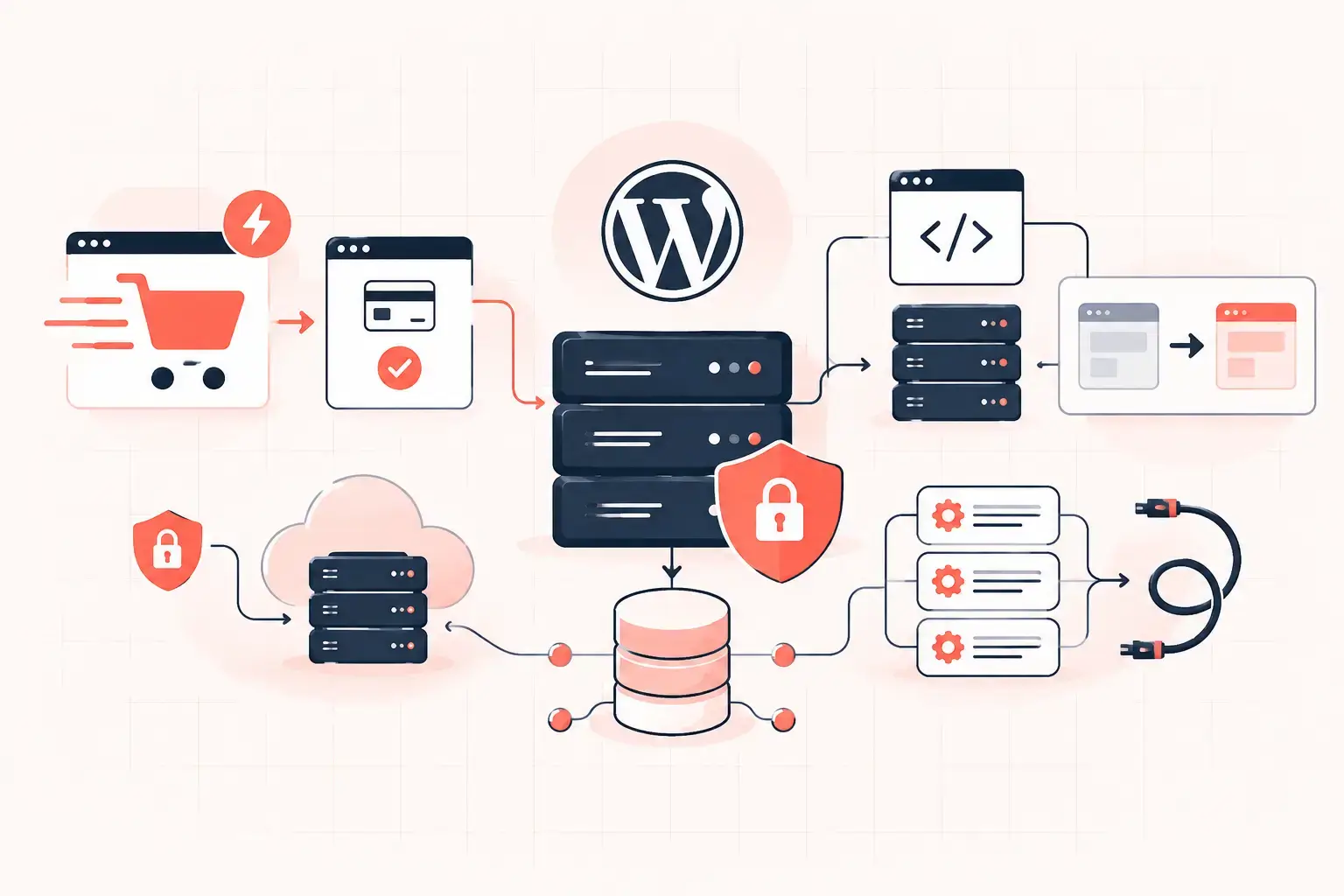


A WooCommerce store needs hosting that treats checkout, cart, account, and admin requests differently from cacheable product pages. The right WooCommerce hosting provides fast CPU cores, sufficient PHP workers, persistent object caching, a tuned database, and resource limits that are visible rather than vague. If a host only promises unlimited traffic and one-click WordPress installs, it is not answering the question that matters: what happens when 30 customers try to check out at the same time?
A slow storefront costs attention. A slow checkout costs revenue. The distinction matters because the usual speed fix - full-page caching - cannot safely serve personalized cart and checkout pages. Your server has to execute PHP, query the database, process sessions, calculate shipping and tax, and communicate with payment gateways for every active buyer.
What WooCommerce Hosting Must Handle
WooCommerce is not a brochure site with a payment button attached. Every store generates a mix of requests with very different infrastructure needs.
A visitor viewing a well-cached category page may barely touch PHP or MySQL. That same visitor adding an item to a cart triggers uncached work. At checkout, WooCommerce can run dozens of database queries while plugins calculate shipping, apply discount rules, validate addresses, generate order records, and contact third-party services.
This is why a site can score well in a homepage speed test yet fail during a promotion. Synthetic tests usually hit a cacheable URL once. They do not simulate ten concurrent checkout sessions competing for PHP workers and database connections.
Good WooCommerce hosting is built around that reality. Look for a stack that can keep dynamic requests moving while static and cacheable pages stay fast at the edge.
The Resources That Actually Affect Store Performance
Hosting plans often lead with disk space, visitor allowances, and marketing labels. For an active WooCommerce site, those are secondary. The useful questions are about compute, concurrency, caching, and operational response.
Fast CPU matters more than vague core counts
WordPress and WooCommerce requests are often limited by single-thread performance. A complicated product query, a slow plugin callback, or a checkout calculation does not become faster merely because a server has many low-frequency CPU cores.
High-frequency modern CPUs reduce the time each PHP request occupies a worker. That improves first-byte time and, more importantly, lets the server finish work before a queue forms. Dedicated AMD Ryzen 9950X hardware is a meaningful advantage here because it offers strong per-core performance for the short, bursty PHP workloads common in WordPress.
CPU speed is not a substitute for fixing bad code. A product filter that triggers hundreds of unindexed database queries will still be a problem. But fast compute gives a healthy WooCommerce stack more headroom during real traffic spikes.
PHP workers determine checkout concurrency
A PHP worker handles one uncached request at a time. When all workers are busy, new dynamic requests wait. That wait often appears as rising TTFB, spinning carts, delayed admin screens, or payment callbacks that arrive after the customer has given up.
There is no universal worker count. A small store with a lean theme and few extensions may be fine with four to eight workers. A store running subscriptions, product add-ons, complex shipping rules, or heavy API traffic may need far more. The deciding factor is request duration: six workers can handle substantial traffic if requests complete in 150 milliseconds, while 20 workers can be overwhelmed if each checkout request takes three seconds.
Ask a prospective host whether PHP workers are dedicated, what happens when you hit the limit, and whether support can show actual worker saturation. A plan that hides those answers is not built for troubleshooting.
Persistent object caching reduces repeated database work
WooCommerce repeatedly reads options, transients, product data, session-related values, and query results. A persistent object cache such as Redis can retain frequently requested data in memory between PHP requests, reducing database reads and lowering response times.
This is not the same as browser caching or full-page caching. Those are useful, but Redis specifically helps the dynamic portions of a WooCommerce store where page caching cannot safely apply.
Object caching must be configured carefully. Stale product stock, unusual session behavior, or plugin compatibility issues can occur with poor cache rules. Use a host or technical team that can identify what is being cached, flush it safely, and investigate collisions instead of advising you to disable every performance feature.
Database health is part of hosting health
WooCommerce stores grow database tables quickly. Orders, order item metadata, scheduled actions, sessions, analytics data, transients, and plugin logs all accumulate. On newer WooCommerce installations, High-Performance Order Storage can improve order management, but it does not excuse a neglected database.
Common sources of database pressure include oversized autoloaded options, expired transients that are never cleaned, Action Scheduler backlogs, and plugins that query post meta inefficiently. Hosting cannot repair every bad query, but it should provide enough database capacity and observability to find the actual bottleneck.
If wp-admin becomes slow after order volume increases, inspect the database before replacing your theme. Check scheduled actions, slow queries, table size, and autoloaded option totals. Those checks produce evidence. Theme switching usually produces guesswork.
Caching Rules That Do Not Break Carts
The fastest WooCommerce configuration is not the one that caches everything. It is the one that caches public content aggressively while excluding customer-specific workflows.
At minimum, full-page caching should bypass cart, checkout, my-account pages, and requests carrying active WooCommerce session cookies. Payment return URLs and webhook endpoints also need explicit consideration. Caching a thank-you page incorrectly can expose order details or cause customers to see stale content.
Static assets should receive long cache headers and be served efficiently. Product, category, and informational pages can usually benefit from server-level page caching, provided cache purges occur when inventory, pricing, or content changes. Fragmented mini-cart behavior deserves testing after any cache or CDN change.
Do not accept cache settings on faith. Add an item to the cart in an incognito browser, change quantities, apply a coupon, complete a test order, and verify stock changes. Performance work that breaks revenue is not optimization.
How to Spot a Hosting Bottleneck
Start with the symptoms, then correlate them with server metrics. A site that is slow only for logged-in users may have an object-cache, plugin, or database problem. A site that degrades during launches may be exhausting PHP workers. A site with slow cached pages may have CPU contention, poor web-server configuration, or overloaded storage.
Use a short diagnostic sequence:
- Record TTFB for a cacheable product page and for cart or checkout while the issue is happening.
- Check PHP worker usage, CPU utilization, memory pressure, database connections, and slow-query logs over the same time window.
- Review WooCommerce status, scheduled actions, payment gateway logs, and application errors for delayed or failed requests.
- Temporarily disable or profile the heaviest nonessential extension on staging, not on a live checkout.
This separates infrastructure saturation from application inefficiency. If PHP workers are pinned while CPU is modest, requests are probably waiting on a slow API, database query, or lock. If CPU is pinned and TTFB rises across the site, the server may lack compute capacity or another tenant may be consuming it. If database queries slow down as order volume grows, investigate indexes and plugin query patterns before adding more caching.
Security, Staging, and Backups Are Store Features
WooCommerce hosting should also reduce the blast radius of routine maintenance. Plugin updates can affect tax calculations, payment gateways, subscriptions, and order processing. A staging environment lets you test those changes against your real extension stack before production.
Backups need to be frequent enough for the value of your order data. A daily backup is not much comfort if a checkout bug or compromise corrupts records at 9 a.m. and the only restore point is from midnight. Hourly backups and verified restoration procedures are far more practical for stores processing orders throughout the day.
Security controls should include malware monitoring, Web Application Firewall rules appropriate for WordPress, protected administrative access, and a clear incident process. But avoid security products that add heavy front-end scripts or database queries without measuring their cost. Protection that makes checkout unreliable creates a different business problem.
Choose Transparency Over Hosting Labels
Managed WooCommerce hosting is worth paying for when the provider can explain your resource allocation, show metrics during an incident, help isolate a bad query or plugin conflict, and restore a working state quickly. It is less valuable when managed simply means you are blocked from the settings needed to diagnose a problem.
For agencies, this transparency prevents the familiar cycle of blaming the host, then blaming plugins, then adding another optimization plugin. For merchants, it means a clear answer when sales slow down: whether the issue is traffic, server capacity, a payment integration, or the store itself.
WP Tango approaches this as an infrastructure problem first: high-frequency dedicated compute, server-level caching, and operational visibility are useful only when they make a store easier to run and recover.
Before moving a store, test the candidate environment with your actual traffic pattern, especially concurrent add-to-cart and checkout activity. The hosting plan that survives a homepage benchmark is not necessarily the one that protects your busiest hour. Your customers will judge the difference one order at a time.