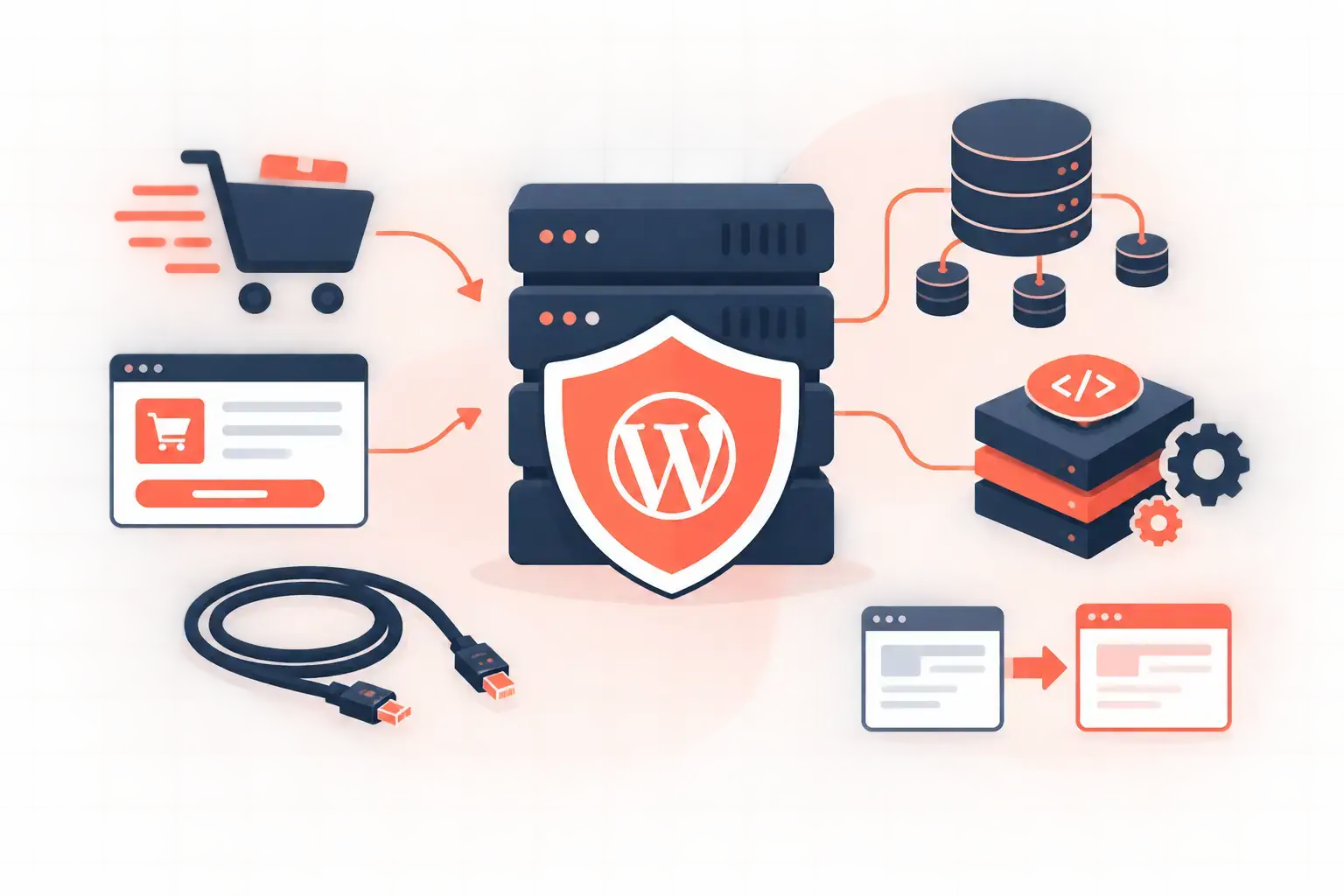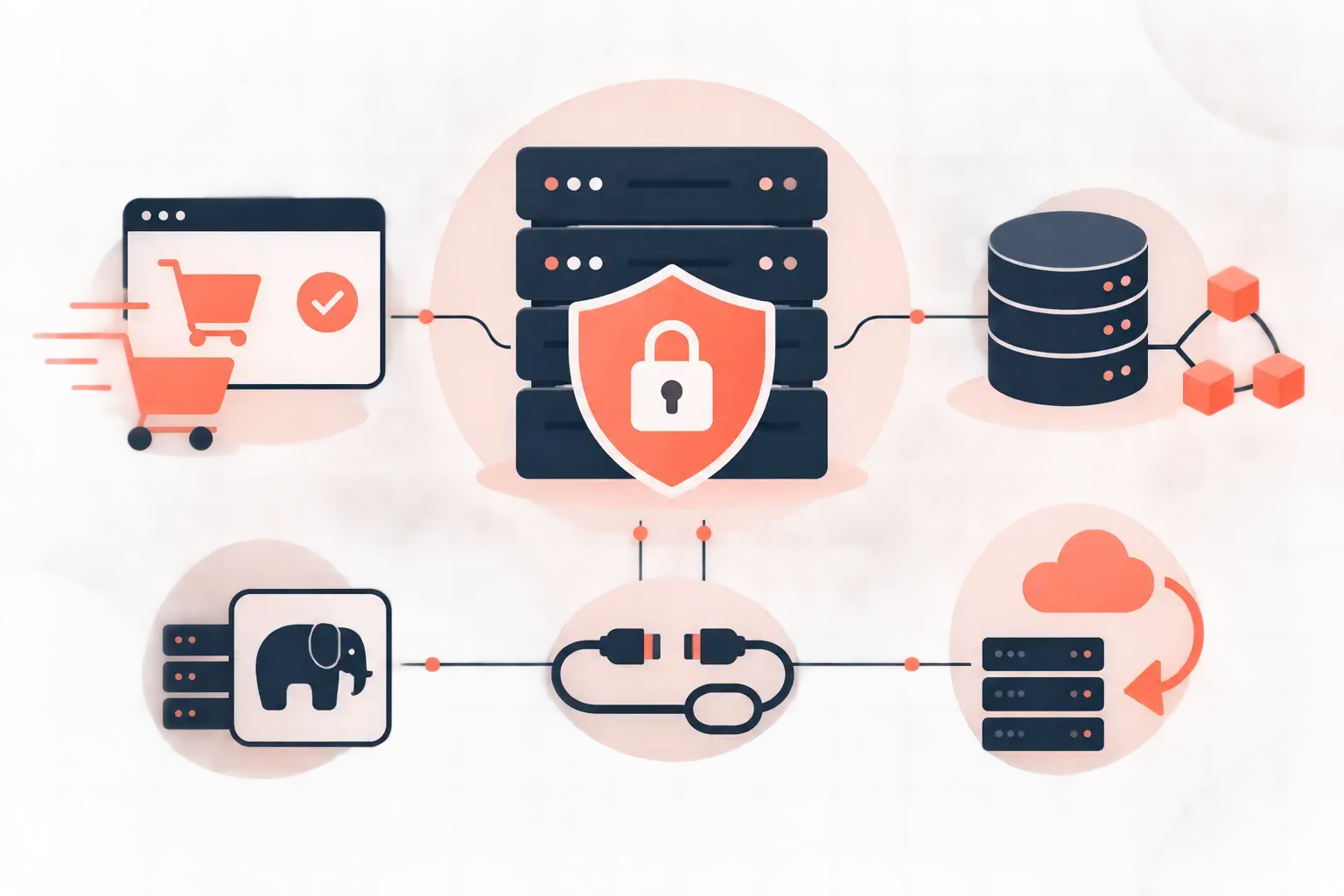

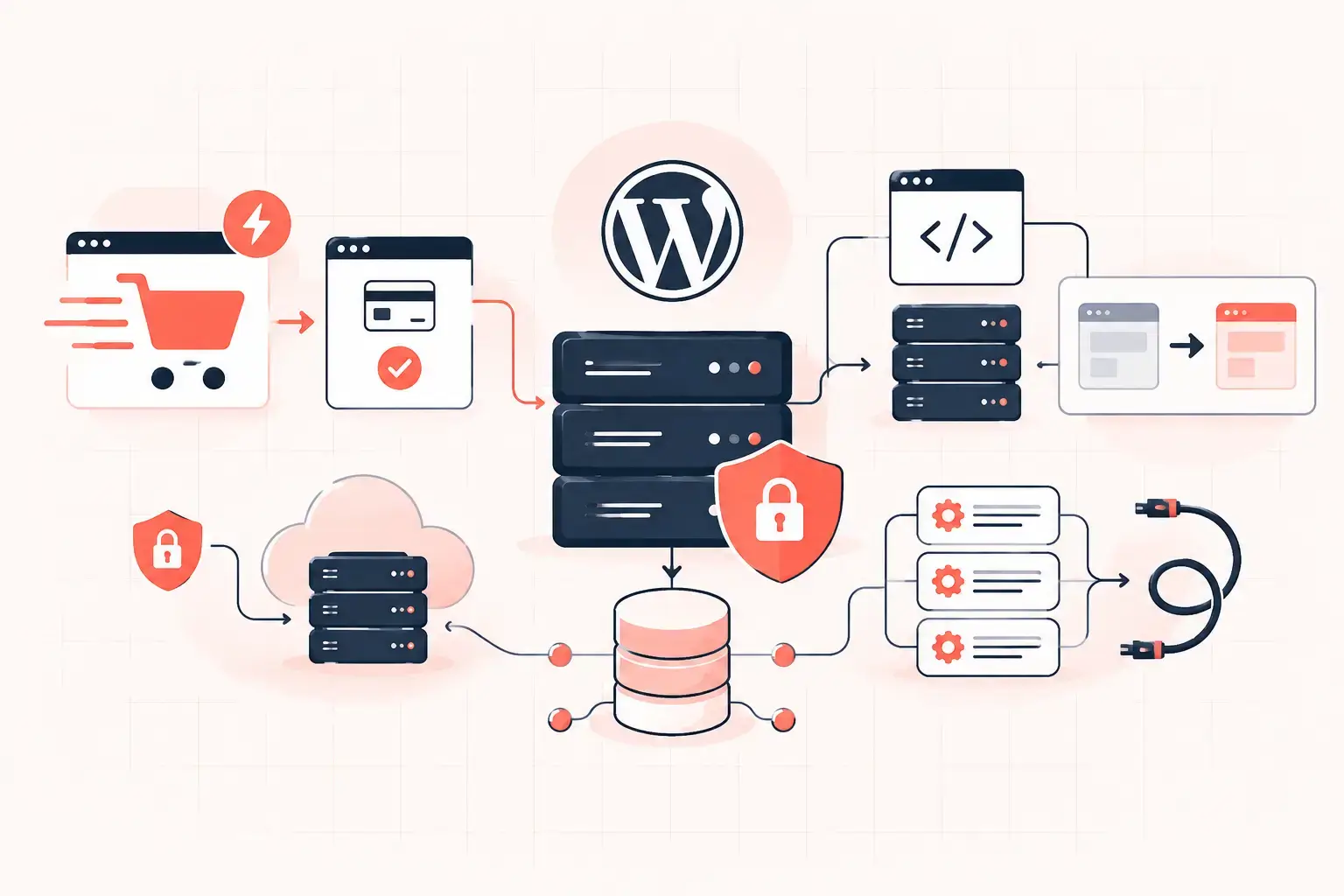
A customer resets their password, submits a contact form, or completes a WooCommerce order - and nothing arrives. That is usually why WordPress emails fail: WordPress can generate the message correctly, but the server cannot reliably prove it is authorized to send it. The fast fix is to stop relying on PHP's default `mail()` function and send through an authenticated SMTP relay or transactional email API, then validate your domain's DNS records and test delivery.
Do not treat this as a cosmetic issue. Missing transactional email can mean abandoned orders, inaccessible customer accounts, lost leads, and support tickets that should never have existed.
Why WordPress Emails Fail in the First Place
WordPress itself does not include a mail server. When a plugin calls `wp_mail()`, WordPress typically hands the message to PHP's `mail()` function. From there, the hosting server must pass the email to a local mail transfer agent or an upstream relay.
That chain has weak points. On many shared or budget hosting plans, outbound PHP mail is restricted, rate-limited, poorly configured, or assigned an IP address with a damaged sending reputation. The message may leave the server but still land in spam. In other cases, it never leaves at all.
A successful form submission only proves that the form processed. It does not prove that an email was accepted by a recipient mailbox. Likewise, a WooCommerce order marked "processing" does not prove the buyer received an order confirmation.
The root cause generally falls into one of four categories:
- WordPress or a plugin never generated the email.
- PHP generated it, but the server could not relay it.
- The receiving provider rejected or spam-filtered it because authentication failed.
- The email was sent to the wrong address, often because of an incorrectly configured recipient or reply-to field.
The distinction matters. Installing an SMTP plugin will not fix a contact form that is configured to send to a misspelled address. Changing DNS will not fix a WooCommerce notification disabled in its email settings.
First, Find Out Where the Message Stops
Before changing settings, trigger a test that you can identify. Use a password reset for a known WordPress account, submit a contact form, or place a test WooCommerce order. Then check the relevant application settings.
For WooCommerce, review WooCommerce > Settings > Emails. Confirm the notification is enabled, the recipient field is correct, and the template has not been customized into a fatal error. For contact forms, inspect both the recipient and the From address. A common bad configuration uses the visitor's email as the From address. That causes DMARC alignment failures because your server is trying to send mail as Gmail, Outlook, or another domain it does not control.
Use an email logging plugin temporarily if you need evidence of what WordPress is creating. A log can show the subject, recipient, headers, and whether WordPress handed the message to the mail layer. It cannot always prove final inbox delivery, which is why a proper transactional provider with delivery events is more useful for production sites.
Also check server-side error logs. Messages such as `Could not instantiate mail function`, `sendmail: not found`, or SMTP authentication failures point to the transport layer. If the site has a fatal PHP error during checkout or form processing, fix that first. WordPress cannot send a message from code that never completes.
Replace PHP Mail With Authenticated Sending
The practical fix is an SMTP or API-based transactional email service. Both approaches give the mail provider authenticated credentials, a recognized sending route, and better logs than local PHP mail.
SMTP is straightforward and works with most WordPress mail plugins. You provide a hostname, port, encryption method, username, and password or API key. API mailers are often more reliable at scale because they avoid SMTP connection overhead and can return clearer delivery responses. Either is a major improvement over anonymous PHP mail.
Use a dedicated sender address on your own domain, such as `notifications@yourdomain.com`. Set that address as the default From address and force it where possible. Do not use a free mailbox address as the sender for website-generated mail.
For sites where configuration is deployed between staging and production, avoid storing production mail credentials in the database if your workflow supports environment variables. At minimum, keep credentials out of screenshots, exported database files, and public code repositories. An exposed SMTP password can be used to send spam through your account.
A typical configuration requires:
From email: notifications@yourdomain.com From name: Your Site Name Mailer: SMTP or provider API Encryption: TLS Authentication: EnabledThe exact port depends on the provider. Port 587 with TLS is common. Do not guess, and do not disable certificate verification just to make a test pass. A certificate error often indicates an incorrect hostname, an outdated server certificate bundle, or a network interception issue worth fixing properly.
DNS Authentication Determines Whether Mail Reaches the Inbox
SMTP credentials get your site authorized to submit mail to a provider. DNS authentication tells Gmail, Yahoo, Microsoft, and other receiving systems that the provider is allowed to send mail for your domain.
At minimum, configure SPF and DKIM exactly as your transactional provider specifies. SPF is a DNS TXT record that declares permitted senders. DKIM adds a cryptographic signature to each message. DMARC tells recipients what to do when SPF or DKIM checks fail and provides reporting.
The details matter. SPF permits only one SPF TXT record per domain. If you add a second record instead of merging existing authorized services, you can break mail from your workspace provider, newsletter platform, or support desk. DKIM selectors must match the provider's instructions exactly. DNS changes can take time to propagate, but persistent failures are usually configuration errors, not propagation.
DMARC deserves a measured rollout. Start with a monitoring policy if you have multiple legitimate sending systems and do not yet know every source. Once reports confirm alignment, move toward a stricter policy. A strict DMARC policy without properly configured third-party senders can reject legitimate mail.
WordPress Configuration Mistakes That Cause Silent Failures
Plugins can interfere with email in ways that are easy to miss. Security plugins may block outbound HTTP requests needed by an API mailer. Optimization plugins can delay or alter scheduled jobs. A custom `wp_mail` filter may reroute, suppress, or modify messages. Membership, booking, and ecommerce plugins may have their own notification toggles separate from WordPress defaults.
Cron is another frequent culprit. WordPress scheduled events rely on WP-Cron, which is normally triggered by site traffic. A low-traffic site may delay renewal notices, scheduled reports, and follow-up emails for hours. For dependable production behavior, disable traffic-driven cron and run the scheduler from the server instead:
define('DISABLE_WP_CRON', true);Then schedule a real cron job to run WordPress cron at a suitable interval. The exact command depends on the server environment, but the principle is simple: scheduled business events should not depend on the next random page view.
Do not confuse delayed email with failed email. WooCommerce Action Scheduler may have a backlog when PHP workers are exhausted, the database is slow, or a long-running plugin task blocks processing. On busy stores, inspect pending and failed scheduled actions alongside mail logs. A sending service cannot deliver an order email WordPress has not yet queued.
Hosting Can Be Part of the Failure Chain
Reliable mail does not require your web host to operate a full mail server. In fact, separating web hosting from transactional delivery is often safer. But the hosting environment still affects whether WordPress can connect to your provider, run scheduled jobs, and complete checkout requests under load.
Look for outbound connection restrictions, aggressive process limits, blocked ports, stale CA certificates, and PHP worker contention. A checkout request stuck behind saturated PHP workers can time out before it creates the order and its email. The visible symptom is "no order email," while the real issue is server capacity or an expensive plugin query.
This is where transparent infrastructure matters. A properly tuned WordPress stack should provide reliable outbound connectivity, current system packages, server-level object caching, and enough CPU headroom for uncached requests. High-frequency hardware such as AMD Ryzen 9950X systems helps with PHP execution, but it does not replace authenticated email delivery or correct DNS.
Test the Full Transaction, Then Keep Watching
After configuring mail, send a test to at least two mailbox providers. Check the inbox, spam folder, sender address, reply-to behavior, and message headers. Then test the real workflows your business depends on: password resets, contact forms, new orders, refunds, failed payments, and account creation.
Keep delivery logs for a reasonable retention period, especially for ecommerce. When a customer says they did not receive an order confirmation, you need to determine whether the message was generated, accepted by the provider, deferred, bounced, or delivered. "It works on our end" is not a useful diagnosis without that evidence.
Email failures are rarely mysterious once you separate message generation, server transport, DNS authorization, and recipient delivery. Build that chain deliberately, monitor it like a production service, and your WordPress site will stop treating critical customer communication as a best-effort feature.