

Speed is the silent salesperson on your website. While you’re focused on copy, design, and ads, your hosting infrastructure is either winning customers over or sending them straight to a competitor. Many small and medium business owners assume that blazing-fast load times are a luxury reserved for enterprise brands with massive IT budgets. That assumption is costing them real money. Whether you run an e-commerce store, a service business, or a high-traffic blog, the performance of your hosting directly shapes your SEO rankings, customer trust, and conversion rates.
Table of Contents
- The business impact of fast hosting
- Technical factors: How hosting speed is measured
- Shared vs managed hosting: Risks and rewards for SMBs
- How to choose the right fast hosting for your business
- The bottom line: What most SMBs miss about hosting speed
- Find your optimal hosting solution with WP Tango
- Frequently asked questions
Key Takeaways
| Point | Details |
|---|---|
| Fast hosting drives SEO | Google’s 2026 updates make speed a decisive ranking factor through stricter Core Web Vitals standards. |
| Mobile speed equals trust | Quick loading times on mobile devices boost user confidence, engagement, and conversion rates. |
| Shared hosting is risky | Affordable shared hosting can sabotage performance when neighboring sites spike in usage. |
| Managed hosting maximizes ROI | Investing in managed WordPress hosting ensures consistent speed, support, and business growth. |
| Choose speed for future-proofing | Prioritizing high-performance hosting protects your site from lost sales and search ranking drops. |
The business impact of fast hosting
Fast hosting is not just a technical nicety. It is a direct driver of revenue, search visibility, and customer retention. Let’s look at exactly how hosting performance shapes business outcomes.

Google’s ranking algorithm has always favored fast sites, but the 2026 March Core Update made speed even more consequential. The 2026 Core Update tightened Core Web Vitals thresholds and elevated the weight of INP (Interaction to Next Paint), meaning sites that previously scraped by on acceptable scores are now seeing ranking drops. LCP (Largest Contentful Paint) must be under 2 seconds, INP under 200 milliseconds, and CLS (Cumulative Layout Shift) under 0.1 to be considered “good” by Google’s standards. Miss those marks and your organic traffic takes a hit, regardless of how strong your content is.
The business case goes well beyond SEO. Faster sites reduce cart abandonment, increase dwell time, and build the kind of trust that turns first-time visitors into repeat customers. Mobile users are especially unforgiving. A page that takes more than three seconds to load on a smartphone loses a significant portion of its audience before they ever see your offer.
Here’s a quick look at how hosting speed impacts key business metrics:
| Metric | Slow hosting effect | Fast hosting effect |
|---|---|---|
| Bounce rate | Increases sharply above 3s load time | Drops significantly under 2s |
| SEO ranking | Penalized by Core Web Vitals failures | Boosted by strong LCP and INP scores |
| Cart abandonment | Higher on sluggish mobile experiences | Reduced with sub-2s page loads |
| Customer trust | Eroded by visible delays and layout shifts | Strengthened by smooth, fast interactions |
Key business outcomes affected by hosting speed:
- Organic traffic: Slow sites lose ground in search results after each algorithm update
- Ad spend efficiency: Paid traffic sent to a slow landing page wastes budget on visitors who bounce immediately
- Repeat visits: Users who experience fast, reliable sites are more likely to return and recommend
- Revenue per session: Faster checkouts directly correlate with higher completed purchase rates
The ROI of investing in quality hosting features for speed is measurable and often immediate, especially for transactional sites where every second of delay translates to lost sales.
Fast fact: A one-second improvement in mobile page load time can increase conversions by up to 27% for e-commerce sites.
Technical factors: How hosting speed is measured
Understanding the business impact is step one. Step two is knowing which technical metrics your hosting provider must deliver on, and why those numbers connect directly to your bottom line.
Core Web Vitals are Google’s standardized set of user experience metrics. There are three primary ones:
- LCP (Largest Contentful Paint): Measures how long it takes for the largest visible element on a page to fully load. A good score is under 2 seconds. This is often determined by server response time, which is where your hosting directly comes in.
- INP (Interaction to Next Paint): Measures how quickly your page responds to user interactions like clicks and taps. Under 200ms is the target. INP failures are commonly caused by heavy JavaScript or slow server processing.
- CLS (Cumulative Layout Shift): Measures visual stability. Elements should not jump around as the page loads. While this is partly a design issue, server-side rendering speed affects how elements load in sequence.
Beyond Core Web Vitals, TTFB (Time to First Byte) is the foundational metric that hosting providers control most directly. TTFB measures how long it takes for a browser to receive the first byte of data from your server after making a request. A TTFB under 200ms is excellent. Anything above 600ms starts dragging every other speed metric down with it.
Shared hosting TTFB regularly exceeds 800ms during peak traffic, which makes it nearly impossible to pass Core Web Vitals benchmarks even if you’ve done everything else right. Mobile-first indexing amplifies this problem because Google now primarily uses the mobile version of your site for ranking. Third-party scripts, like those used in e-commerce carts, also trigger INP failures when the server is slow to process requests.
Here’s how different hosting environments typically perform on key speed metrics:
| Hosting type | Typical TTFB | LCP potential | INP reliability |
|---|---|---|---|
| Shared hosting | 600ms to 1,200ms | Poor to moderate | Unreliable |
| Standard VPS | 300ms to 600ms | Moderate | Variable |
| Managed WordPress | 100ms to 300ms | Strong | Consistent |
| Semi-dedicated managed | Under 150ms | Excellent | Very reliable |
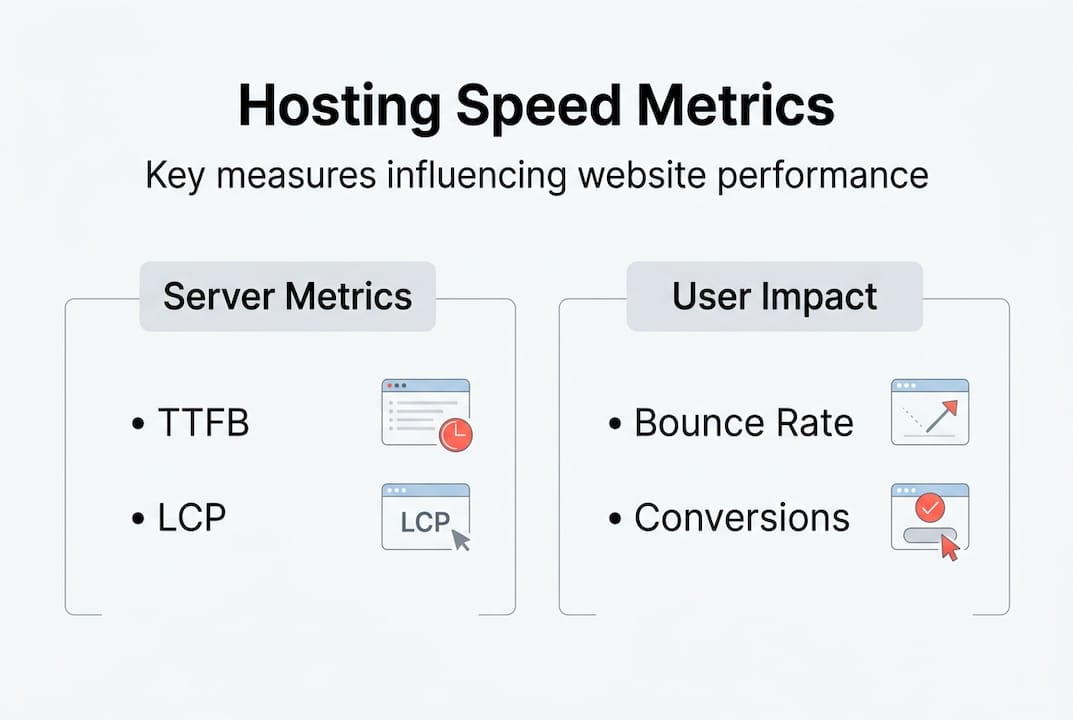
Pro Tip: Run your site through Google’s PageSpeed Insights and check the TTFB reading specifically. If it’s above 400ms, no amount of image compression or caching plugins will fully rescue your Core Web Vitals scores. The fix starts at the hosting level.
When evaluating high-traffic hosting options, look for providers who publish real TTFB benchmarks rather than vague marketing claims about “lightning-fast” speeds. Real numbers tell the real story.
The relationship between features for speed stability and these metrics is direct. NVMe storage, server-grade CPUs with high single-core performance, and dedicated resource allocation all contribute to lower TTFB and more consistent INP scores under load.
Shared vs managed hosting: Risks and rewards for SMBs
Having defined the key metrics, it’s crucial to understand which hosting types best enable speed and reliability for small and medium businesses specifically.
Shared hosting places your website on a server alongside hundreds or even thousands of other sites. When one of those sites experiences a traffic spike, everyone on that server feels the slowdown. This is the “noisy neighbor” problem. Cheap shared hosting exposes your site to exactly this risk, and the consequences hit hardest during the moments that matter most, like a product launch, a seasonal sale, or a viral social media post.
The contrast with managed WordPress hosting is significant:
- Resource allocation: Managed hosting gives your site dedicated or semi-dedicated resources, so other sites cannot eat into your performance
- Server optimization: Managed environments are configured specifically for WordPress, reducing overhead and improving response times
- Automatic updates and security: Managed providers handle WordPress core updates, plugin patches, and security hardening, reducing the risk of a vulnerability slowing or crashing your site
- Expert support: When something goes wrong, you reach a team that understands WordPress deeply, not a generic support agent reading from a script
“The real cost of cheap hosting isn’t the monthly fee. It’s the customers you never knew you lost because your site was too slow when it mattered.”
For e-commerce businesses and high-traffic blogs, the ROI of managed hosting is especially clear. A transactional site that converts at 2% on slow hosting might convert at 3% or higher on fast managed infrastructure. At any meaningful traffic volume, that difference pays for premium hosting many times over.
Pro Tip: Before switching hosting providers, run a speed audit during peak hours, not just at 2am when traffic is low. Shared hosting often looks acceptable during off-peak times but degrades badly under real-world load. That’s the performance that actually affects your customers.
Dedicated hosting offers maximum performance but comes with high cost and management complexity that most SMBs don’t need. Managed WordPress hosting hits the sweet spot: enterprise-grade speed and reliability without the enterprise-grade overhead.
For agencies managing multiple client sites, agency managed hosting adds another layer of value through white-label options and centralized management. For individual business sites, WordPress managed hosting provides the performance foundation that supports growth without requiring technical expertise on your end.
How to choose the right fast hosting for your business
Now that you know the hosting types and their risks, here’s how to make the right decision tailored to your business needs.
Start with performance benchmarks, not price. The cheapest plan rarely delivers the speed your business needs to compete in search and convert visitors. When evaluating providers, ask specifically for documented Core Web Vitals performance data and real TTFB numbers from existing customers or independent tests.
What to look for in a fast hosting provider:
- Proven Core Web Vitals results: LCP under 2 seconds and INP under 200ms should be standard, not aspirational
- NVMe storage: Significantly faster read and write speeds compared to traditional SSDs, directly reducing TTFB
- Server-grade CPUs with high single-core performance: WordPress is single-threaded for most operations, so single-core speed matters more than raw core count
- Scalability: Your hosting should handle traffic spikes without degrading performance, whether from a marketing campaign or unexpected viral attention
- Uptime SLA: Look for 99.9% or higher with transparent reporting, not just a marketing promise
- Responsive expert support: When your site goes down at 11pm before a big launch, you need someone who can fix it fast
Steps to evaluate and select your hosting:
- Audit your current site speed using Google PageSpeed Insights and GTmetrix, noting your TTFB and Core Web Vitals scores
- Identify your traffic patterns, including peak hours and seasonal spikes, to understand what your hosting must handle
- Request real performance data from shortlisted providers, including customer case studies or benchmark results
- Test support responsiveness before committing by asking a technical question and measuring how fast and how accurately they respond
- Confirm that the provider actively manages WordPress-specific optimizations like server-level caching, PHP version management, and security hardening
The value of support in WordPress hosting is often underestimated until something breaks. A provider that combines strong infrastructure with knowledgeable, fast support removes the two biggest risks to your site’s uptime and performance.
Avoid the trap of optimizing everything else while ignoring the foundation. Caching plugins, CDNs, and image compression all help, but they cannot compensate for a slow server. As covered in the WordPress site speed guide, hosting is the first and most impactful layer of performance optimization.
Pro Tip: After migrating to a new host, test your site speed from multiple geographic locations using a tool like Pingdom or WebPageTest. A fast server in one region may still deliver slow results to users in another. A good managed host will include CDN integration or globally distributed infrastructure to address this.
Review your essential hosting features checklist before signing any contract. The right provider will check every box without requiring you to negotiate for basic performance guarantees.
The bottom line: What most SMBs miss about hosting speed
Here’s the perspective most hosting providers won’t share with you: the majority of small and medium business owners treat hosting as a commodity, something to minimize rather than invest in. They spend thousands on ads, design, and content, then park everything on a $10 per month shared plan and wonder why conversions are flat.
The uncomfortable truth is that slow hosting doesn’t just hurt your SEO. It actively destroys the value of every other investment you make in your website. Paid traffic sent to a slow page wastes your ad budget. Great content buried on page three of Google because of poor Core Web Vitals scores never gets read. A beautiful design that takes four seconds to load gets abandoned before anyone sees it.
Even small traffic spikes, the kind that come from a single social media post or a mention in a newsletter, can cripple an underpowered shared server and damage your reputation at exactly the moment you’re trying to make an impression.
Speed is not an add-on you layer on later when your business grows. It is the foundation that makes growth possible. Viewing essential hosting features as optional extras is the same as building a store with a broken front door and expecting customers to push through anyway. Some will. Most won’t.
Every dollar invested in fast, reliable managed hosting pays back through better rankings, higher conversions, and customers who trust your brand enough to return.
Find your optimal hosting solution with WP Tango
If the metrics and trade-offs covered in this article have made one thing clear, it’s that your hosting choice is a business decision, not just a technical one.
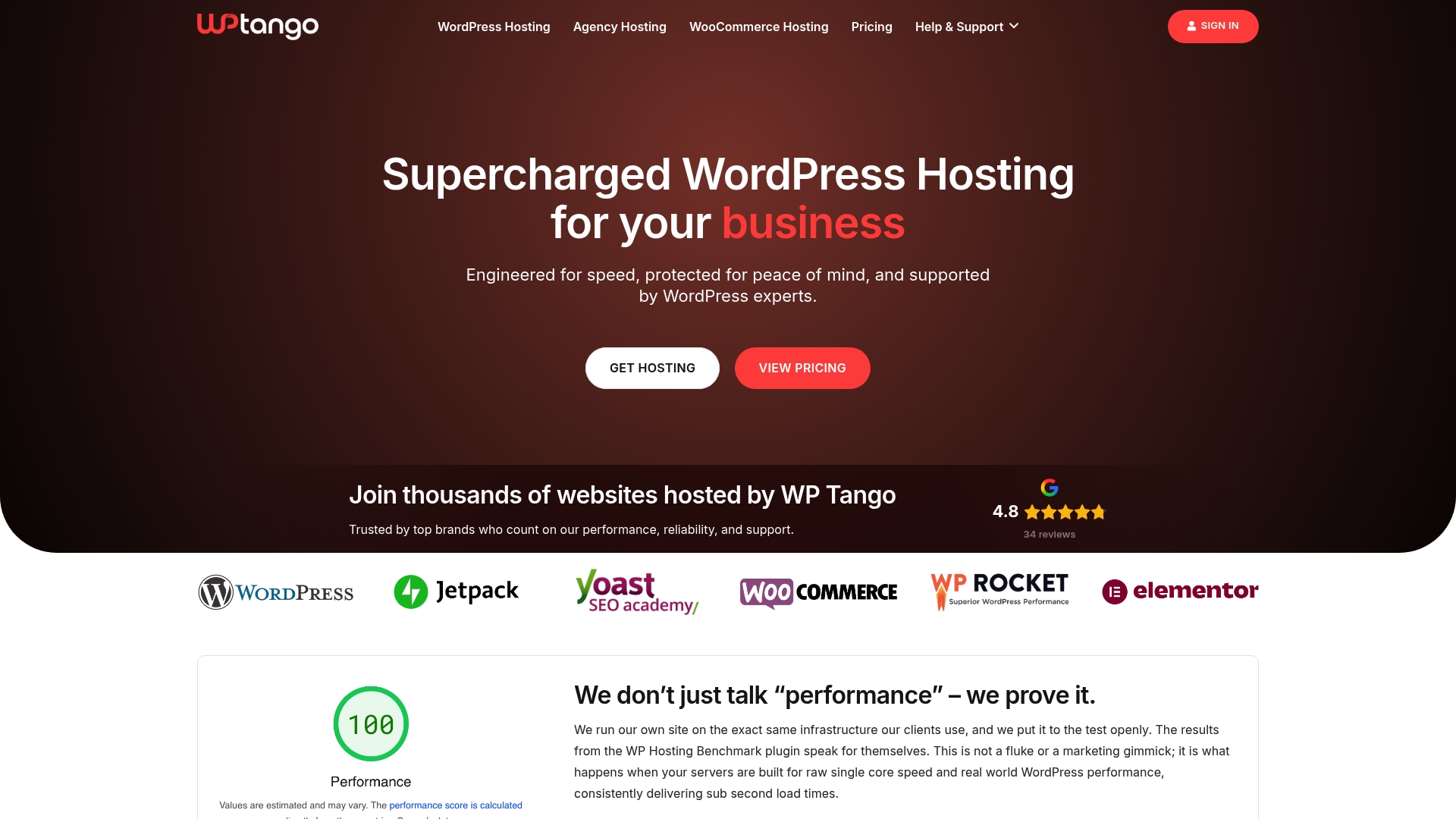
WP Tango’s managed hosting solutions are built specifically for businesses and agencies that cannot afford to compromise on speed or reliability. With NVMe storage, server-grade CPUs, intentionally undersold server capacity, and fully managed WordPress support, WP Tango delivers the performance foundation your site needs to rank, convert, and grow. Explore WordPress hosting plans designed for real business results, or review transparent pricing that reflects genuine value rather than introductory bait. Fast hosting is not a luxury. It’s the smartest investment your website can make.
Frequently asked questions
How does fast hosting improve my website’s SEO?
Fast hosting improves your Core Web Vitals scores, including LCP and INP, which Google uses as direct ranking factors after 2026 updates that tightened speed thresholds and elevated INP weight.
What is the biggest risk with cheap shared hosting?
Cheap shared hosting exposes your site to the “noisy neighbor” effect, where other sites on the server consume resources during traffic spikes, slowing your site at the worst possible moments.
What technical metrics matter most when choosing fast hosting?
LCP, INP, CLS, and TTFB are the metrics that matter most. Shared hosting TTFB regularly exceeds 800ms, making it nearly impossible to achieve passing Core Web Vitals scores regardless of other optimizations.
How does mobile site speed affect customer conversion?
Mobile users have significantly lower tolerance for slow pages, and fast hosting reduces cart abandonment while increasing dwell time and engagement, directly improving conversion rates on mobile devices.