

Picking the right WordPress host is one of the highest-stakes decisions you’ll make for your business or agency. A slow site loses customers. An unreliable one loses trust. Yet most hosting comparison guides bury the real differences under layers of marketing copy and vague promises. This guide cuts through that noise. We break down the five feature groups that actually separate great hosts from mediocre ones, show you real benchmark data, and give you a practical comparison table so you can match the right platform to your specific situation without second-guessing yourself.
Table of Contents
- The essential criteria for WordPress hosting
- Performance and uptime: The non-negotiables
- Management tools: Staging, multisite, and collaboration
- Security, backups, and updates: Protecting your investment
- Feature comparison table: Which host fits your site?
- Perspective: What really makes a host worth it?
- Get started with premium managed WordPress hosting
- Frequently asked questions
Key Takeaways
| Point | Details |
|---|---|
| Performance matters most | Choose hosting with fast TTFB and high uptime to keep your site reliable and speedy. |
| Management tools save time | Look for hosts with staging, multisite, and agency dashboards to simplify daily work. |
| Prioritize security and backups | Daily backups and automatic updates protect your website from threats and errors. |
| Compare features wisely | Check that your host matches your site’s real needs—not just top-line specs. |
The essential criteria for WordPress hosting
Not every business needs the same hosting setup. A local service business with 500 monthly visitors has very different needs than a WooCommerce store handling flash sales or a digital agency managing 40 client sites. That said, five core feature groups apply across the board.
Here’s what to evaluate before committing to any plan:
- Performance: Server hardware, caching layers, CDN integration, and time-to-first-byte (TTFB) benchmarks
- Uptime: Guaranteed availability, redundancy architecture, and real-world track records
- Ease of management: Intuitive dashboards, one-click staging, automated updates, and team access controls
- Scalability: Ability to handle traffic spikes, add resources without migration, and support site growth
- Security: Malware scanning, SSL, firewall rules, and automated backups
Different priorities emerge depending on your role. Agencies tend to weight management tools and multisite support heavily. SMBs often care most about uptime and security. Ecommerce sites demand both raw speed and scalability.
Industry benchmarks show WP Engine achieving a 367ms TTFB with 100% uptime, while Kinsta hits 469ms TTFB but excels in uncached performance. SiteGround rounds out the top tier with strong hardware.
When prioritizing features for SMBs, experts consistently flag staging environments and automated backups as underrated priorities, even for smaller teams.
Pro Tip: Even if you’re running a simple five-page site, never skip WordPress staging area benefits and backup features. One bad plugin update can take your site offline in seconds, and recovery without a backup is painful and expensive.
The importance of website maintenance compounds over time. Hosts that make these tasks easy save you hours every month and dramatically reduce your risk exposure.
Performance and uptime: The non-negotiables
Speed and uptime aren’t just technical metrics. They directly affect revenue. A one-second delay in page load time can reduce conversions by up to 7%. For a WooCommerce store doing $10,000 a month, that’s real money walking out the door.
The good news is that leading managed hosts like Kinsta and WP Engine have set a high bar for TTFB and load handling performance. Here’s what to look for at the server level:
- Server-level caching: Full-page caching built into the infrastructure, not just a plugin
- CDN integration: Global content delivery to reduce latency for visitors outside your primary region
- Hardware quality: NVMe storage and high single-core CPU performance for faster PHP execution
- APM tools: Application performance monitoring to identify bottlenecks before they become outages
- Uptime guarantees: Look for 99.9% or higher, backed by a real SLA with compensation terms
For agency sites and WooCommerce stores, traffic spikes are a recurring reality. A product launch, a press mention, or a seasonal sale can send your traffic through the roof in minutes. Hosts that handle traffic spikes with auto-scaling or dedicated resource pools keep your site online when it matters most.

Premium hardware is worth the extra cost when your site generates direct revenue or represents your brand to clients. If downtime costs you $500 per hour, spending an extra $50 per month on a better host is an obvious trade-off. The benefits of regular site maintenance also stack on top of good hosting, keeping performance consistent over time.
Management tools: Staging, multisite, and collaboration
Once reliability is covered, your day-to-day tools dramatically shape hosting value. For agencies managing multiple client sites, the right management features can save dozens of hours each month and prevent costly mistakes.
Staging and multisite management are critical for agencies and SMBs managing client sites. Here’s a practical workflow that top hosts make possible:
- Clone your live site to a staging environment with one click
- Apply updates or changes to the staging version without touching production
- Run QA checks across browsers and devices on the staging URL
- Push changes live with a single action, or roll back if something breaks
- Notify your client with a preview link before anything goes live
This workflow eliminates the nerve-wracking practice of updating plugins directly on a live site. It also makes client approval seamless, which is a real competitive advantage for agencies.
Multisite support lets you manage multiple WordPress installations from a single dashboard. Team dashboards allow you to assign roles, limit access by client or project, and track activity logs. These features aren’t luxuries for agencies. They’re operational necessities.
Pro Tip: Always choose a host with a built-in WordPress staging essentials environment rather than relying on staging plugins. Plugin-based staging often misses server-level configurations, which means your staging tests don’t reflect real production behavior.
Leading hosts also streamline client onboarding by providing white-label dashboards and automated reporting. If you’re running an agency hosting operation, these features directly affect your ability to scale without adding headcount.
Security, backups, and updates: Protecting your investment
With key features and workflows set, rock-solid protection is the final essential. Security is the area where budget hosting most visibly cuts corners, and where the consequences are most severe.
Here are the four security must-haves for any business-grade WordPress host:
- Automatic daily backups with one-click restore to any previous point
- SSL certificates included and auto-renewed, not sold as add-ons
- Malware scanning and removal built into the hosting layer, not just a plugin
- Web application firewall (WAF) to block common attack vectors before they reach WordPress
Automated backups and frequent plugin updates are vital for business recovery. Without them, a single ransomware attack or botched update can mean hours of downtime and permanent data loss.
Here’s how backup options typically compare across hosting tiers:
| Backup type | Frequency | Retention | Restore method |
|---|---|---|---|
| Daily automated | Every 24 hours | 14 to 30 days | One-click dashboard |
| Real-time backups | Continuous | 24 to 72 hours | Instant rollback |
| On-demand backups | Manual trigger | Until deleted | Download or restore |
| Weekly backups | Every 7 days | 4 weeks | Manual FTP/restore |
For business sites, daily backups are the minimum. Real-time backups are ideal for high-transaction environments like WooCommerce. Weekly backups, common on budget plans, leave too large a window for data loss.
Skipping robust backup and security features to save $20 a month is a false economy. One incident can cost far more in recovery time, lost revenue, and client trust.
Regularly updating WordPress plugins is equally important. Outdated plugins are the leading attack vector for WordPress sites. Hosts that automate this process remove a major risk factor. Check out lite hosting backup features to see how even entry-level plans can cover the basics well.
Feature comparison table: Which host fits your site?
To make the choice concrete, here’s how major hosts measure up on these features.
Top hosts like WP Engine, Kinsta, and SiteGround lead on speed, reliability, and management tools, but they serve different use cases.
| Feature | WP Engine | Kinsta | SiteGround | Budget host |
|---|---|---|---|---|
| TTFB | 367ms | 469ms | ~500ms | 700ms+ |
| Uptime | 100% | 99.9% | 99.9% | 99.5% |
| Staging | Yes | Yes | Yes | Limited |
| Daily backups | Yes | Yes | Yes | Weekly |
| Multisite | Yes | Yes | Yes | No |
| APM tools | Yes | Yes | No | No |
| Team dashboard | Yes | Yes | Basic | No |
Based on this breakdown, here’s a quick guide to best-fit scenarios:
- Ecommerce sites: WP Engine or Kinsta for lowest TTFB and best uptime guarantees
- Digital agencies: WP Engine or Kinsta for team dashboards, multisite, and APM tools
- Tight budgets: SiteGround offers a strong middle ground with staging and daily backups
- Simple brochure sites: Budget hosts can work, but verify backup and SSL policies first
These benchmarks are guidelines, not guarantees. Server performance varies by location, traffic patterns, and site configuration. Always review community hosting reviews from users in your niche and run your own speed tests after migration. For a deeper look at what managed hosting actually includes, the managed WordPress hosting overview breaks it down clearly.
Perspective: What really makes a host worth it?
Here’s an uncomfortable truth: most businesses obsess over TTFB benchmarks and miss what actually breaks their site. Raw speed matters, but it’s rarely the reason a business site fails. The real culprits are a plugin update that crashes the homepage at 2am, a traffic spike that takes down a WooCommerce checkout, or a security breach that wipes a database.
What separates a host worth paying for is not the fastest benchmark on a comparison chart. It’s how fast you can recover when something goes wrong. That means instant restores, responsive support that actually knows WordPress, and staging environments that let you test before you break anything.
Small businesses should ask one question before upgrading hosts: “If my site went down right now, how long would it take to get it back online?” If the answer is “I’m not sure,” that’s the problem to solve first. Stability, fast support, and reliable premium hosting priorities matter far more than shaving 50ms off your TTFB.
Spending more is justified when your site generates revenue or represents your brand to clients. When it doesn’t, basic hosting with good backups is often enough.
Get started with premium managed WordPress hosting
If you want these features without the guesswork, here’s how we can help. WP Tango builds managed WordPress hosting around the exact criteria covered in this guide: NVMe storage, high single-core CPUs, intentionally undersold servers, and fully managed security and backups.
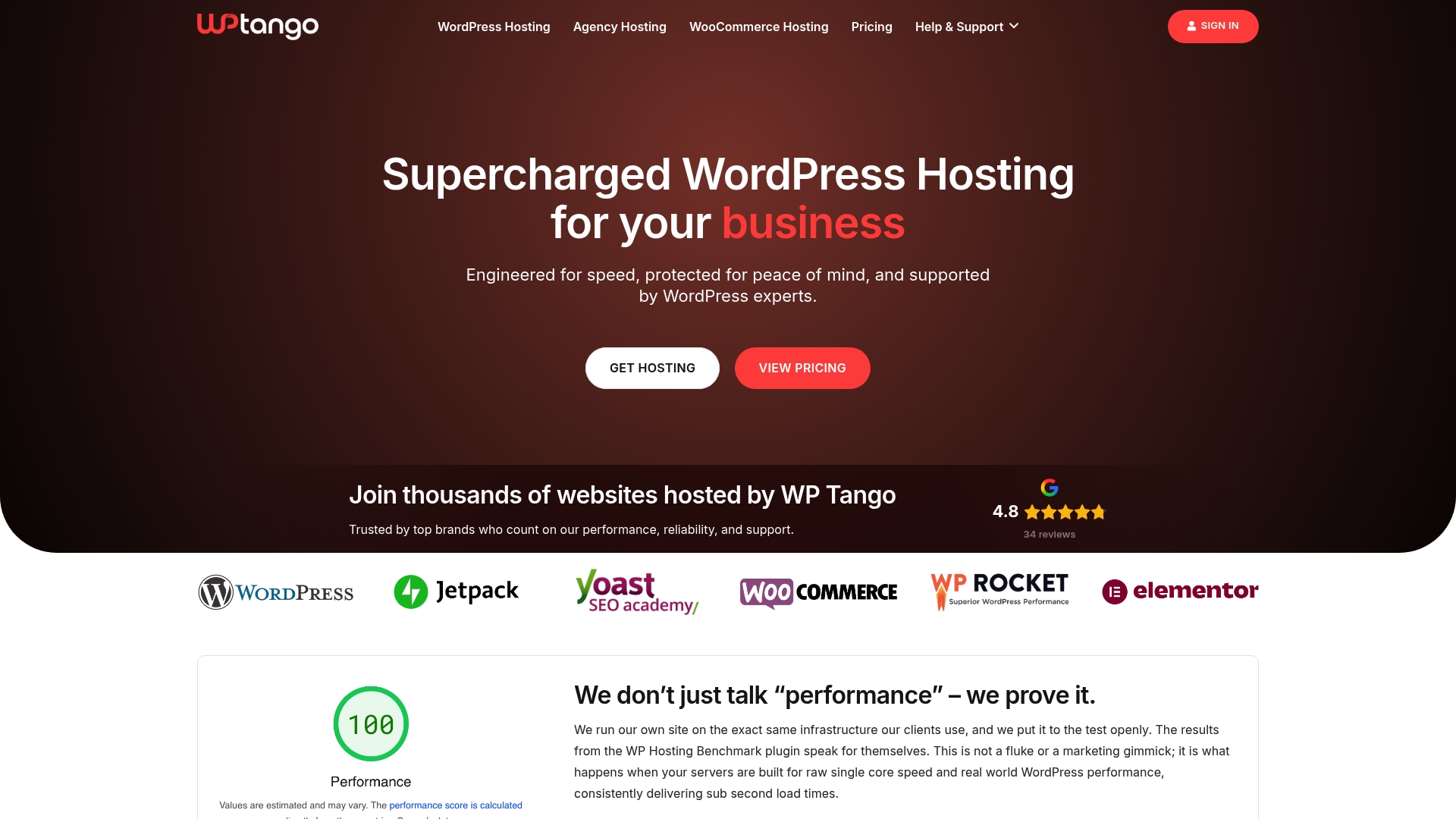
Whether you’re an SMB looking for stability, an agency needing white-label tools, or a high-traffic site that can’t afford downtime, we have a plan built for your situation. Explore fully managed hosting options, check out our hosting for agencies with white-label dashboards, or review WordPress hosting prices to find the right fit. No guesswork. No overcrowded servers. Just fast, reliable WordPress hosting that works.
Frequently asked questions
What is the most important feature in managed WordPress hosting?
Performance and uptime are the foundation, but staging environments and automated backups are what keep business sites reliable day to day. WP Engine and Kinsta lead in TTFB and uptime for business-critical sites.
Is managed WordPress hosting worth the extra cost?
For growing sites and agencies, yes. Managed hosting outperforms shared hosting on stability, support quality, and uptime, which directly protects revenue.
How do I compare WordPress hosting options for my agency or business?
Focus on staging availability, multisite support, team dashboards, and verified uptime benchmarks. Kinsta and WP Engine excel with agency tools and performance metrics.
Do I need daily backups or is weekly enough?
Daily backups are the minimum for any business site. Automated backups are vital for business recovery, and real-time backups are ideal for ecommerce.
Can I migrate my existing site without downtime?
Yes, most managed hosts offer migration tools or dedicated teams to handle site moves with zero or near-zero downtime. Leading managed hosts provide seamless migrations for new users as part of their onboarding process.