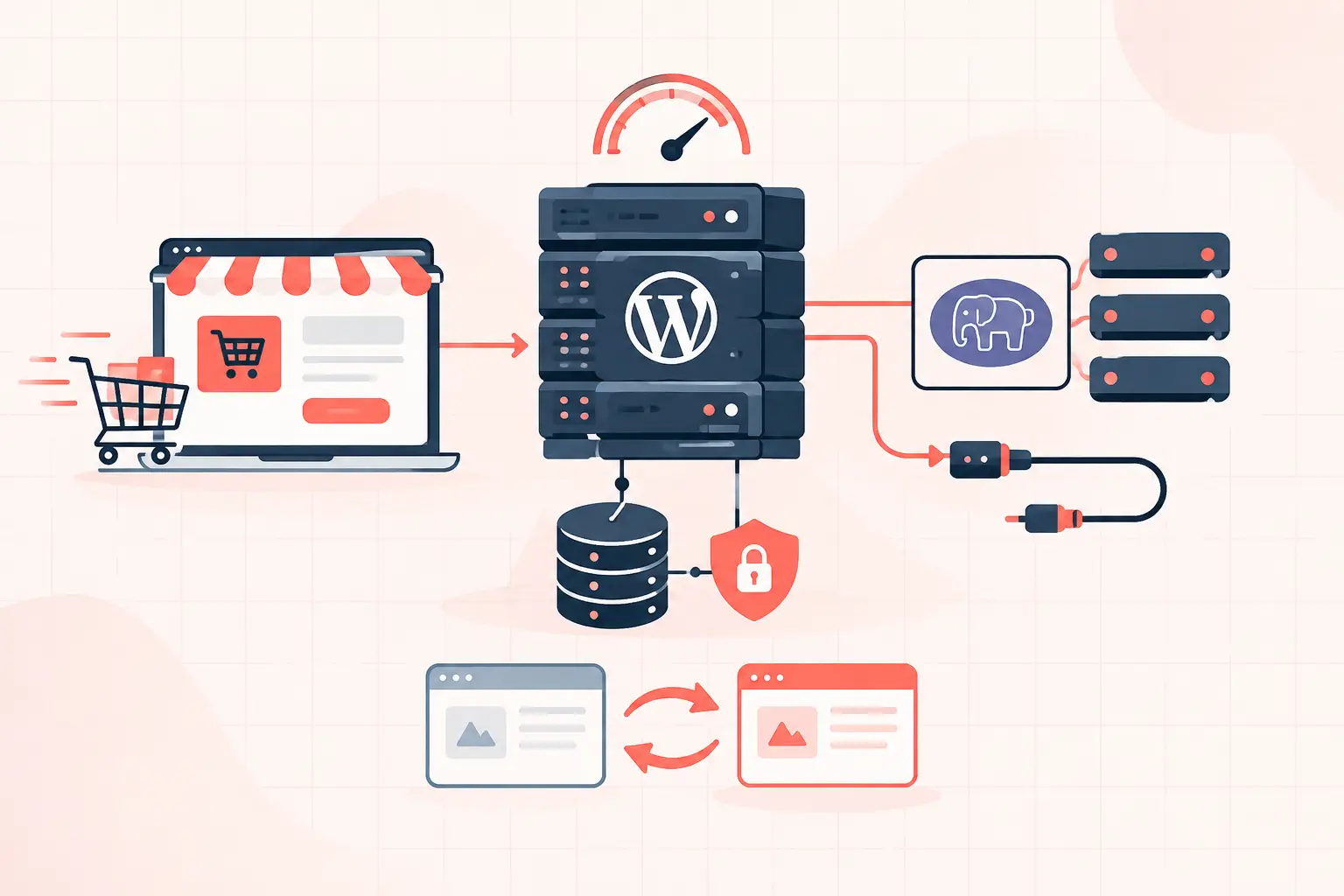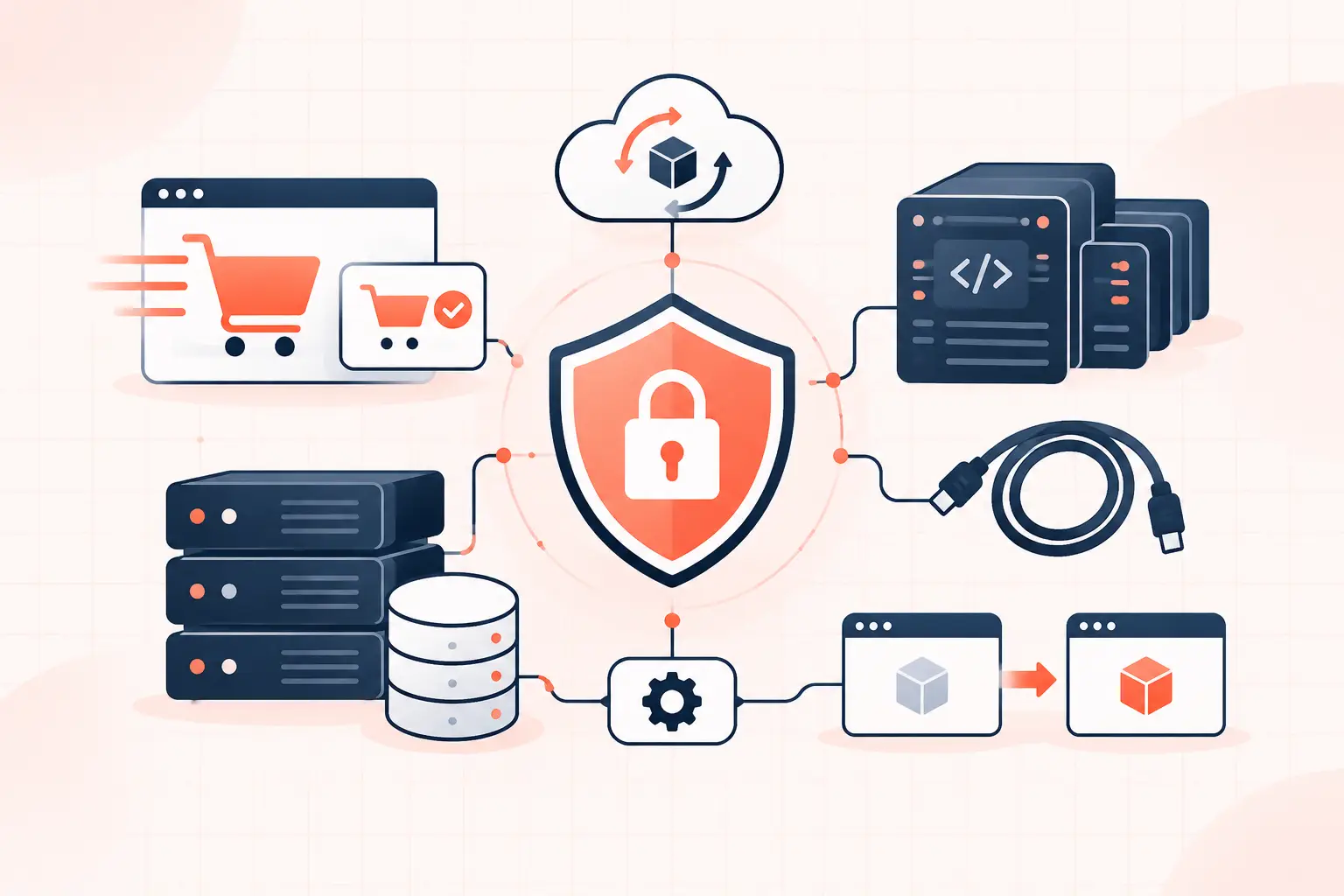

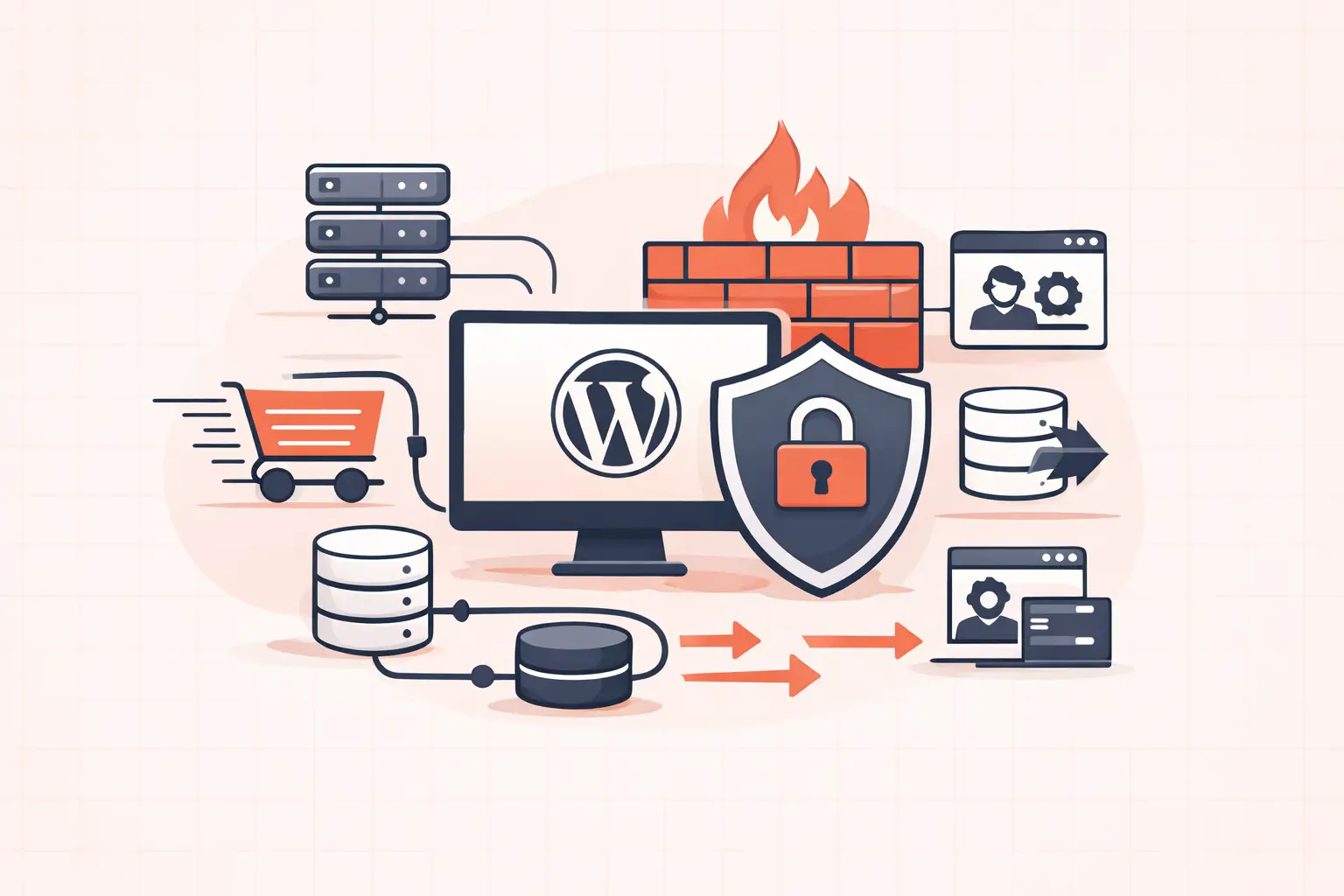
A WordPress firewall is only useful if it blocks malicious traffic before that traffic burns PHP workers, database connections, and bandwidth. For most sites, the best WordPress firewall plugins are Wordfence for deep application-level inspection, Sucuri for edge filtering, and NinjaFirewall for administrators who want granular control. The right choice depends on whether your immediate problem is credential stuffing, vulnerable plugins, bot traffic, or a site already straining under load.
Do not install three security plugins and assume you are safer. Overlapping login limits, malware scans, and firewall rules can create false positives, duplicate database writes, and broken checkout flows. Pick a primary firewall, configure it carefully, then verify it against the traffic your site actually receives.
What a WordPress firewall should block
A web application firewall, or WAF, evaluates incoming requests for known exploit patterns, malicious payloads, abusive bots, and suspicious behavior. It should help stop common attacks against WordPress endpoints such as `wp-login.php`, XML-RPC, REST API routes, plugin upload handlers, and vulnerable form submissions.
The location of the firewall matters as much as the rules it uses. An endpoint firewall runs inside WordPress or on the origin server. It can inspect the request after it reaches your server, which gives it excellent awareness of WordPress users, plugins, and files. But expensive attacks may still consume server resources before they are rejected.
A cloud or DNS-level firewall sits in front of the origin. It can reject bot floods before NGINX, PHP-FPM, or WordPress sees them. That is usually the better architecture for a WooCommerce store, membership site, or any site where PHP workers are already a constrained resource. The trade-off is that setup requires DNS and proxy awareness, and bad exclusions can interfere with payment callbacks or API integrations.
Best WordPress firewall plugins at a glance
| Plugin | Best for | Firewall approach | Main trade-off |
|---|---|---|---|
| Wordfence Security | Most WordPress sites | Endpoint WAF | Attack traffic still reaches the server |
| Sucuri Security + WAF | High-traffic and attacked sites | Cloud WAF | Requires DNS proxy configuration |
| NinjaFirewall | Developers and agencies | Endpoint WAF with granular policies | More technical configuration |
| Solid Security | Login and hardening workflows | Security rules and brute-force controls | Not a substitute for a full edge WAF |
| All-In-One Security | Smaller sites on a budget | Basic firewall and hardening rules | Less advanced attack intelligence |
| BBQ Firewall | Lightweight request filtering | Minimal endpoint filtering | Narrower protection scope |
| Patchstack | Vulnerability mitigation | Virtual patching layer | Not a complete traffic firewall |
1. Wordfence Security: best all-around endpoint firewall
Wordfence is the default recommendation when a site needs a capable WordPress-native firewall without moving DNS or adding another infrastructure vendor. Its endpoint WAF understands WordPress request handling and can block malicious patterns, brute-force login attempts, suspicious IPs, and known exploit behavior. It also includes file integrity monitoring and malware scanning, which makes it useful when you need both prevention and visibility.
The practical downside is architectural. Wordfence runs at the application layer, so hostile requests still arrive at your web server. During a large bot attack, NGINX and PHP can still do work before the firewall denies the request. On a small brochure site, that may be acceptable. On a store with a tight PHP worker pool, it may not be.
Configure Wordfence to use extended protection where your stack supports it. Then test normal logins, password resets, REST API calls, form submissions, and WooCommerce checkout after enabling aggressive rules. Premium users receive firewall rules faster; the free version is valuable, but delayed rules are a real consideration when a newly disclosed vulnerability is actively exploited.
2. Sucuri: best for filtering attacks before WordPress
Sucuri is strongest when the goal is to keep hostile traffic away from the origin entirely. Its cloud WAF can filter requests, absorb common bot noise, and cache eligible content before the request reaches WordPress. That can reduce origin load and protect TTFB during traffic spikes that are not legitimate customers.
The WordPress plugin itself is useful for monitoring, hardening checks, and post-incident visibility. The meaningful firewall protection comes from the cloud service in front of your site, not from installing the plugin alone. That distinction gets lost in many plugin comparison articles.
Before enabling a proxy-based firewall, document every integration that calls your site. Payment gateways, shipping tools, webhooks, headless front ends, uptime monitors, and inventory systems can all be affected by overly strict rules. Ensure your server logs record the real visitor IP from the trusted proxy header. If every request appears to come from the firewall proxy, rate limits and incident investigation become unreliable.
3. NinjaFirewall: best for agencies that need policy control
NinjaFirewall is a strong choice for administrators who want more direct control over what WordPress is allowed to do. It can enforce rules around requests, file operations, and suspicious activity without trying to become an all-in-one marketing dashboard. That focus appeals to agencies maintaining multiple client sites with different risk profiles.
It is less forgiving than a simple install-and-forget tool. A restrictive policy may block a legitimate plugin updater, API request, or custom admin workflow. Use staging first, especially if the site has custom plugins or integrations that write files outside normal WordPress paths.
For agencies, the advantage is repeatability. Create a documented baseline for standard sites, then maintain a separate exception record for each client. Security exceptions hidden in memory are how an emergency plugin update turns into a weekend outage.
4. Solid Security: best for login protection and hardening
Solid Security is most useful when the primary attack surface is authentication. It helps with brute-force defense, login controls, user security policies, and common WordPress hardening tasks. Those controls matter because many compromises do not begin with a sophisticated remote exploit. They begin with a reused password, an exposed administrator account, or an unattended account belonging to a former contractor.
Treat it as a security management layer rather than your only WAF. It can reduce obvious risk, but it does not replace an edge firewall that can block a bot flood before it reaches the origin. Avoid running competing login-limit features from several plugins at once. Pick one system to own rate limiting and lockouts, or legitimate users may be blocked by rules nobody can clearly trace.
5. All-In-One Security: best basic option for smaller sites
All-In-One Security provides accessible firewall rules, login defenses, database checks, and hardening options without demanding much security expertise. It is a reasonable fit for a low-traffic content site that needs better protection than a default WordPress installation.
Its value is in reducing common exposure, not in handling a sustained attack against a business-critical site. Enable features gradually. Start with login protection, file editing restrictions, and safe firewall rules, then watch error logs and user reports. Turning on every available checkbox is not a security strategy.
6. BBQ Firewall: best lightweight request filter
BBQ Firewall is deliberately narrow. It filters suspicious requests with minimal configuration and minimal overhead, making it useful for simple sites where a heavier security suite would be excessive.
That simplicity is also its limit. It does not provide the inspection depth, threat intelligence, scanning, or incident tooling of Wordfence or a cloud WAF. Use it as a lightweight baseline, not as the sole protection for a WooCommerce site processing customer accounts and payments.
7. Patchstack: best for virtual patching vulnerable plugins
Patchstack deserves consideration because plugin vulnerabilities remain one of WordPress's most common compromise paths. Its virtual patching approach can block exploitation attempts against known vulnerable components while you plan an update or wait for a tested fix.
This is valuable, but it is not the same as a complete firewall. It will not solve broad bot pressure, poor login hygiene, weak server rules, or an overloaded origin. Think of virtual patching as a fast protective layer around a known vulnerability, not a replacement for maintenance.
Configure your firewall without breaking WooCommerce
WooCommerce has traffic that cannot be cached and should not be casually rate-limited: cart updates, checkout submissions, payment return URLs, webhooks, account actions, and `wc-ajax` requests. A firewall that blocks these routes may look successful in a security dashboard while quietly costing revenue.
After installation, place the firewall in learning or monitoring mode if available. Run a real test order using each payment method, test customer login and password reset, submit contact forms, and confirm webhook delivery from external services. Review blocks in the firewall log before creating permanent allow rules. Do not broadly allow all REST API traffic just because one integration needs a route. Allow the specific route, method, source IP, or authentication pattern where possible.
Also verify that your server has enough capacity for the security tooling you choose. Malware scans and large firewall logs use CPU, disk I/O, and database resources. On busy sites, schedule scans outside peak checkout hours and retain logs for a sensible period instead of indefinitely.
A firewall is not your recovery plan
Even the best WordPress firewall plugin cannot repair a vulnerable abandoned plugin, restore altered files, or undo a bad database update. Keep WordPress core, plugins, themes, and PHP supported. Remove inactive components you no longer use, enforce strong administrator access, and maintain tested backups that can be restored quickly.
For sites where uptime affects revenue, pair application security with infrastructure controls: server-level rate limiting, a properly configured reverse proxy, malware monitoring, isolated staging, and frequent off-server backups. WP Tango's hourly backup approach is the kind of operational safety net that matters when a blocked attack turns out to be only one part of an incident.
A firewall should be boring when it is working: malicious requests disappear into logs, customers finish checkout, and your server spends its CPU serving real visitors instead of bots.