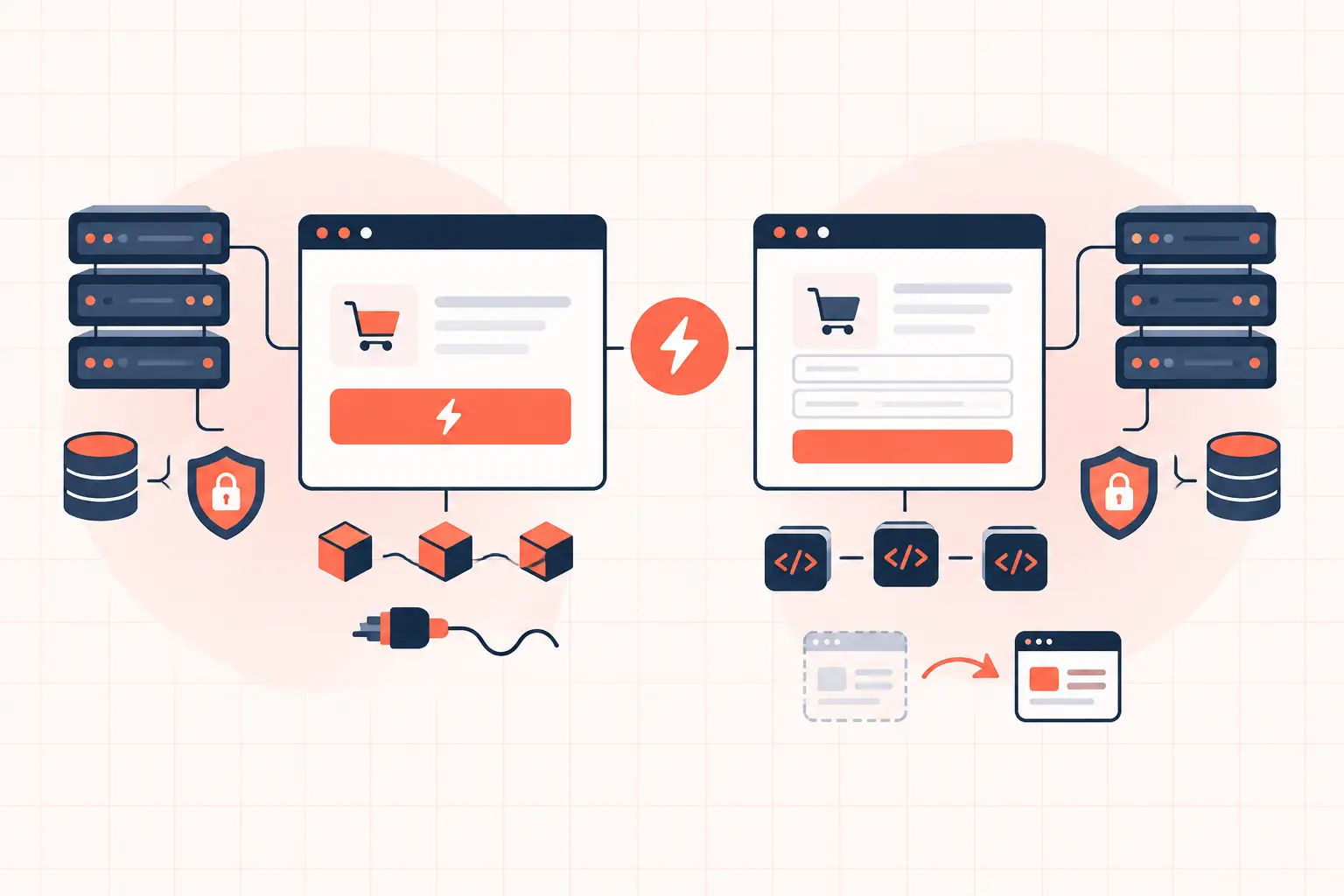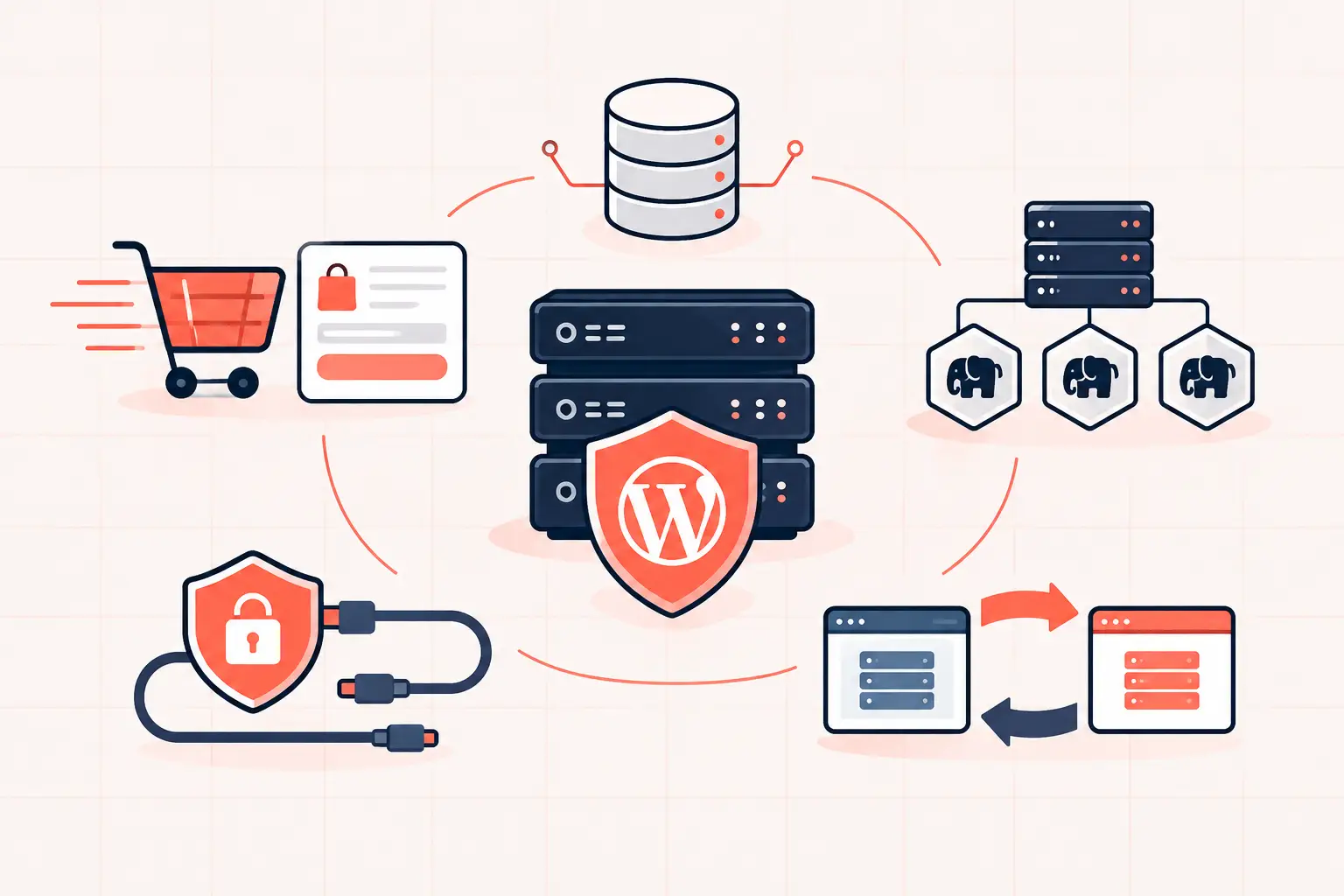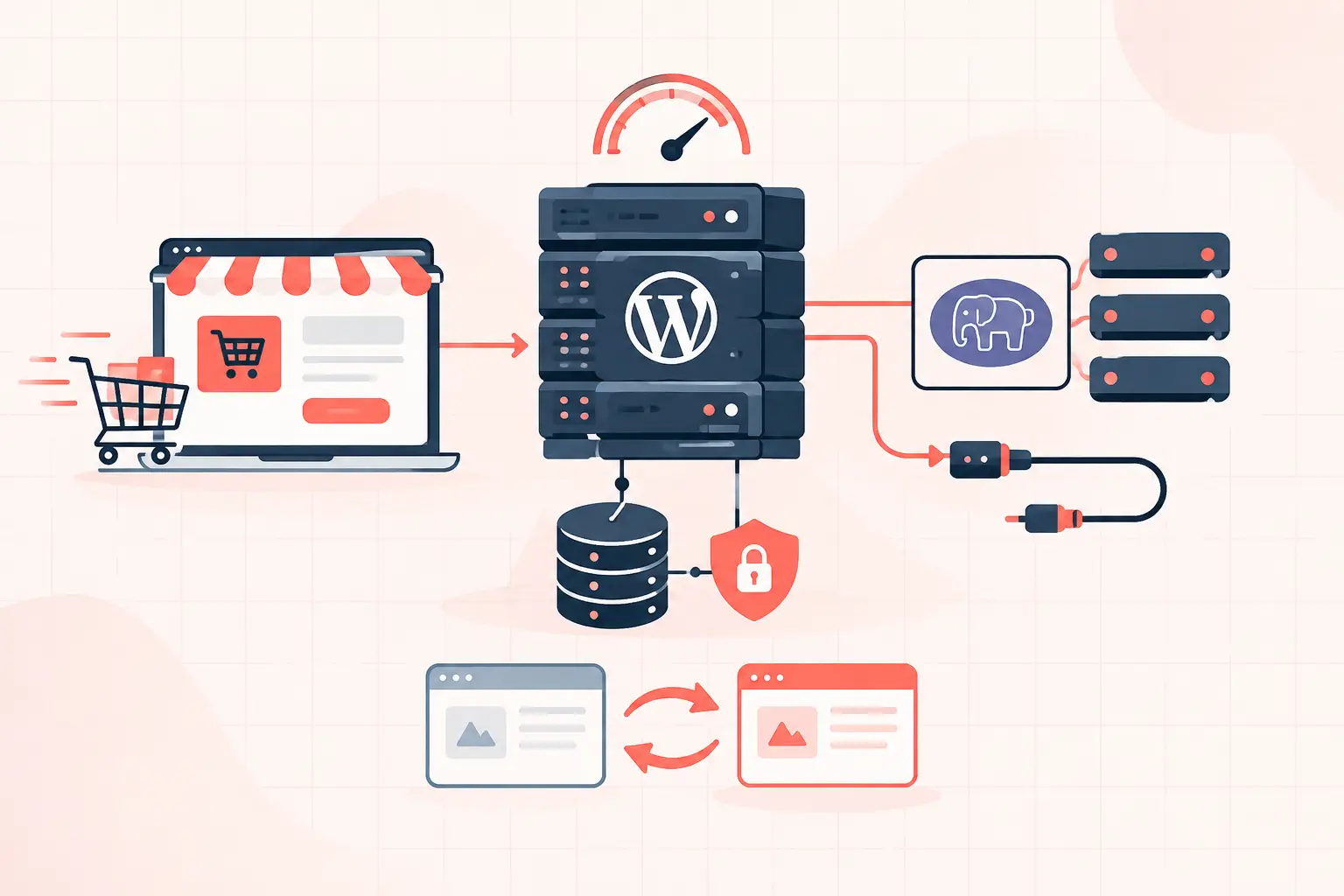

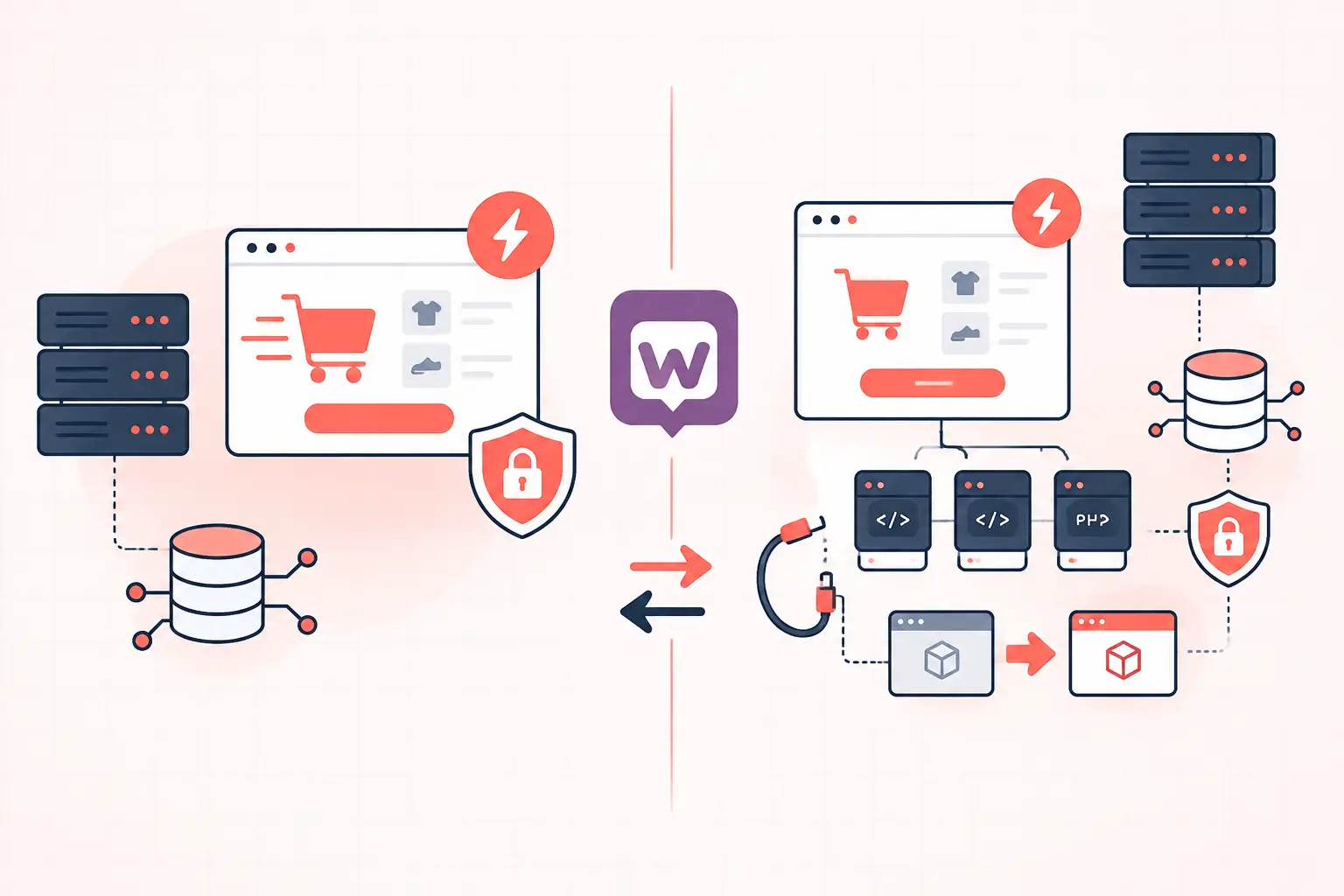
WooCommerce HPOS versus posts is not a cosmetic database change. It moves orders out of the overloaded `wp_posts` and `wp_postmeta` tables into purpose-built WooCommerce order tables. For stores with meaningful order volume, that can reduce database work during checkout, order searches, and admin reporting. The catch: HPOS only helps when your plugins, custom code, and operational workflow are ready for it.
If you run a small store with a clean plugin stack, enable HPOS after testing it on staging. If you run a busy store with fulfillment tools, subscriptions, ERP syncs, or custom order queries, audit compatibility first. A fast migration performed without that audit can break order exports, admin screens, or background jobs at the worst possible time.
What WooCommerce HPOS changes
Historically, WooCommerce stored each order as a WordPress post, usually with the `shop_order` post type. Details such as billing address, totals, payment data, and shipping fields lived in `wp_postmeta`. This made WooCommerce convenient to build on, but it also meant orders shared the same generic tables as pages, posts, revisions, and every plugin that stores metadata.
That design becomes expensive as a store grows. A single order can create dozens of rows in `wp_postmeta`. Searching orders, filtering the admin list, generating reports, and loading customer purchase history can require large joins and metadata lookups. On poorly indexed or bloated databases, those queries contribute directly to slow wp-admin screens, slow non-cacheable account pages, and checkout contention.
High-Performance Order Storage, usually called HPOS, stores order records in dedicated tables. Depending on the WooCommerce version and configuration, these include tables such as:
- `wp_wc_orders`
- `wp_wc_order_addresses`
- `wp_wc_order_operational_data`
- `wp_wc_orders_meta`
The key distinction is that commonly queried order fields become structured columns rather than arbitrary metadata. WooCommerce can filter by status, customer ID, date, email, payment method, and totals with less database overhead than a post-and-meta query.
WooCommerce HPOS versus posts at a glance
| Area | Legacy posts storage | HPOS |
|---|---|---|
| Primary order record | wp_posts | wp_wc_orders |
| Order details | Mostly wp_postmeta | Dedicated address, operational, and meta tables |
| Order queries | Often meta-heavy joins | Indexed order columns where appropriate |
| Plugin compatibility | Works with older extensions | Requires HPOS-aware extensions and code |
| Scaling behavior | Degrades as post/meta tables grow | Better suited to larger order volumes |
| Custom development | Older post APIs may work | Must use WooCommerce order APIs |
HPOS does not make every WooCommerce request faster. Product pages, cart fragments, external payment gateways, PHP worker limits, and third-party API calls remain separate bottlenecks. It specifically addresses an order-storage architecture that was never designed for sustained ecommerce write activity.
Why HPOS can improve store performance
The performance benefit comes from fewer inefficient reads and less contention in generic WordPress tables. On a store that has processed tens of thousands of orders, `wp_postmeta` can become one of the largest and most frequently queried tables in the database. A broad meta query may scan far more rows than the result actually needs.
HPOS gives WooCommerce a cleaner route to the data it owns. Order status and customer information do not need to be reconstructed from a collection of metadata rows every time an administrator filters orders. That matters most in these situations:
- Large order histories with active staff working in wp-admin
- Stores running frequent reporting, exports, and fulfillment syncs
- High-traffic sites where checkout writes overlap with admin or API activity
- Databases already carrying years of revisions, expired transients, and plugin metadata
The improvement is real, but it is not permission to ignore the rest of the stack. A checkout still needs available PHP workers, a responsive database server, and enough CPU capacity to process uncached requests. If your store runs on oversold hosting, HPOS may expose the next bottleneck rather than eliminate it.
For high-volume WooCommerce, fast single-core CPU performance also matters because many PHP requests execute work serially. Dedicated resources on modern hardware, such as AMD Ryzen 9950X-based infrastructure, help keep checkout and background tasks from queueing behind unrelated workloads. HPOS reduces avoidable database cost; the server still has to execute the request.
The compatibility risk is the real decision point
WooCommerce built HPOS with compatibility features, but extensions and custom code must use supported WooCommerce APIs. Problems occur when a plugin assumes every order is a WordPress post, directly queries `wp_posts`, or reads order fields through `get_post_meta()`.
Well-maintained extensions generally declare HPOS compatibility and use `WC_Order` methods. Older plugins may appear to work until a specific action runs: a bulk export, a refund sync, a subscription renewal, or an overnight warehouse job.
Custom code deserves the same scrutiny. This legacy pattern is a warning sign:
$order = get_post( $order_id ); $total = get_post_meta( $order_id, '_order_total', true );Use the WooCommerce order object instead:
$order = wc_get_order( $order_id ); $total = $order ? $order->get_total() : 0;The second example works with both storage systems because WooCommerce selects the correct data store. That abstraction is the point. Direct database queries may look faster in a quick test, but they create a migration liability and are easily broken by future schema changes.
How to prepare for an HPOS migration
Do not switch production storage settings during a busy sales period. Take a current database backup, clone the site to staging, and run the migration where failed syncs cannot affect customers.
Start in WooCommerce settings under Advanced, then Features. The exact wording varies by WooCommerce release, but look for High-Performance Order Storage and the compatibility or synchronization options. Before enabling it, update WooCommerce itself and update every extension that touches orders: payment gateways, shipping tools, subscriptions, bookings, tax services, fraud tools, exports, accounting connectors, and fulfillment platforms.
Then check each extension's declared compatibility status in WooCommerce. Treat an unknown status as a reason to test, not proof of safety. Some vendors simply have not declared a status yet. Others are genuinely incompatible.
On staging, enable HPOS with synchronization active if your version offers that path. WooCommerce can maintain both the authoritative store and a backup copy during the transition. This is useful for validation and rollback planning, although it adds write overhead. Once HPOS is proven stable, keeping permanent dual writes is usually unnecessary.
Test the workflows that generate revenue or operational work. Create an order with each payment method. Test successful payment, failed payment, refund, cancellation, address changes, coupon use, account order history, order emails, shipment creation, and exports. If your store uses scheduled renewals or automations, trigger representative jobs manually or wait for a controlled test cycle.
Check background processing before and after
A surprising number of HPOS complaints are actually Action Scheduler problems. WooCommerce and extensions use scheduled tasks for webhooks, subscriptions, inventory syncs, emails, and data migration. If scheduled actions are delayed because WP-Cron only runs on visitor traffic, a migration can appear stalled.
For stores with regular order volume, run WordPress cron from the server scheduler rather than relying solely on page visits. Also inspect failed and pending scheduled actions before migration. Carrying a backlog into a storage change makes troubleshooting needlessly confusing.
When posts storage may still be the sensible choice
HPOS is the strategic default for actively maintained WooCommerce stores, especially stores expected to grow. But leaving orders in posts temporarily is reasonable when a business-critical extension has not released support, when custom integrations cannot be tested properly, or when a major sales event is too close to risk a schema transition.
That is a postponement, not a performance strategy. If an extension locks you to legacy storage, document it and ask the vendor for a timeline. Meanwhile, reduce pressure on the existing database by cleaning expired transients, limiting revision bloat, removing abandoned plugins, and investigating slow queries rather than blindly adding more CPU or database memory.
What to monitor after enabling HPOS
Watch real transactions, not just a green settings screen. Check checkout error logs, payment gateway webhooks, failed scheduled actions, order creation times, and customer account pages. Review database CPU and slow-query data if your host exposes it. Rising PHP wait time or a queue of requests can indicate worker exhaustion, while slow order screens may point to a plugin still issuing legacy-style queries.
Keep a tested backup from immediately before the change and avoid stacking unrelated updates on top of the migration. Do not update WooCommerce, change payment gateways, replace your cache layer, and enable HPOS in one deployment. When something fails, you want one variable to investigate.
HPOS is one of the few WooCommerce architecture changes that can remove a genuine scaling limit instead of merely masking it. Make the switch deliberately, verify the order paths your business depends on, and let production evidence - not a plugin dashboard badge - tell you when the store is ready.