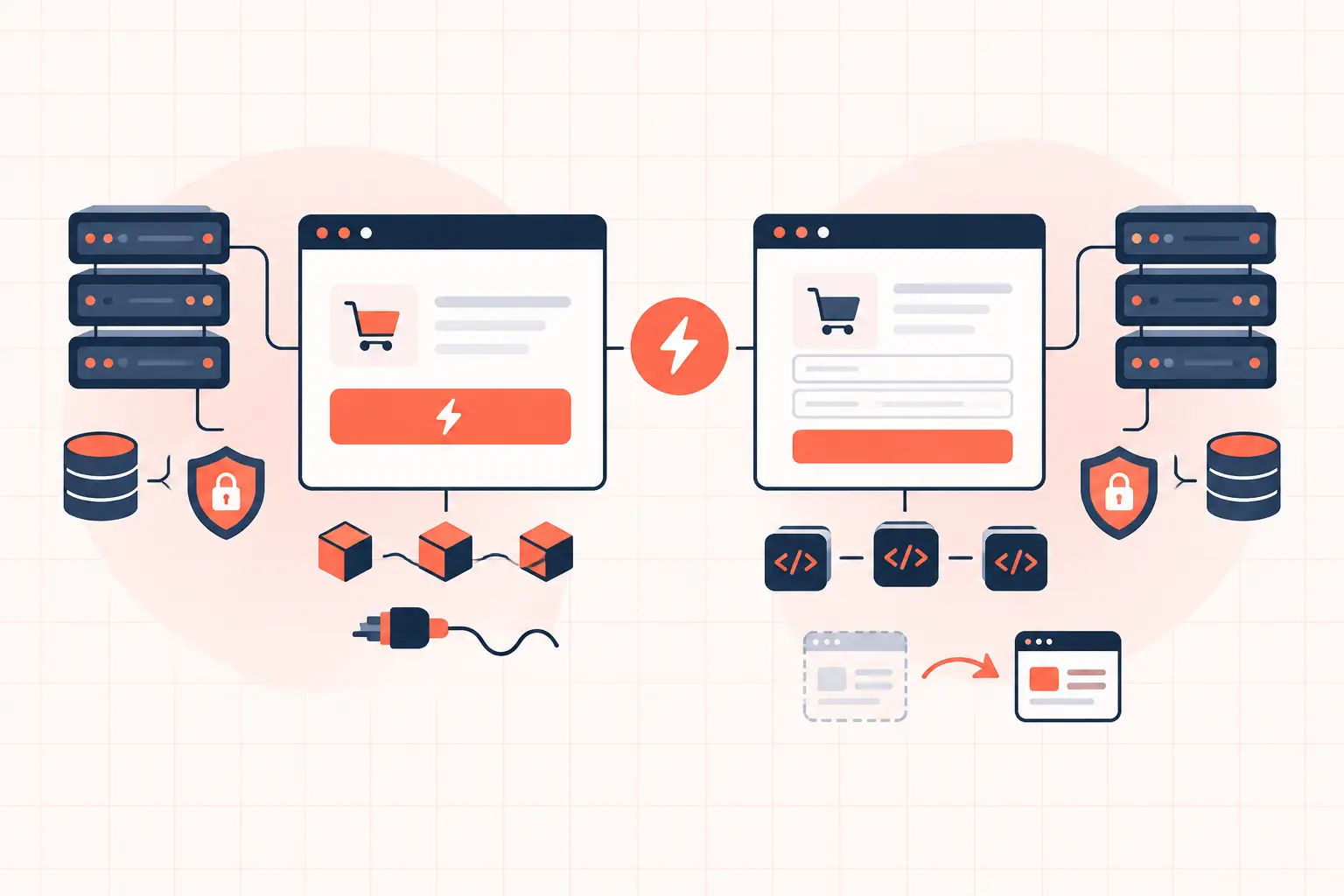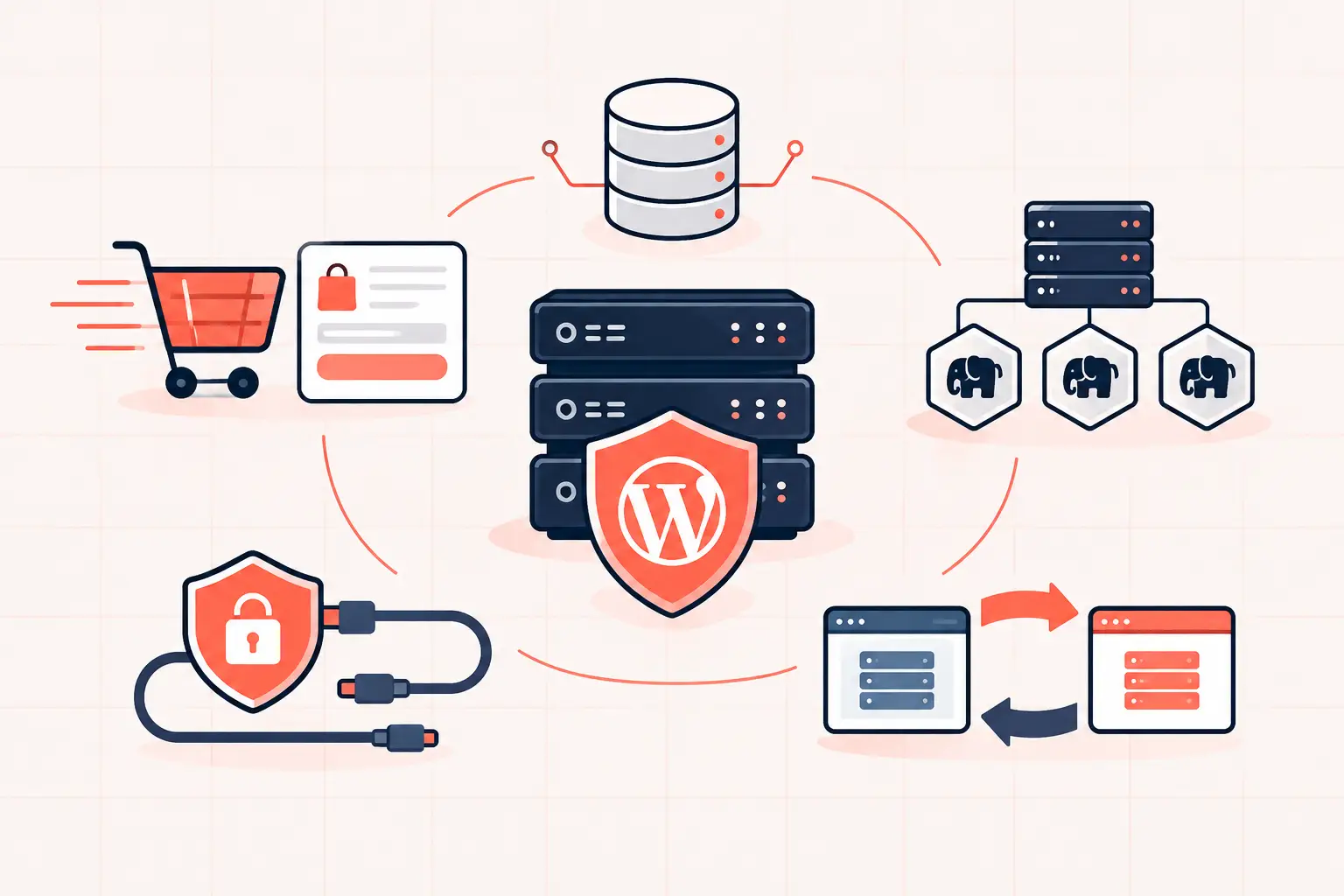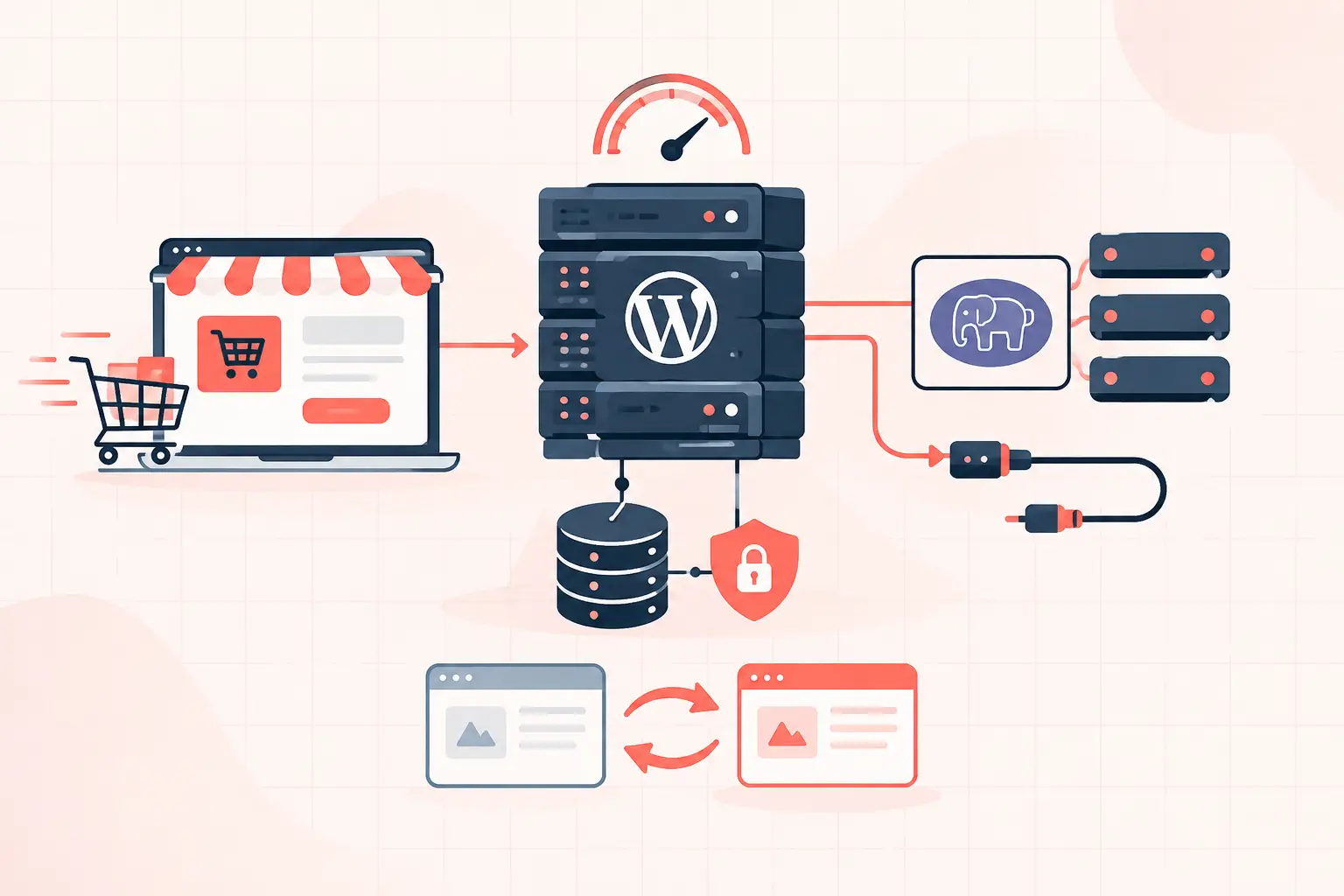

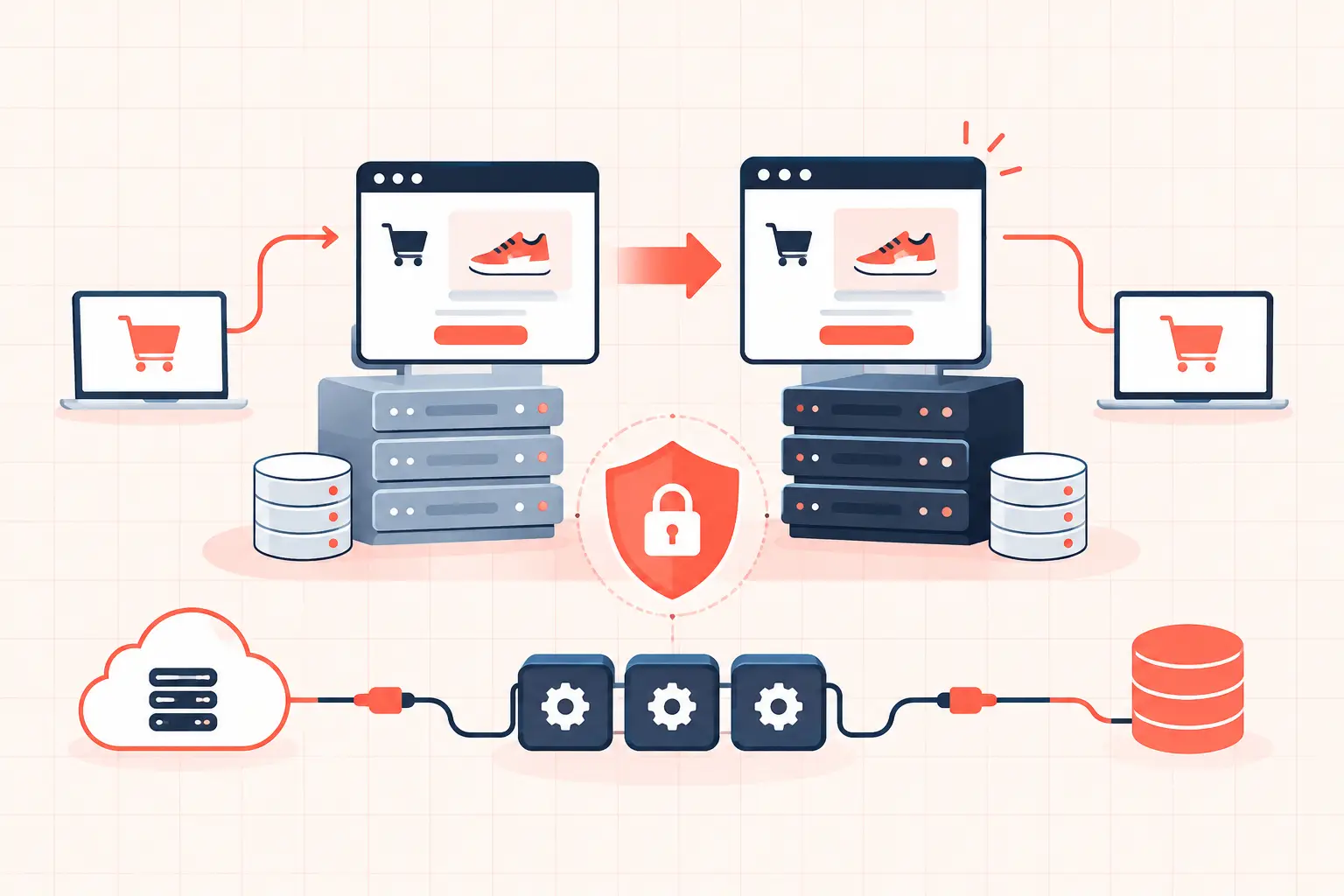
A WordPress staging environment is a private copy of your live site where you can test updates, code changes, design revisions, and configuration changes without putting revenue or traffic at risk. It only works when it is genuinely isolated from production: separate database, separate cache namespace, blocked email, disabled real payment processing, and protection from search indexing. A copied site with live webhooks and active cron jobs is not safe staging. It is a production incident waiting to happen.
For a brochure site, staging prevents an ugly plugin conflict from reaching visitors. For WooCommerce, it can prevent duplicate fulfillment calls, failed checkout sessions, inventory errors, and a white screen during a high-value sales window. The distinction matters because WordPress changes rarely fail in isolation. A plugin update may alter a database table, invalidate cache behavior, consume more PHP workers, or conflict with a custom checkout hook.
What a WordPress staging environment should include
At minimum, staging should use a separate database and a separate filesystem or deployment target. It should be accessible only to authorized users and blocked from search engines. Its application configuration must not reuse production credentials for payment gateways, transactional email providers, CDN APIs, or third-party automation platforms.
The goal is not to create a perfect miniature of production in every case. The goal is to create a reliable place to answer one question before a change ships: will this change break the site, its critical workflows, or its performance?
A useful staging setup has four layers:
- A recent copy of production files, uploads, and database data
- Environment-specific configuration for URLs, cache prefixes, mail, payments, and webhooks
- Access controls such as HTTP authentication, IP restrictions, or a private network
- A documented promotion and rollback process
The last item is where many teams fail. They test carefully, then make a different set of manual edits on production. The live deployment is no longer the tested change.
Clone production without copying production risk
Start with a current backup or snapshot, then clone the site into a staging location such as `staging.example.com`. Use a database created specifically for staging. Do not point staging at the production database, even temporarily. A search-and-replace mistake, a test order, or an automated cleanup task can modify live data.
When changing the domain, use WP-CLI instead of a raw SQL replacement. WordPress stores many values as serialized PHP data, and direct database replacement can corrupt string lengths inside those values.
wp search-replace https://www.example.com https://staging.example.com \ --all-tables --skip-columns=guid --preciseRun that command from the staging WordPress root, against the staging database. The `guid` column is intentionally skipped because it identifies content, not its current display URL.
After the clone, set the staging URLs explicitly in `wp-config.php` if your workflow needs to prevent accidental domain drift:
define('WP_HOME', 'https://staging.example.com'); define('WP_SITEURL', 'https://staging.example.com');This is particularly useful when a migration, a plugin setting, or an admin user changes the site URL. Remove or adjust these constants before promoting a database elsewhere.
Stop email, payments, webhooks, and scheduled jobs
A staging clone inherits production settings unless you change them. That includes SMTP credentials, payment gateway keys, shipping integrations, CRM webhooks, abandoned-cart flows, and scheduled tasks. Sending test email to real customers is embarrassing. Charging a real card or submitting duplicate orders is worse.
Use a mail catcher or a staging-only email address. Configure payment plugins with sandbox credentials, and review outgoing webhooks one by one. For WooCommerce, verify that Stripe, PayPal, tax services, shipping labels, accounting integrations, and fulfillment tools are all in test mode or disconnected.
Also control WordPress cron. A cloned Action Scheduler queue can contain pending subscription renewals, stock synchronization jobs, or API retries. If possible, disable scheduled processing while the clone is being prepared, clear inherited queues where appropriate, then enable only the tasks needed for testing. Never treat this as optional on an active WooCommerce store.
Keep staging out of Google and out of public view
Checking WordPress's “Discourage search engines from indexing this site” setting is not enough. It adds a request, not a lock. Crawlers can still find a staging URL through a bad redirect, a shared asset reference, or a public link.
Put an authentication layer in front of staging and send `X-Robots-Tag: noindex, nofollow` at the server level. A `robots.txt` rule is useful as a secondary control, but it does not protect sensitive data or reliably remove an already discovered URL.
Staging usually contains customer names, order records, form entries, and private uploads copied from production. That makes access control a privacy requirement, not a convenience. If an agency needs client review access, create limited accounts and remove them when the project ends.
Match the parts of production that cause failures
A staging site on a low-powered shared environment cannot reliably predict how production behaves under load. The PHP version, database version, object cache, web server rules, and PHP worker limits materially affect results.
Match production as closely as practical. If production uses Redis object caching, staging needs its own Redis database or a unique cache prefix. Sharing keys can cause staging to flush production cache entries or, worse, expose stale production objects in test results. The same rule applies to full-page cache, CDN configuration, and server-side NGINX rules.
For high-traffic sites, check these settings before trusting a test:
| Area | What to match or isolate | Why it matters |
|---|---|---|
| PHP | Version, extensions, memory limit, worker model | Updates can change memory use and worker contention |
| Database | MySQL or MariaDB version, charset, indexes | Query plans and migrations can behave differently |
| Object cache | Separate Redis instance, database, or prefix | Prevents cross-environment cache pollution |
| Web server | Redirects, rewrites, security rules | Login, REST API, and checkout failures often start here |
| WooCommerce | HPOS setting and gateway mode | Table access and order processing must remain compatible |
This does not mean staging needs identical traffic. It means the software and infrastructure behavior must be comparable enough to catch configuration-driven failures.
Test the change, not just the admin screen
Seeing a green update notice is not validation. Test the user path affected by the change. If you updated a page builder, inspect the rendered pages while logged out and with cache bypassed. If you updated WooCommerce, add a product to the cart, apply a coupon, calculate shipping, complete a sandbox order, view the confirmation email, and test the order from the account area.
For performance-related work, record baseline measurements before the change. Compare uncached response time, database query count, slow queries, PHP memory use, and error logs afterward. A page can look correct while a new plugin doubles TTFB or creates an expensive query on every uncached request.
Use browser developer tools and server logs together. A browser may show a failed REST request, while the PHP error log reveals a fatal error in a custom plugin. For checkout issues, inspect network requests, WooCommerce logs, gateway logs, and Action Scheduler status. Guessing wastes hours.
Promote carefully and plan the rollback first
Database changes make promotion harder because production continues receiving orders, comments, form submissions, and user registrations while staging is under review. You cannot safely overwrite a live WooCommerce database with yesterday's staging copy after it has accepted new orders.
For code-only changes, promote the tested theme, plugin, or deployment artifact rather than pushing the entire staging filesystem. For a schema migration, schedule a maintenance window if necessary, take a verified backup immediately before release, and document the rollback path. A rollback is not simply restoring files when the update changed database tables or option values.
Agencies should avoid editing staging and production independently. Keep custom code in version control, deploy a known commit, and record plugin versions changed in each release. If a production-only hotfix is unavoidable, immediately apply and document it in staging so the environments do not drift.
A managed platform with isolated staging, hourly restore points, server-level caching, and predictable CPU capacity reduces the operational burden. Hardware still does not replace process. Fast AMD Ryzen 9950X cores can shorten PHP execution time, but they cannot protect a store from a plugin that sends live fulfillment webhooks from staging.
Treat staging as a release gate, not a spare copy of the site. The few extra minutes spent isolating integrations, checking critical paths, and confirming rollback options are cheaper than explaining a broken checkout to customers after the fact.