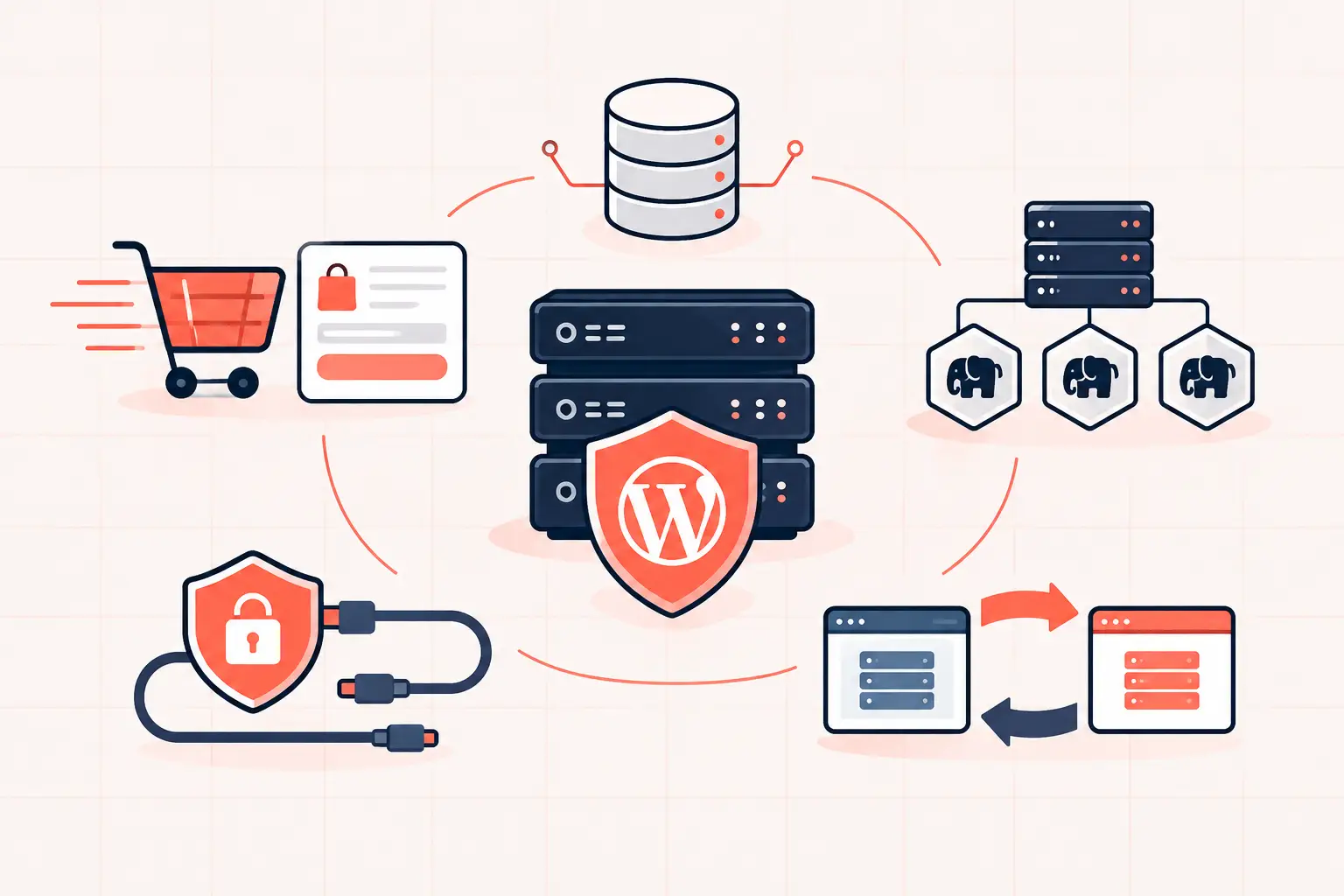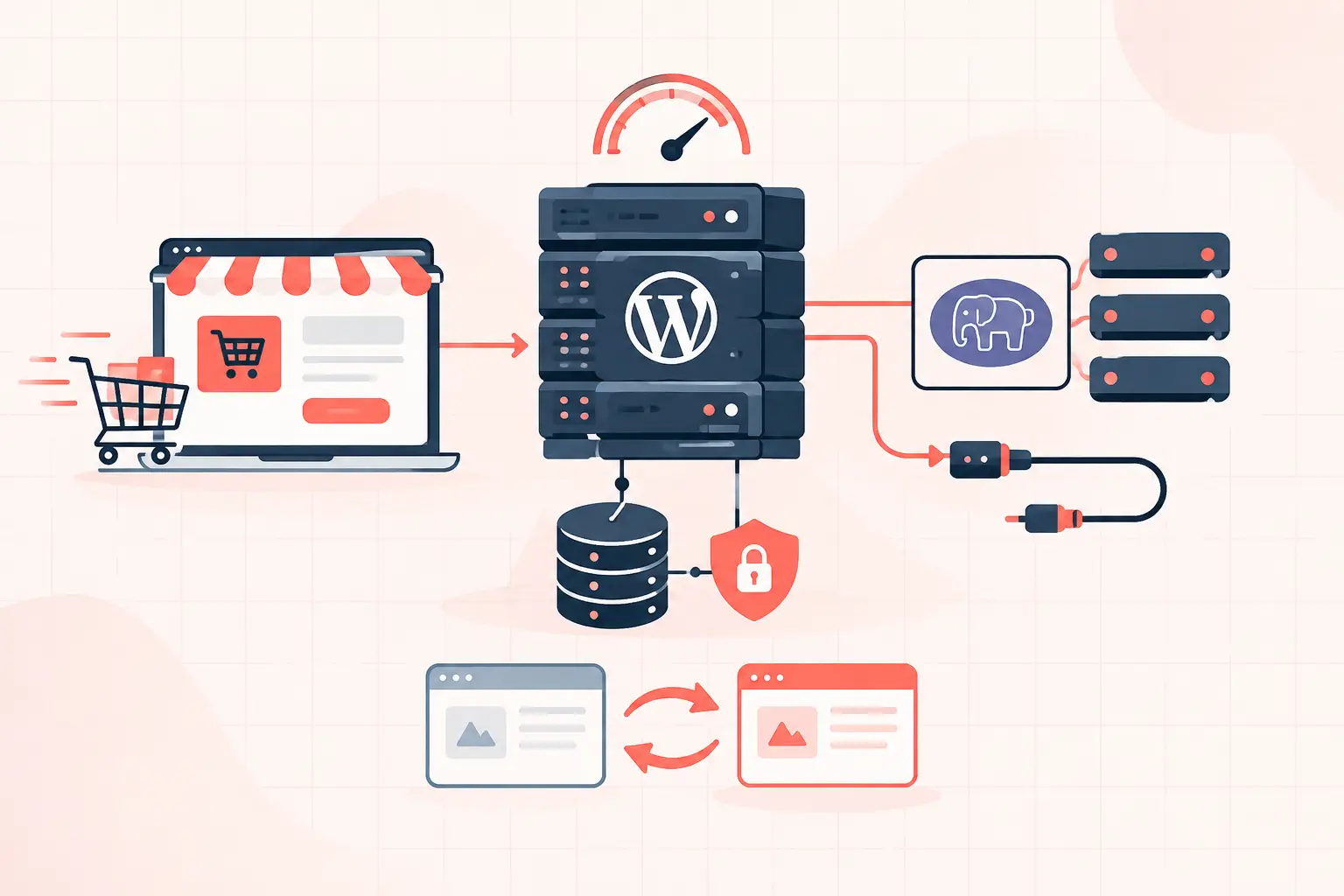


A course site can look fine in a speed test and still fail the moment 80 students log in for a live module. WordPress hosting for online courses must handle uncached, logged-in traffic: lesson progress writes, quiz submissions, checkout requests, membership checks, and recurring background jobs. The practical baseline is fast CPU performance, enough PHP workers, persistent object caching, a tuned database, isolated staging, and backups you can actually restore.
Do not choose course hosting based on disk space or a vague promise of “unlimited visits.” Those labels say almost nothing about whether the server can process 30 simultaneous quiz submissions without producing 504 errors or delaying a payment confirmation.
What online course sites ask a server to do
A brochure site mostly serves cached pages. A learning management system does not. Once a student signs in, WordPress usually has to check their enrollment, retrieve progress data, apply access rules, load account-specific content, and often update the database.
That distinction changes the hosting requirements. A cached sales page may be delivered quickly by NGINX or a CDN with no PHP execution at all. The student dashboard, lesson completion endpoint, quiz attempt, and WooCommerce checkout cannot safely be treated the same way. They need PHP, MySQL or MariaDB, and often several plugin integrations to respond in real time.
The pressure points are predictable:
- Launch-day logins can exhaust available PHP workers.
- Large quizzes and reporting add database queries that grow slower as enrollment data accumulates.
- WooCommerce subscriptions and payment webhooks create time-sensitive background work.
- Video files stored on the web server consume bandwidth and compete with application traffic.
- Scheduled tasks can pile up when WordPress relies on visitor-triggered WP-Cron.
A host that is adequate for a five-page marketing site can be the wrong environment for a course business with 500 active learners.
WordPress hosting for online courses: the non-negotiables
Fast PHP workers, not just high visit limits
PHP workers determine how many dynamic WordPress requests can run at once. If all workers are busy, new requests wait in a queue. Students experience that as a spinning lesson page, a stalled quiz submission, or a checkout that appears frozen.
There is no universal worker number. It depends on request duration and peak concurrency. A course platform with lightweight lessons may run well with a modest pool. One using page builders, several membership plugins, WooCommerce, video embeds, and complex quizzes may need materially more capacity.
Ask the host how PHP workers are allocated, whether they are shared across accounts, and what happens when the limit is reached. “Unlimited traffic” is not an answer. You need clear resource limits and a way to see PHP process saturation, slow requests, and error logs.
High-frequency CPUs matter here. WordPress is still heavily dependent on single-request execution speed, especially when plugins trigger multiple database calls during logged-in requests. Modern high-clock hardware, such as AMD Ryzen 9950X servers, can reduce PHP execution time, but hardware does not compensate for a bloated plugin stack or missing cache layers.
Persistent object caching for logged-in requests
Full-page caching is valuable for public course catalogs and sales pages. It is not the main performance tool for authenticated learner activity. Student-specific pages often bypass page cache by design.
Persistent object caching, usually Redis, stores repeatable query results and WordPress objects in memory between requests. That can reduce repeated database work for user capabilities, options, transients, membership checks, and LMS data. It is especially useful when many students access the same course structure while retaining different progress states.
Object caching must be configured carefully. A bad cache drop-in, an undersized Redis instance, or plugins that save excessive autoloaded options can create new problems. Check whether your host provides server-level Redis, supports a proper object-cache drop-in, and can help investigate cache memory pressure.
A database built for course data growth
LMS platforms generate rows. Every enrollment, lesson completion, quiz attempt, answer, certificate, order, subscription renewal, and activity log can add records. The issue is not simply database size. It is whether the plugin is querying indexed data efficiently.
Watch for slow admin reports, delayed quiz grading, and high database CPU during student activity. Those symptoms often point to missing indexes, oversized tables, expensive meta queries, or reporting add-ons that scan too much data.
Before upgrading hosting, identify the slow query. Database monitoring and application performance traces are more useful than guessing. If a query reads hundreds of thousands of rows for every dashboard request, adding CPU only postpones the failure.
A real cron service
WordPress uses WP-Cron for scheduled publishing, subscription events, email queues, LMS reminders, and cleanup jobs. On many sites, WP-Cron runs only when a visitor loads a page. That is unreliable for a course platform, particularly overnight or during low traffic.
Disable visitor-triggered cron and use a server cron job instead:
define('DISABLE_WP_CRON', true);Then schedule `wp cron event run --due-now` through the server at a sensible interval, commonly every one to five minutes. The exact command and path depend on the host, but the principle does not: background work should run on a schedule, not by chance.
Do not set a one-minute interval blindly if jobs already take longer than a minute. Overlapping cron runs can create their own worker and database contention. Measure queue depth and execution time first.
Keep video off the WordPress server
Hosting video files directly in WordPress is one of the fastest ways to turn a course site into a bandwidth and support problem. Large media files increase storage, strain network capacity, complicate access control, and compete with dynamic requests when students watch at the same time.
Use a video platform or specialized object storage and delivery layer designed for streaming. Embed the player in the lesson while WordPress remains responsible for enrollment and page delivery. If the course content is paid, use signed playback URLs or platform-level privacy controls where available. Hiding a video URL in page source is not access protection.
This division also makes migrations and recovery easier. Your WordPress backup stays manageable, and restoring the site does not require moving terabytes of video assets.
Cache aggressively, but exclude the right paths
Public pages should be cached: home pages, course catalogs, instructor pages, articles, and most sales content. Caching them lowers TTFB and preserves PHP capacity for students who need it.
Logged-in areas need more caution. Exclude cart, checkout, account pages, membership endpoints, LMS dashboards, quiz routes, and any endpoint that writes progress. The exact exclusions depend on the LMS and membership stack. Test them rather than copying a generic cache rule from another plugin.
A useful test is simple: log in as two separate students. Complete a lesson or add a product to the cart in one browser. Confirm the other browser cannot see the first student’s progress, notices, cart contents, or protected content. Fast incorrect caching is worse than slow delivery.
Plan for launch traffic before you sell the course
A launch creates a different load pattern from normal daily usage. Hundreds of people may arrive on the same sales page, then a smaller group may register, pay, receive account emails, and access the first lesson within minutes.
Cache the public campaign pages and use a CDN for static assets. Then load-test the dynamic flow that matters: registration, checkout, webhook processing, account creation, course enrollment, first lesson access, and quiz submission. Test with production-like plugins and data in staging. A blank WordPress benchmark proves very little.
For agencies, document the expected peak: concurrent checkouts, active students, email volume, and quiz activity. This gives the host something operationally useful to size against. “We expect a lot of traffic” does not.
Backups, staging, and recovery are part of course delivery
Course sites change constantly. Plugin updates affect payment flows, LMS templates, email triggers, and login behavior. A backup that exists but takes hours to retrieve is not enough when students cannot access paid lessons.
Choose hosting with frequent automated backups, independent storage, and a clear restoration workflow. Hourly restore points are especially valuable around launches, migrations, and major updates. Confirm whether you can restore files and the database together, restore to staging first, and retrieve a single file or table when needed.
Use staging for updates, but protect production data. Copying production to staging can expose student data, and pushing staging back to production can overwrite new orders and course progress. Treat staging as a code and configuration test environment, not a casual clone-and-push workflow.
The hosting questions worth asking
Before moving a course site, ask for specifics. What CPU and memory resources are assigned? How many PHP workers are available? Is Redis included and monitored? Can you access slow logs and error logs? How is WP-Cron handled? Are backups hourly, and how quickly can a restore begin? Which cache exclusions are recommended for your LMS and commerce plugins?
A capable provider will answer directly and explain the trade-offs. If every answer leads back to a higher-priced plan without technical detail, keep looking.
WP Tango’s approach is built around the part course businesses cannot afford to ignore: keeping dynamic WordPress work fast when caching no longer carries the load. But whichever platform you choose, validate it with your actual enrollment, checkout, quiz, and progress workflows before the next launch puts them under pressure.
Your students will never ask how many PHP workers you configured. They will notice immediately if a paid lesson will not load or a completed quiz disappears. Build the hosting layer around those moments.