
A checkout rebuild is a poor place for guesswork. In the WooCommerce blocks vs shortcode checkout decision, the block checkout is the right default for most stores starting fresh. It is the direction WooCommerce is actively developing, uses modern Store API requests, and gives shoppers a cleaner experience on current themes. Keep the shortcode checkout when a revenue-critical extension, custom PHP hook, or payment flow has not been proven compatible with blocks.
Do not choose based on an editor screenshot. Choose after testing your exact gateway, shipping rules, tax logic, subscriptions, coupons, account creation, and post-purchase automation in staging. A checkout that looks better but fails on address validation or order attribution costs more than any design improvement can recover.
WooCommerce blocks vs shortcode checkout: the practical difference
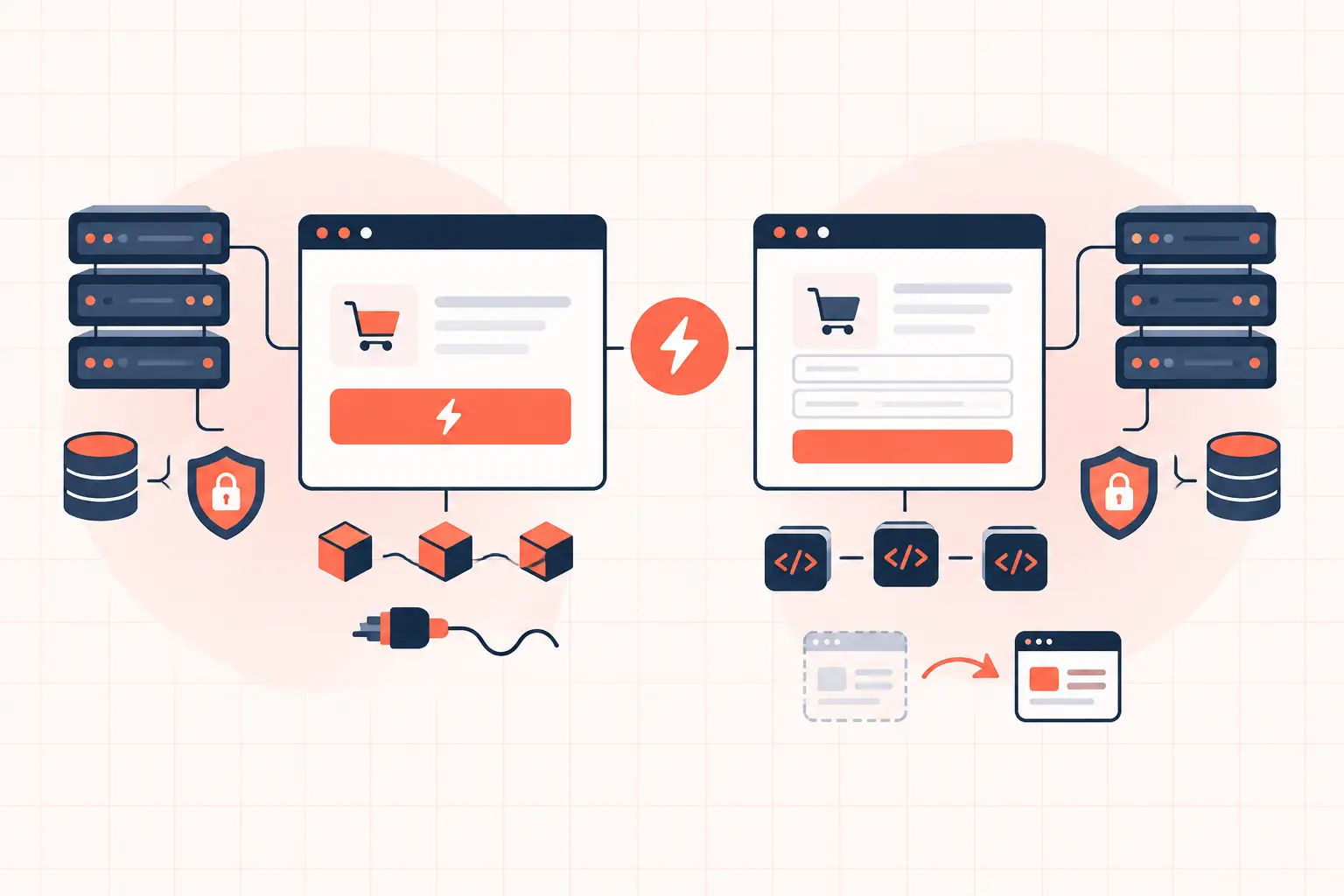
The classic checkout is rendered with the `[woocommerce_checkout]` shortcode. Most of its output and behavior comes through WooCommerce PHP templates, PHP hooks, and AJAX requests such as `update_order_review`. It has been the standard checkout architecture for years, so older extensions often assume it is present.
The Checkout block is a modern checkout interface built with WordPress blocks and WooCommerce's Store API. It updates shipping choices, totals, payment details, and checkout state through API requests rather than relying on the old shortcode's markup and AJAX behavior. It is not merely a visual skin over the old checkout.
That architectural difference matters when you use extensions or custom code. A plugin that inserts a field with a classic action such as `woocommerce_after_order_notes` may work perfectly on shortcode checkout and appear nowhere in the block checkout. The block approach requires block-aware integration points, supported additional checkout fields, or an extension built specifically for the block API.
| Area | Checkout block | Shortcode checkout |
|---|---|---|
| Product direction | Active WooCommerce focus | Legacy but supported |
| Extension compatibility | Strong for updated extensions | Strongest for older extensions |
| Custom PHP hooks | More limited and different | Broad, established hook coverage |
| Front-end requests | Store API | Classic AJAX and form requests |
| Best fit | New or modernized stores | Complex legacy stores with proven customizations |
Neither option automatically improves conversion rate or page speed. The correct answer depends on compatibility, operational risk, and how well your checkout is engineered under load.
When the Checkout block is the better choice
Use the Checkout block for a new build when your theme and essential extensions explicitly support it. This is especially sensible for stores using a maintained gateway, standard shipping and tax rules, and a checkout that does not depend on deeply customized PHP template overrides.
The block checkout also reduces the temptation to edit WooCommerce templates in a child theme just to make routine layout changes. Template overrides create a maintenance liability: WooCommerce updates its templates, the override ages, and a checkout defect can sit unnoticed until a shopper encounters it. Blocks do not eliminate custom development, but they push more presentation work toward supported editor controls and block integrations.
For agencies, blocks can make a handoff safer when the client needs to change checkout content without modifying theme files. That benefit disappears if the store accumulates five block-compatibility workarounds and two custom JavaScript patches. Keep the implementation boring where possible.
Before switching, verify the payment method behavior rather than checking a plugin's marketing page. Test card payments, express payment buttons, saved payment methods, failed payments, 3D Secure challenges, refunds, and webhook-driven order updates. If you sell subscriptions, test a renewal and a payment retry as well. The initial checkout may succeed while the recurring-payment path reveals a separate compatibility gap.
When shortcode checkout is still the safer option
The shortcode checkout remains the safer choice when your store relies on older extensions that alter checkout fields, modify order review markup, inject B2B logic, or depend on familiar WooCommerce PHP hooks. Custom checkout code often has years of business rules embedded in it: conditional VAT fields, wholesale approval status, delivery schedules, ERP identifiers, or fraud-screening data. Replacing that logic is a software project, not a checkbox in the editor.
Keep the shortcode version if it is stable, fast enough, and commercially proven. There is no prize for migrating a checkout that processes orders correctly just because the newer interface exists.
This is also true when a plugin vendor says its extension is "compatible" but cannot explain which checkout functions are covered. Compatibility may mean the field displays, while conditional logic, validation, or order-meta persistence remains untested. Run the transaction yourself.
Shortcode checkout has a trade-off of its own. It is easier to pile on template overrides, fragment scripts, and hook callbacks until every address change generates expensive database queries. A legacy checkout can be dependable, but it needs discipline. Remove abandoned snippets, audit template overrides after WooCommerce updates, and measure what happens when multiple customers calculate shipping at once.
Performance: blocks are not a caching strategy
Cart and checkout pages are personalized and must not be served as public full-page cache. That is true for both architectures. A cache hit that shows one customer's cart or shipping total to another customer is a serious incident, not a performance win.
The block checkout can reduce reliance on some legacy front-end behavior, but it introduces Store API traffic that must be healthy. On a busy store, the bottleneck is usually not whether a page uses a shortcode or a block. It is slow shipping-rate calculations, tax services, payment gateway latency, overloaded PHP workers, database contention, or a plugin making remote calls on every checkout refresh.
Configure your page cache and CDN to bypass cart, checkout, my-account, and their relevant query states. Do not apply a broad rule that disables caching for every REST API request across the site. Instead, inspect the actual checkout requests and exclude only the dynamic WooCommerce Store API routes and personalized flows that require it. Overbroad exclusions can damage TTFB across the rest of the store.
Then watch the server while testing. Useful signals include PHP worker saturation, upstream response time, database slow-query entries, 499 and 504 errors, and failed Store API or `wc-ajax` requests in browser developer tools. If checkout response time climbs only during traffic spikes, adding another page-builder optimization will not help. You need enough PHP capacity, low-latency database access, and object caching sized for the store's real concurrency.
High-frequency server hardware helps only after the application bottlenecks are understood. A fast AMD Ryzen 9950X can process PHP work quickly, but no CPU fixes a shipping plugin that waits three seconds on an external carrier API for every address update.
A safe migration plan from shortcode to blocks
Never replace checkout on the live site first. Clone production to staging with the same theme, WooCommerce settings, gateway configuration, shipping zones, tax settings, and required plugins. Use test-mode payment credentials and make sure staging cannot send real customer emails, fulfillment notifications, or analytics events.
Build a test matrix around the ways customers actually buy. At minimum, validate a guest order, logged-in order, coupon, taxable and non-taxable address, every shipping method, an out-of-stock edge case, a failed card, a successful card, and an order confirmation email. Add subscriptions, gift cards, deposits, local pickup, multilingual behavior, and B2B pricing if they apply to your catalog.
Check the resulting order in WooCommerce administration, not just the thank-you page. Confirm line items, tax, shipping, discounts, order notes, custom metadata, stock reduction, payment status, and downstream integration records. A missing field may not break the payment, but it can break fulfillment two hours later.
Next, load test the staging checkout carefully. The goal is not to generate unrealistic thousands of orders. Simulate concurrent address changes, shipping recalculations, and checkout submissions while observing PHP worker use and database response time. Compare median and slowest responses between the shortcode and block versions. A small front-end improvement is not worthwhile if the new flow causes worker queues under ordinary campaign traffic.
Keep the old checkout page and a documented rollback path until the new version has processed enough real orders to establish confidence. Take a current backup immediately before launch. Managed platforms with hourly restore points reduce the blast radius, but rollback planning is still your responsibility.
Check customizations before blaming WooCommerce
Most migration failures come from assumptions in custom code. Search your custom plugin, child theme, and code-snippet manager for checkout hooks, template overrides, `wc-ajax`, jQuery selectors tied to checkout fields, and scripts that modify totals. Also inspect any tag manager scripts that listen for form submission or thank-you-page events. Blocks may alter DOM structure and event timing even when the purchase succeeds.
Where possible, move business logic out of display-layer hooks and into supported WooCommerce data handling. Store required information as validated order metadata, use supported checkout-field APIs, and give custom integrations clear failure logging. That makes a future checkout change less risky than another collection of selectors and template patches.
The block checkout is a good modernization path, not a mandatory upgrade. If your shortcode checkout is tested, monitored, and profitable, protect it while you plan the work properly. If you adopt blocks, treat the move like a production change: prove compatibility, measure load, preserve a rollback, and let successful orders be the final test.