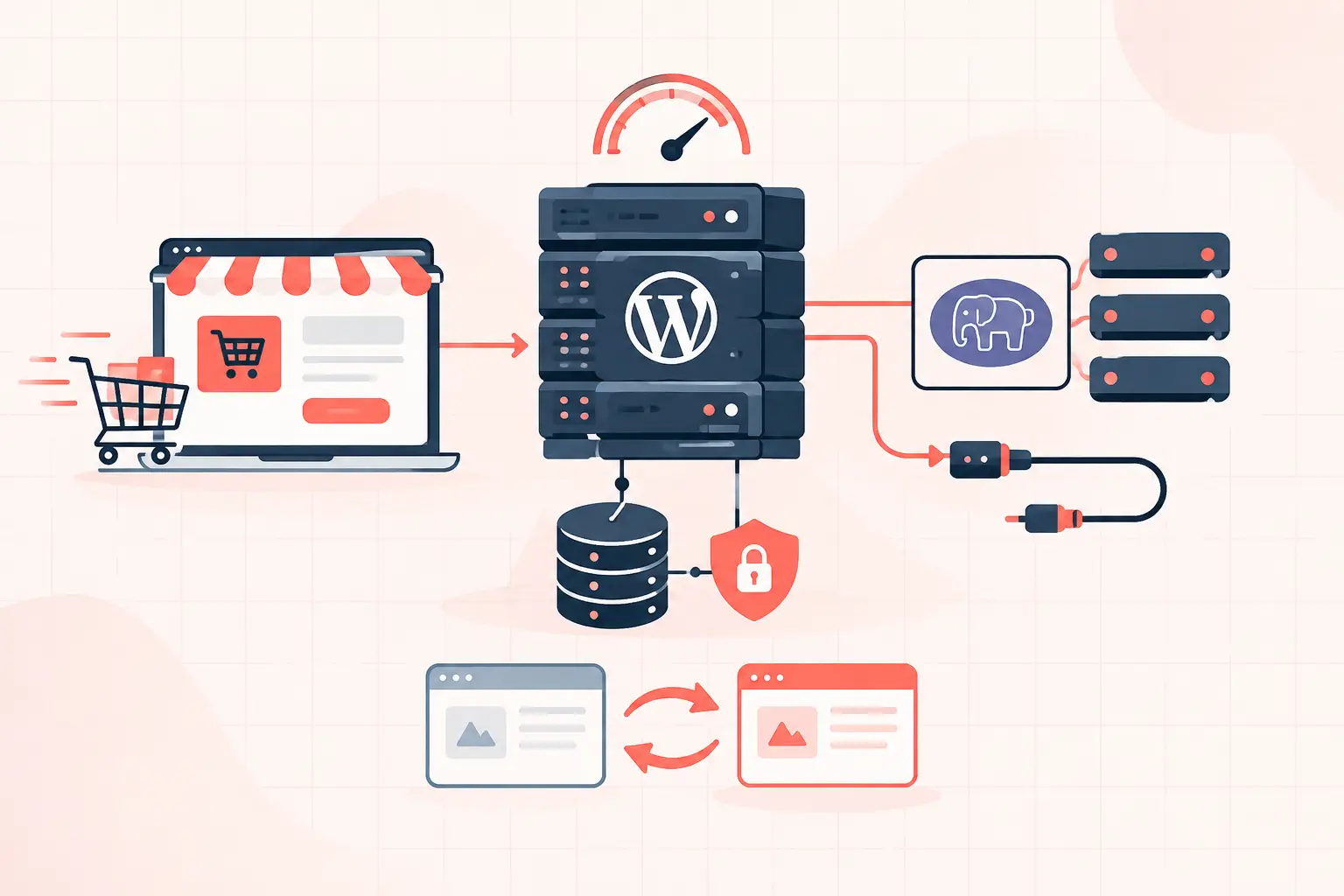

White label WordPress hosting for agencies works when it gives you control without turning your team into a 24/7 server operations desk. The practical baseline is isolated site resources, a branded client experience, staging, verified backups, server-level caching, and support that can diagnose PHP, database, and cache problems instead of suggesting another plugin. Anything less may be inexpensive, but it shifts operational risk onto your agency.
The label is the easy part. The harder question is whether the platform can protect a healthy client site from a noisy neighbor, a bad plugin update, an overloaded checkout, or an unexpected traffic spike. That is where agencies win or lose margin, client trust, and weekends.
What white label hosting should mean for an agency
A white label arrangement lets your agency present hosting as part of its own service. Clients see your brand in onboarding emails, reports, and support conversations rather than a hosting company competing for the relationship. You set the package, decide what is included, and remain the primary point of contact.
But branding alone is not a hosting product. If clients can open a ticket directly with the underlying provider, receive renewal notices from them, or discover a cheaper public plan with the same limits, your agency has little control over the experience.
A useful white label setup separates three layers: your commercial relationship with the client, the client-facing management experience, and the infrastructure operations handled by the provider. Your agency should own the first two. The provider should be accountable for the last one, with clear escalation paths when an issue reaches the server, database, or network layer.
The infrastructure tests that matter most
Many reseller plans measure value by the number of sites you can add. That is the wrong starting point. Ten brochure sites with light traffic behave nothing like ten WooCommerce stores processing orders during a sale.
Ask what resources are actually allocated per site or account. “Unlimited” plans often have practical ceilings hidden behind CPU throttling, process limits, entry-process limits, inode limits, or fair-use language. Those ceilings are often discovered only after TTFB rises and the host says the account is using too many resources.
| Area | What to verify | Why it affects clients |
|---|---|---|
| CPU and PHP capacity | Dedicated or clearly assigned CPU, RAM, and PHP worker limits | Prevents queued PHP requests and slow admin or checkout pages |
| Database performance | Fast storage, query visibility, and a plan for large tables | Slow queries can raise TTFB even when page caching is enabled |
| Object caching | Persistent Redis or equivalent, configured per site | Reduces repeated option, session, and query work |
| Backups | Frequent backups and tested file and database restores | A backup is only useful if restoration is predictable |
| Isolation | Account or container boundaries and malware containment | Limits the blast radius of a compromised or overloaded site |
| Staging | Separate environment with controlled deploy and sync options | Lets teams test updates before production damage occurs |
High-frequency CPU performance matters for WordPress because much of a request is serial: PHP executes application code, WordPress loads plugins, and MySQL returns queries in sequence. A modern CPU such as an AMD Ryzen 9950X can materially improve uncached request response time, but hardware does not excuse poor resource allocation. A fast server oversold with too many busy accounts is still an unreliable platform.
PHP workers are not a cosmetic limit
PHP workers determine how many uncached requests can execute at once. Cached anonymous pages may stay fast while logged-in users, WooCommerce shoppers, REST API calls, wp-admin requests, and checkout requests pile up behind too few workers.
For a WooCommerce client, ask the host how it handles non-cacheable traffic. Cart, checkout, account pages, and payment callbacks should bypass full-page cache, but they still need adequate PHP and database capacity. If a host cannot explain worker limits or request queues, it cannot help you size a busy store.
Cache policy needs exceptions, not optimism
A proper managed stack uses full-page caching for anonymous traffic and persistent object caching for repeated WordPress data. It also avoids caching personalized pages and payment flows. Aggressively caching the wrong URL can create stale carts, broken nonce checks, or account data exposed to another user.
Your team should know where cache purges occur after a deployment and whether the provider can inspect cache hit rate, upstream response time, and PHP slow logs. “We cleared the cache” is not a diagnosis when a client reports a slow site.
Build a client-safe operating model
Hosting becomes profitable when routine work is standardized and exceptions are visible early. Do not give every client unrestricted production access and hope for the best. Define who can install plugins, who can change DNS, who can access the host control panel, and who approves production deployments.
For most agencies, the cleanest approach is to retain infrastructure access while assigning clients least-privilege WordPress roles. Use a separate administrator account for agency maintenance, protect it with multi-factor authentication, and avoid shared credentials. If a developer needs shell or SFTP access, make it named access that can be revoked, not one permanent password circulated in a project chat.
Staging is equally important. A staging site should be isolated from production payment gateways, transactional email, analytics noise, and search indexing. Before pushing changes, confirm that production uploads, order tables, and customer records will not be overwritten. A careless database sync can erase orders placed after the staging copy was created.
A minimal configuration hardening step is disabling dashboard-based code edits in production:
define('DISALLOW_FILE_EDIT', true);This does not make a compromised administrator account harmless. It does remove one easy path for an attacker or accidental editor change to inject PHP through the WordPress dashboard. Pair it with current plugins, restricted file permissions, malware monitoring, and backups that are stored separately from the live server.
Price the service around responsibility, not disk space
Agencies routinely underprice hosting because they compare it with a $10 shared plan. That comparison ignores monitoring, update testing, emergency restores, performance work, license management, client communication, and the risk you accept when production fails.
Your packages should state what is included. For example, a care plan might include managed updates, uptime checks, daily or hourly backups, a monthly performance review, and a defined response window. A higher tier could include WooCommerce maintenance, staging deployments, query analysis, and priority incident handling.
Be specific about exclusions as well. New feature development, third-party plugin conflicts, hacked sites, and emergency work caused by a client bypassing the update process may need separate billing. This is not punitive. It prevents a flat monthly fee from quietly becoming unlimited senior developer support.
Vet a provider before migrating clients
A sales page will not reveal how a host behaves during an incident. Ask operational questions and pay attention to whether the answers include measurable limits.
Can support see PHP error logs, slow requests, and database pressure? Are backups created frequently enough for the client’s change rate, and how long does a full restore take? Is malware cleanup included or merely detected? What happens when a single site needs more PHP workers during a campaign? Can the provider explain its cache exclusions for WooCommerce?
Also test the migration path with a noncritical site. Measure pre- and post-migration TTFB from a consistent region, check logged-in admin behavior, run a real checkout if applicable, verify scheduled actions, and restore a backup into staging. A migration is not complete because DNS resolves. It is complete when the application, jobs, email, caching, and recovery process all behave correctly.
WP Tango’s approach is built around this operational reality: fast dedicated AMD Ryzen 9950X hardware helps, but the real value is transparent capacity, server-level optimization, and the ability to restore or troubleshoot a site without guesswork.
When white label hosting is the wrong fit
White label hosting is not automatically the best model. If an agency only builds sites and does not want ongoing support responsibility, referring clients to a reputable managed host can be cleaner. It reduces recurring revenue, but it also reduces the chance that a Sunday plugin failure becomes your problem.
It can also be the wrong fit for highly regulated clients that require direct contracts, specific audit documentation, or ownership of every infrastructure account. In those cases, act as the technical administrator while the client contracts directly with the provider.
For agencies ready to own recurring site care, treat hosting as an operations service, not a logo placed over commodity servers. The client will remember whether their store stayed available, their restore worked, and someone could explain the failure in plain English.