

Choosing the right plugin can turn a simple website into something much more useful. With so many options out there, it can feel tricky to decide which tool really makes a difference and which ones just fill up space. Some offer powerful features, others focus on speed or special functions, and a few even promise both. Whether you are looking for better performance, fresh design elements, or new ways to interact with visitors, some plugins really stand out from the crowd. Which ones have managed to impress users the most and bring something new for 2026
Table of Contents
WP Tango
At a Glance
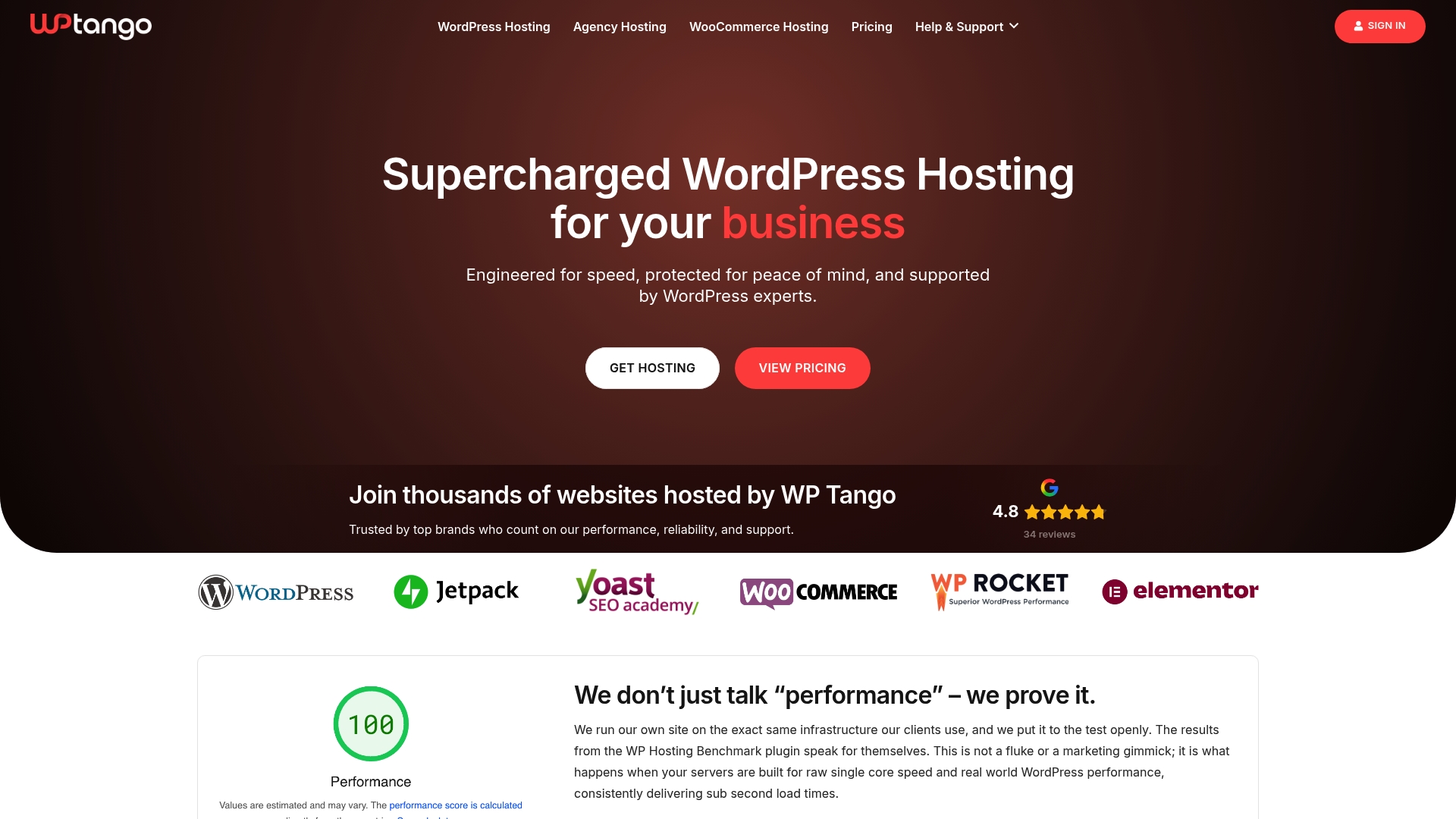
WP Tango delivers ultra-fast, fully managed WordPress hosting focused on speed, security, and reliability. The platform pairs high-performance infrastructure with proactive support so sites stay fast under normal and heavy traffic.
WP Tango stands out for consistent performance and predictable resource allocation, making it the obvious choice for sites that cannot tolerate slowdowns.
Core Features
WP Tango provides fully managed WordPress hosting with performance-optimized hardware and high-frequency CPUs, automatic hourly backups, and one-click WordPress installation. The platform uses enterprise-grade LiteSpeed Web Server and caching technology and supports multiple PHP versions and Redis object caching.
Additional features include unmetered visitors and bandwidth for normal traffic, proactive security with SSL, malware scanning, WAF, and Imunify360, expert US-based support available 24/7, free site migrations, staging environments, and flexible plans for personal, business, WooCommerce, and enterprise needs.
Pros
-
Highly optimized infrastructure for WordPress performance. The stack is tuned for WordPress so pages load faster and handle spikes more reliably than generic shared hosting.
-
Transparent resource allocation prevents overcrowding. WP Tango intentionally avoids overselling which keeps performance predictable as traffic grows.
-
Proactive security and automatic updates. Built-in SSL, malware scanning, WAF, and Imunify360 reduce attack surface and maintenance burden.
-
Excellent support and free migrations. US-based support teams and included migrations simplify onboarding and reduce downtime risk.
-
Plans tailored for different traffic and store sizes. Options cover personal sites, small businesses, WooCommerce stores, and high-traffic sites so you pay for the resources you need.
Who It’s For
WP Tango is built for businesses and developers who need dependable, high-performance WordPress hosting with dedicated resources and proactive management. Agencies and site owners running WooCommerce or high-traffic content sites will get the most value from the predictable performance.
If your priority is speed, uptime, and hands-off operations, WP Tango fits the bill better than basic shared hosting alternatives.
Unique Value Proposition
WP Tango combines dedicated resource allocation and performance-focused hardware to deliver consistently fast load times and stable behavior during traffic surges. The provider emphasizes fair capacity instead of overselling so your site does not compete with noisy neighbors.
Supportive services like automatic hourly backups, staging environments, and 24/7 US-based support mean operational tasks move off your plate. That combination of measurable performance and managed services positions WP Tango as a top-tier hosting choice for buyers who measure results rather than marketing claims.
Real World Use Case
A small e-commerce store suffering on basic shared hosting migrates to WP Tango to fix slow checkout pages and frequent timeouts. After migration the store sees faster page loads, fewer cart abandonments, and simpler operations thanks to managed security, backups, and staging for safe testing.
Pricing
Plans start at $11.99/month for the WordPress Level 1 plan and scale to $119.99/month for the highest levels, with tiered options that match traffic and feature needs. Pricing reflects the managed service and performance focus rather than bargain shared hosting.
Website: https://wptango-old.mystaging.cloud
WP Rocket

At a Glance
WP Rocket delivers an easy path to faster WordPress sites with minimal setup and measurable gains in PageSpeed scores. It suits site owners who want immediate improvements without editing code or juggling multiple plugins.
Takeaway: Install and test for instant front end gains.
Core Features
WP Rocket applies 80 percent of performance best practices automatically during setup, so you see quick wins. Core capabilities include caching, LazyLoad, Preload, Delay JS, and Remove Unused CSS, plus compatibility with most themes and plugins.
It also provides a built in performance hub called Rocket Insights to monitor and guide ongoing optimization.
Takeaway: Use the setup wizard, then check Rocket Insights for next steps.
Pros
- Easy setup and instant impact. You can enable recommended settings in minutes and see load time improvements immediately.
- Consolidates multiple functions. Features that normally require several plugins are combined in one interface to reduce conflict and complexity.
- Strong support and documentation. The team offers responsive help and clear guides that speed troubleshooting and configuration.
- Broad compatibility. WP Rocket works with a wide range of hosting environments, themes, and popular plugins to reduce integration headaches.
- Built in performance monitoring. Rocket Insights gives an ongoing view of site health so you can track improvements over time.
Takeaway: Use the plugin as a single, supported performance layer for most WordPress sites.
Cons
- Premium pricing for small sites. The starting price may feel high for hobby blogs or single page brochure sites with limited budgets.
- Auto renewal management required. Billing renews automatically which can surprise users if not reviewed and adjusted in time.
- Less flexible for deep customization. Advanced developers who want full granular control over every optimization may find the options limited compared to custom tooling.
Takeaway: Budget for the annual fee and review renewal settings after purchase.
Who It’s For
WP Rocket fits website owners, bloggers, eCommerce operators, freelancers, and agencies who want reliable caching and speed improvements without technical overhead. It helps teams that manage multiple client sites accelerate delivery and reduce performance support tickets.
Takeaway: Choose WP Rocket when you need dependable performance with low management effort.
Unique Value Proposition
WP Rocket combines automatic best practice application with an all in one feature set and a monitoring dashboard. That mix delivers fast wins for nontechnical users while reducing plugin sprawl for agencies managing many sites.
Takeaway: Use WP Rocket to simplify performance workflows and centralize optimization tasks.
Real World Use Case
A small business running an online store installed WP Rocket, reduced page load times, and improved user engagement metrics. Faster pages led to higher conversion rates and better organic search positioning, with minimal developer time invested.
Takeaway: Deploy WP Rocket on transactional sites to protect revenue and user experience.
Pricing
From $59 per year for a single website, $119 per year for three websites, up to $299 per year for fifty websites with Rocket Insights included.
Takeaway: Compare plans by site count and the value of included monitoring.
Website: https://wp-rocket.me
MemberPress
At a Glance
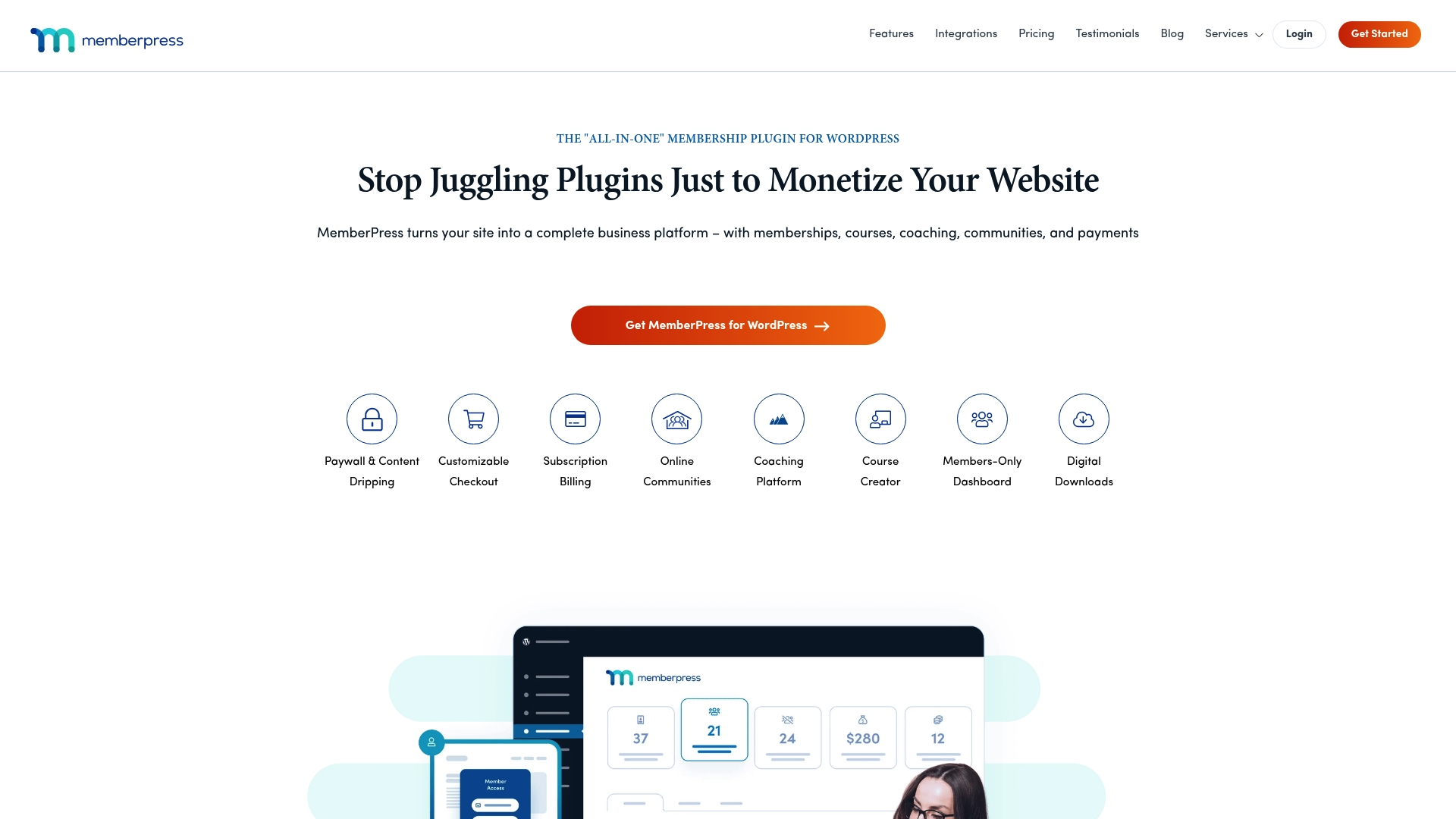
MemberPress is an all in one WordPress membership plugin that turns a site into a business platform with minimal setup and no coding for most tasks. It balances a wide feature set with a user friendly approach, making it a reliable choice for subscription sites.
Core Features
MemberPress covers membership needs from access control to payments with a clean admin experience and clear workflows. Key capabilities include:
- Paywall and Content Dripping for timed release of content and staged access.
- Customizable Checkout with options to tailor the purchase flow to your brand.
- Subscription Billing to handle recurring payments and member status automatically.
- Course Creator with LMS style features including quizzes and assignments.
- Member Dashboards and Integrations to connect with third party tools and payment gateways.
No code is required for most setups. That saves time when you need to launch fast.
Pros
- User friendly setup: Non technical site owners can configure memberships, payments, and content access quickly without hiring a developer.
- Robust feature set: The plugin bundles content drip, course tools, community options, and subscription handling in one package.
- Strong documentation and support: MemberPress provides detailed guides and responsive customer help that reduces troubleshooting time.
- Flexible integrations: The plugin connects with a variety of payment gateways and third party services to fit existing workflows.
- Suitable for varied skill levels: Beginners get simple tools while advanced users find deeper controls and hooks to extend functionality.
Cons
- Higher price point: Plans are generally pricier than very simple membership plugins and represent a larger upfront investment.
- Add on costs for advanced features: Some capabilities arrive as separate add ons which can increase total cost as you scale.
- Learning curve for complex setups: Building advanced course structures or custom integrations requires time to learn the full suite of options.
Who It’s For
MemberPress is aimed at website owners and entrepreneurs who need a full featured membership solution inside WordPress without heavy development. It fits businesses that sell subscriptions, run paid courses, operate communities, or manage memberships for organizations.
Unique Value Proposition
MemberPress combines comprehensive membership controls with a course builder and built in billing so you do not need multiple plugins. That centralization reduces compatibility headaches and keeps member data consolidated within WordPress.
Real World Use Case
A fitness coach creates paid plans, schedules a four week content drip, sells courses with assignments, and opens a private community forum. MemberPress handles recurring billing, gated content, and course delivery while the coach focuses on content and client results.
Pricing
MemberPress offers multiple plans starting from a basic tier with feature differences by plan. Exact pricing and plan details are available on the MemberPress pricing page on their website.
Website: https://www.memberpress.com
Web Hosting and Website Optimization Tools Comparison
Below is a comprehensive comparison of hosting, performance optimization, and membership tools mentioned in the article to help users choose the best fit for their needs.
| Product | Core Features | Pros | Cons | Pricing |
|---|---|---|---|---|
| WP Tango | Fully managed WordPress hosting, high-performance infrastructure, proactive security | Optimized for WordPress, consistent resource allocation, excellent support | Higher cost compared to shared hosting | Starts at $11.99/month |
| WP Rocket | Caching, LazyLoad, Preload, Remove Unused CSS, Rocket Insights dashboard | Easy setup, consolidates functions, strong support, compatibility with various plugins | Premium price, automatic renewal management needed | Starts at $59/year |
| MemberPress | Content dripping, subscription billing, customizable checkout, course creator features | User-friendly, robust features, strong support, flexible integrations | Higher price point, add-on costs, learning curve for advanced setups | Visit website for specific plans |
Unlock Peak WordPress Performance with WP Tango Hosting
The article “Top 3 WP Plugins for 2026” highlights essential tools to enhance your WordPress site. However, even the best plugins like WP Rocket or MemberPress demand a hosting platform that can handle high traffic and maintain ultra-fast load times. Key challenges such as site speed, reliable uptime, and seamless security often come from hosting limitations rather than plugins themselves. If your goal is to maximize plugin effectiveness, avoid slowdowns, and protect your user experience during traffic surges, WP Tango’s dedicated resource allocation and managed services are designed precisely for that.
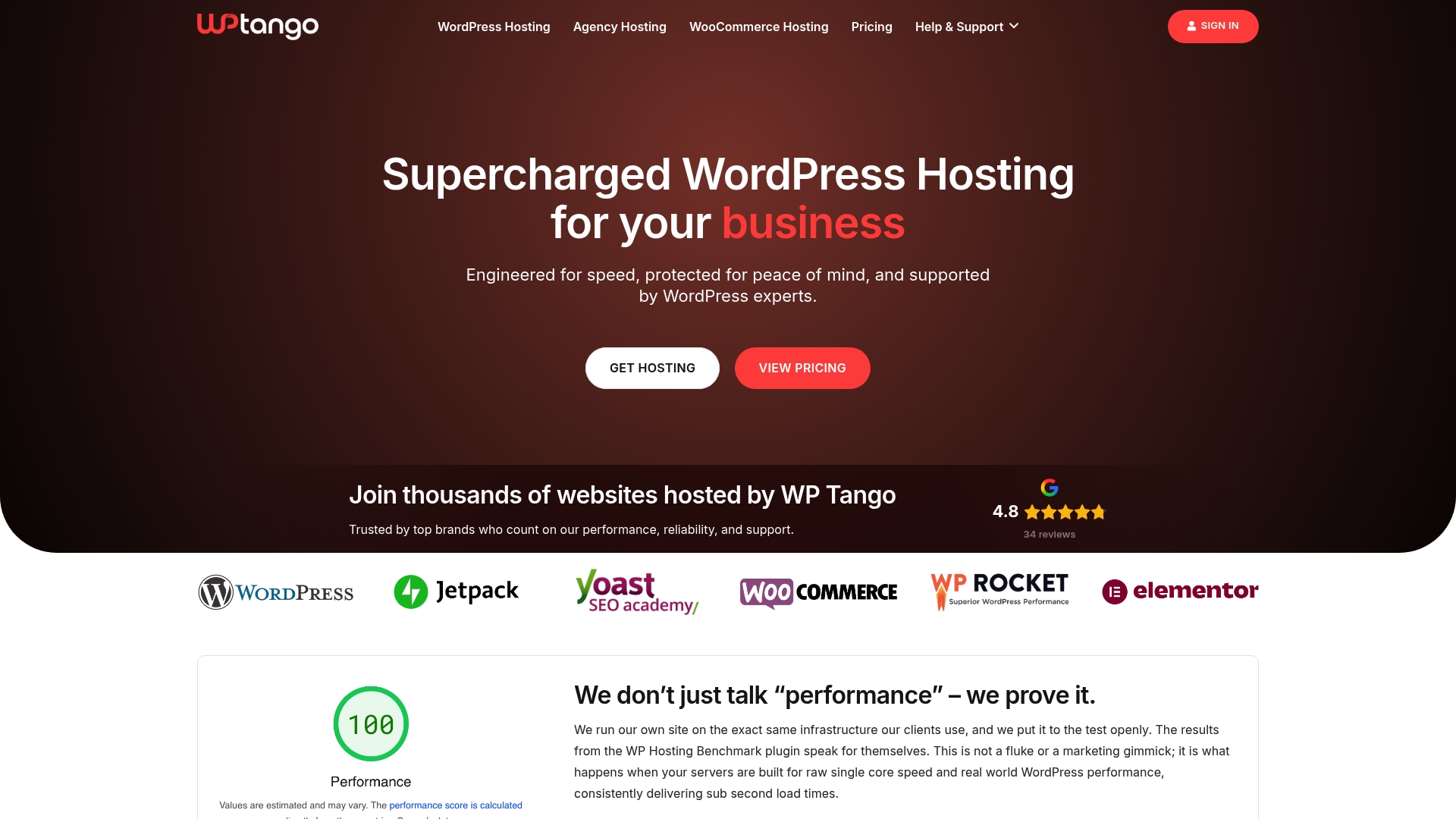
Experience hosting built for WordPress power users with high-frequency CPUs, NVMe storage, and proactive support staff focused on uptime and speed. Don’t let server overcrowding or generic shared hosting slow down your site or plugin performance. Visit WP Tango’s main site and see how our fully managed WordPress hosting can be your foundation for reliable growth. Act now and empower your site today.
Frequently Asked Questions
What are the top 3 WP Plugins for 2026?
The top 3 WordPress plugins for 2026 are WP Tango for managed hosting, WP Rocket for speed optimization, and MemberPress for membership management. To leverage these plugins, evaluate your site’s specific needs and install the ones that will enhance your performance and user experience.
How can WP Tango improve my website’s performance?
WP Tango improves website performance by providing ultra-fast, managed WordPress hosting with dedicated resources and proactive support. Consider migrating to WP Tango to ensure your site handles heavy traffic effectively and maintains fast loading times.
What benefits does WP Rocket offer for speed optimization?
WP Rocket offers automatic performance enhancements, like caching and LazyLoad, with minimal setup required. Install WP Rocket and enable its recommended settings to see immediate improvements in your site’s load times.
How does MemberPress facilitate subscription and membership management?
MemberPress simplifies subscription and membership management by providing features like payment processing, content access control, and course creation tools. Start by configuring your membership settings and checkout flow to launch your subscription service quickly and efficiently.
Is there a learning curve for using these plugins effectively?
While WP Tango and MemberPress are user-friendly, there may be a slight learning curve, particularly for advanced configurations. Familiarize yourself with each plugin’s documentation and support resources to maximize their functionality and streamline your setup process.