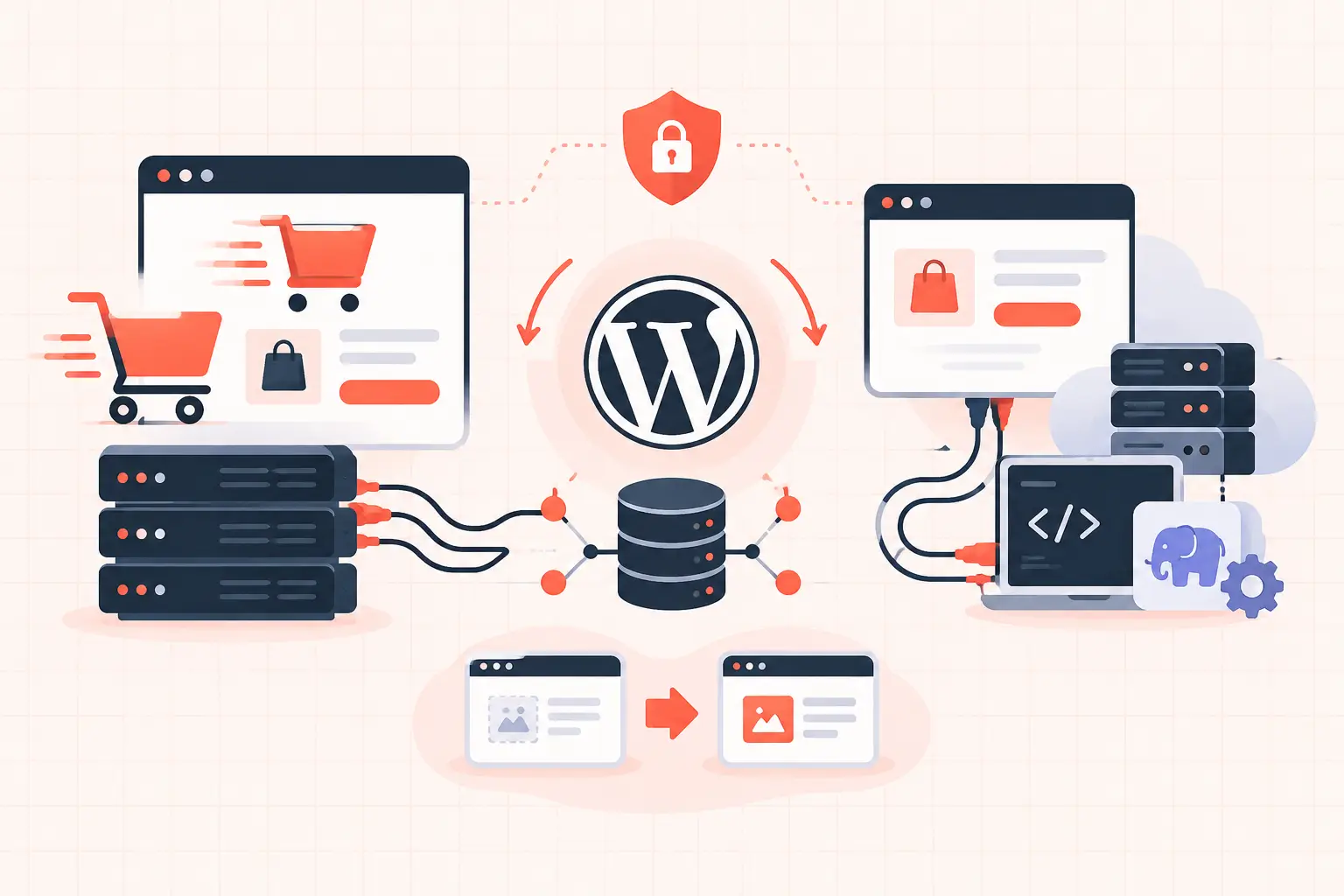


A small business site does not need enterprise theater. It needs fast, predictable WordPress hosting that keeps pages responsive, checkouts working, updates recoverable, and support useful when something breaks. The best WordPress hosting for small business is usually a managed plan with clear resource limits, server-level caching, reliable backups, and enough PHP capacity for the work your site actually does.
The wrong host can look fine during a quiet Tuesday morning, then fail when a promotion lands, a plugin update adds database load, or several customers reach checkout at once. Price matters, but the cheapest plan is expensive if it produces slow Time to First Byte (TTFB), missed sales, or a restoration process nobody can explain.
What small businesses should look for first
Start with the workload, not the host's marketing labels. A five-page brochure site, a busy WooCommerce store, and an agency managing 30 client sites all have different failure points. “Unlimited” storage or visits tells you almost nothing about whether WordPress will stay fast under load.
The practical baseline is a host that discloses how it handles CPU, memory, PHP workers, caching, backups, and support. If those details are unavailable before you buy, expect the answer to be vague after your site slows down.
| Hosting requirement | Why it matters | What to ask |
|---|---|---|
| Fast CPU and NVMe storage | WordPress executes PHP and database queries on every uncached request. Slow compute raises TTFB. | What hardware is used, and how many sites share a server? |
| Server-level page caching | Cached visitors should not trigger PHP or MySQL for every page view. | Is full-page caching included and configurable? |
| Persistent object caching | Reduces repeated database work for options, queries, and WooCommerce sessions. | Is Redis or equivalent object caching available? |
| Clear PHP worker limits | Workers process dynamic requests such as checkout, account pages, and wp-admin. | How many workers are included, and what happens when they are busy? |
| Frequent backups with restores | A backup is only useful if you can restore a known-good version quickly. | How often are backups taken, retained, and tested? |
| Competent WordPress support | Generic support scripts do not diagnose plugin conflicts or slow database queries. | Will support investigate logs, PHP errors, and performance bottlenecks? |
Why “managed WordPress” is not enough
Managed WordPress is a service category, not a technical specification. One provider may offer isolated resources, NGINX caching, Redis, staging, and hourly backups. Another may place a large number of accounts on one server, limit processes aggressively, and call it managed because WordPress was preinstalled.
Ask what is managed. Core updates? Plugin updates? Malware cleanup? Performance tuning? Backups? Staging? Each service has a different operational cost, and not every business needs every feature. What matters is that the host is honest about the boundary between its responsibility and yours.
A quality managed environment should also protect you from common operational mistakes. That includes a staging workflow before plugin or theme changes, automatic backups before risky updates, and a restoration process that does not require opening a ticket and waiting through a sales queue.
Resource limits are not automatically bad
Every host has limits. The problem is hidden limits.
A transparent plan might state its PHP workers, memory allocation, storage, backup retention, and traffic expectations. That gives you something useful: a capacity planning conversation. A vague plan may simply throttle your site after it consumes too much CPU, often without showing the underlying request volume, slow queries, or plugin causing the load.
For a simple service business site, modest limits can be perfectly adequate. For WooCommerce, membership, learning management, booking, or community sites, dynamic traffic changes the equation. Cart, checkout, account, search, and logged-in pages generally cannot be served from full-page cache. They consume PHP workers and database resources every time.
The hosting requirements that matter for WooCommerce
WooCommerce is where weak hosting becomes obvious. A product category page may be cached and fast, while the actual revenue path stalls under concurrent checkout requests. This is why a homepage speed test alone is not a hosting evaluation.
Check whether your prospective host can explain how it handles uncached requests. If five customers are checking out at once and the plan has too few PHP workers, requests queue. Shoppers see spinning checkout buttons, delayed payment responses, or session errors. More CDN bandwidth will not fix a saturated PHP pool.
Database behavior matters too. WooCommerce stores orders, sessions, product metadata, and scheduled actions in the database. Over time, bloated options tables, excessive autoloaded data, slow Action Scheduler jobs, and poorly built plugins can turn a normal store into a database bottleneck. Good hosting cannot repair bad code, but modern CPU performance, fast storage, Redis object caching, and database visibility give you room to diagnose and fix the real issue.
Before a major sale, test the full path: product page, add to cart, coupon, shipping calculation, payment, order confirmation, transactional email, and inventory update. A host that only looks good in a cached homepage benchmark has not passed the test.
How to evaluate WordPress speed without trusting a sales page
Run your own checks after migrating a copy of the site or during a trial period. Measure both anonymous and logged-in behavior. Look at the page load waterfall, TTFB, server response consistency, and errors under normal traffic.
A healthy cached page should have a low and stable TTFB from the region where your customers live. If TTFB jumps from a few hundred milliseconds to several seconds at random, investigate server saturation, cache misses, slow external calls, or a crowded shared environment. Do not immediately install another optimization plugin. Plugin stacks often add their own complexity and can conflict with host-level caching.
For dynamic requests, use browser developer tools and application monitoring where available. Watch checkout and wp-admin response times. Review PHP error logs after updates. If a host cannot provide access to basic logs or explain recurring 504 errors, you are operating blind.
Caching must respect WordPress behavior
Page caching should exclude cart, checkout, account, and other personalized pages. Object caching should be persistent and correctly configured. CDN caching should not cache pages containing customer-specific data or nonces.
These details are not optional edge cases. Incorrect cache rules can create intermittent cart failures that are difficult to reproduce and even harder to trust. The best hosting teams understand that performance and correctness are connected.
Security and backups are part of performance
A hacked or unstable site is a slow site by definition. Malware can inject external scripts, create spam pages, consume CPU, and damage search visibility before anyone notices. Security should include current server software, sensible file permissions, malware response procedures, firewall controls, and isolation that prevents another account from becoming your problem.
Backups deserve the same scrutiny. Daily backups are reasonable for a low-change brochure site. They are not enough for a store processing orders throughout the day. For commerce sites, frequent backups and a fast restore workflow reduce the blast radius of an update failure, compromised plugin, or operator mistake.
Ask whether backups include files and databases, whether they are stored separately from the production server, and whether you can restore to staging first. A one-click restore is valuable, but a restore to the wrong point in time can overwrite recent orders. Your host should make recovery options clear.
A practical way to choose a plan
Choose the smallest plan that comfortably fits your current dynamic workload, then leave room for campaigns and growth. Do not buy a high-priced plan solely because it promises more visits. Buy capacity based on dynamic requests, ecommerce activity, database size, and the operational help you need.
A local plumber with a contact form may prioritize speed, daily backups, security, and an easy staging site. A WooCommerce merchant should prioritize PHP worker capacity, Redis, checkout performance, frequent backups, and support that understands payment and session failures. An agency should add predictable isolation, collaborator access, migration tools, and a process for managing multiple staging environments.
WP Tango is built around the more demanding end of that spectrum, using high-frequency AMD Ryzen 9950X hardware alongside managed WordPress operations, server-level caching, and hourly backup protection. The larger lesson applies regardless of provider: hardware and infrastructure choices should be visible enough to evaluate, not hidden behind a generic “optimized” badge.
Questions to ask before you migrate
Get direct answers to these questions before committing:
- What are the included PHP workers, memory limits, and CPU policies?
- Is full-page caching active by default, and which WooCommerce pages are excluded?
- Is Redis object caching available and supported?
- How frequently are files and databases backed up, and how long are backups retained?
- Can I restore to staging before restoring production?
- What logs and performance data can I access when TTFB rises or checkout slows?
- Does support troubleshoot WordPress-level issues, or only confirm that the server is online?
If a provider answers clearly, that is a positive signal. If the answer is “you should not need to worry about that,” keep looking. Small businesses may not need to manage Linux servers, but they absolutely need a host that can explain what protects their revenue when WordPress stops behaving.
Your hosting should make routine work boring: pages load, orders complete, backups exist, and updates have a rollback path. Save the drama for the business decisions that actually deserve it.