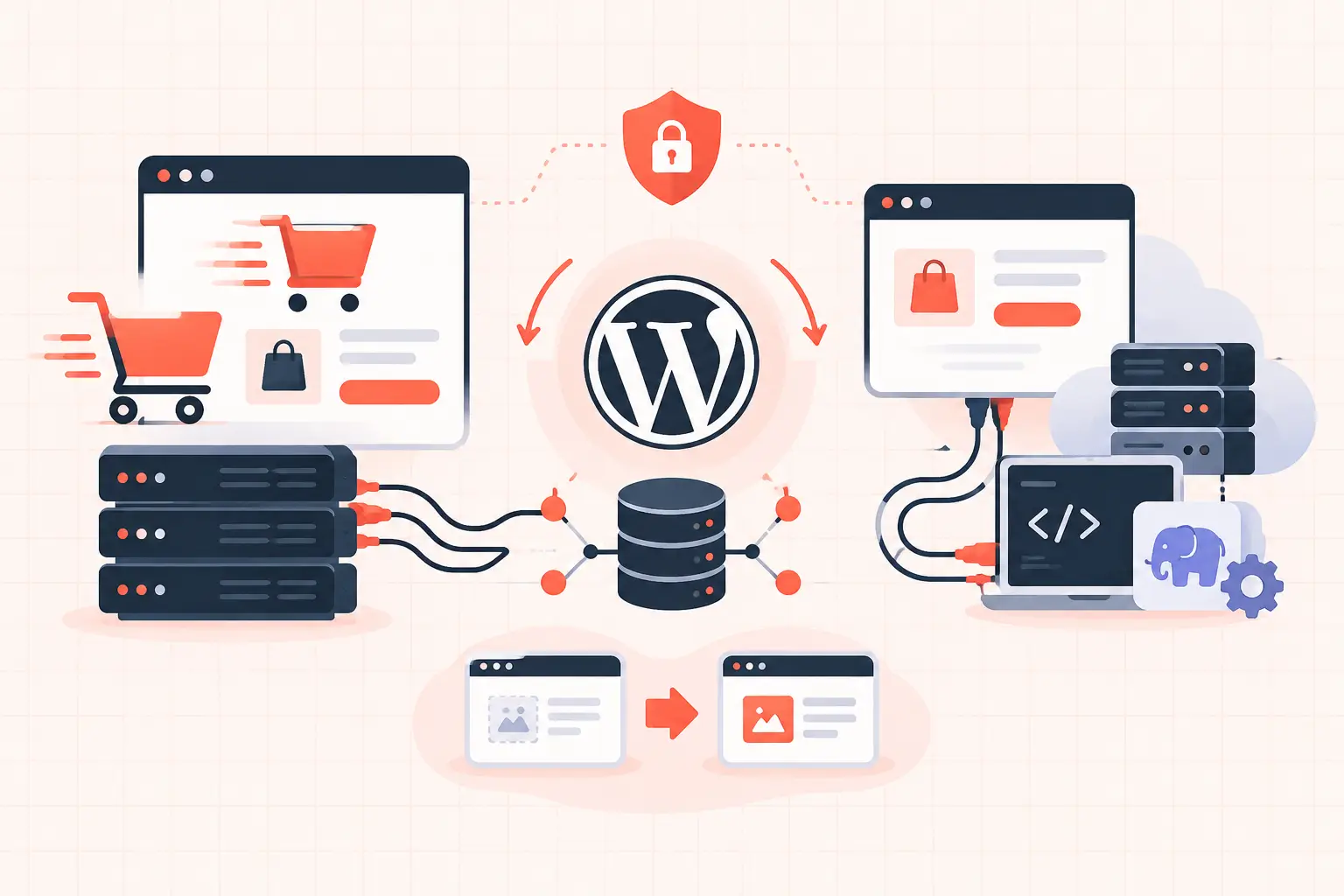


A slow WordPress site does not automatically need Redis. In the Redis versus database caching decision, Redis is usually the right answer for repeated WordPress object lookups under real traffic, while database caching is either a limited server feature or a misleading label for storing cached data back in MySQL. Start by finding what is slow: uncached PHP execution, expensive database queries, a low PHP worker limit, or a cache that is serving stale data. Redis helps one of those problems very well. It does not fix all of them.
For WooCommerce stores, membership sites, dashboards, and high-traffic logged-in experiences, persistent object caching with Redis can materially reduce database work and improve TTFB. For a small brochure site with reliable full-page caching, it may produce little visible change.
Redis versus database caching: the practical difference
Redis is an in-memory data store. WordPress can use it as a persistent object cache, keeping frequently requested objects in RAM instead of rebuilding them through PHP and MySQL on every request. Common examples include options, query results, transients, user-related data, and cached objects created by plugins.
"Database caching" is less precise. It may mean one of three things:
- MySQL's old query cache, which was removed from MySQL 8.0 and is not a modern WordPress performance strategy.
- A WordPress object-cache plugin that stores cached objects in the database itself.
- Database buffer pool caching, where MySQL keeps frequently read table and index pages in memory.
These are not equivalent to Redis. The InnoDB buffer pool is essential and should already be doing useful work on a healthy MySQL or MariaDB server. But it does not prevent WordPress from issuing repetitive queries, running PHP to assemble objects, or recalculating plugin data. A database-backed object cache can also create more reads and writes in the same database you are trying to relieve.
The clean distinction is simple: Redis stores application-level cached objects outside the database. MySQL buffer pools cache database pages inside the database engine. Both can be valuable, but they reduce different kinds of work.
When Redis improves WordPress performance
Redis is most effective when WordPress receives requests that cannot be served from a full-page cache. That includes wp-admin requests, logged-in users, WooCommerce cart and account pages, AJAX calls, REST API requests, and dynamic pages with personalized content.
A page cache can return an anonymous blog post without starting PHP or querying MySQL. Redis cannot beat that path because it is not involved. But once a request reaches WordPress, persistent object caching can keep recurring data out of MySQL and reduce the total time each PHP worker spends waiting.
That matters under concurrency. Suppose a WooCommerce store receives a surge of cart updates. Each request may need settings, product metadata, shipping rules, session-related data, and plugin options. If every PHP process repeatedly queries MySQL for those objects, database connections and CPU time climb quickly. Redis can serve many of those repeated reads from memory in sub-millisecond time.
Redis also helps when expensive data is intentionally cached with transients. A plugin may calculate a report, retrieve a remote API response, or build a product filter result once and reuse it for several minutes. With a persistent object cache, those transient values can survive across PHP requests without being stored as rows in the `wp_options` table.
Where Redis will not save a slow site
Do not install Redis as a reflex after seeing a poor PageSpeed score. It does not repair slow external scripts, oversized images, render-blocking CSS, or a poor Largest Contentful Paint caused by a large hero image. It also will not solve a database query that is inherently slow because it scans a huge table without an index.
It cannot compensate for insufficient PHP workers during a traffic spike. Redis may shorten each request, which helps capacity, but queued requests still need workers. Nor does it fix a host that places too many busy sites on the same CPU or database server.
A common failure pattern is treating Redis as a bandage for `wp_options` autoload bloat. If WordPress loads several megabytes of autoloaded options on every request, Redis might make some secondary object retrieval faster, but the underlying problem remains. Review autoloaded options, remove abandoned plugin data carefully, and investigate unusually large rows before adding more infrastructure.
Database caching still matters
Rejecting database-backed object caching does not mean ignoring the database. WordPress performance still depends on MySQL or MariaDB being correctly sized and monitored.
The database buffer pool should have enough memory to hold its active working set. Slow query logs should be reviewed when TTFB rises or admin actions stall. Tables such as `wp_postmeta`, `wp_options`, WooCommerce order tables, and action scheduler tables can become bottlenecks when plugins create excessive data or queries lack useful indexes.
For many WordPress sites, the bigger win is fixing query volume and data bloat before adding Redis. If a plugin produces 300 near-identical queries per request, Redis may mask some reads, but the plugin is still consuming PHP time and creating a fragile dependency. Profile first, then cache the right layer.
A sound caching stack for WordPress
A healthy WordPress stack uses several caches, each with a distinct job:
- Full-page caching handles anonymous frontend traffic before PHP runs.
- Browser and CDN caching reduce repeat asset requests near the visitor.
- OPcache keeps compiled PHP bytecode in memory.
- MySQL or MariaDB buffer pools keep active database pages in memory.
- Redis provides persistent WordPress object caching for dynamic application data.
These layers complement each other. They should not be treated as mutually exclusive choices. The real Redis versus database caching question is whether your workload needs an application-level cache in addition to a well-tuned database.
For a WooCommerce site, use exclusions deliberately. Cart, checkout, account pages, and requests carrying cart cookies should not receive cached HTML intended for anonymous visitors. Redis is particularly useful here because these requests still need dynamic execution, even when full-page caching is correctly bypassed.
How to implement Redis without creating a new outage
First, confirm that Redis is provisioned locally or on a low-latency private network. Connecting a WordPress site to a remote Redis service across an unreliable public route is a poor trade. Cache misses and Redis connection delays can become slower than the database work you hoped to avoid.
Next, use one persistent object-cache implementation. Running two object-cache plugins, or leaving a host-provided drop-in active while another plugin tries to manage `object-cache.php`, causes confusing behavior. Check `wp-content/object-cache.php` and identify who owns it before changing anything.
A typical `wp-config.php` setup may look like this:
define( 'WP_CACHE_KEY_SALT', 'example-com:' ); define( 'WP_REDIS_MAXTTL', 3600 );The key salt prevents collisions when a Redis instance serves more than one site. Use a unique, stable prefix per environment. Production and staging must never share the same key namespace, or a cache flush and shared keys can lead to baffling results.
Set sensible memory limits and eviction behavior at the server level. Redis should be allowed to evict disposable cache keys when it reaches its limit, rather than consuming all available RAM and destabilizing MySQL or PHP. For pure object caching, an allkeys-LRU or volatile-LRU style policy can be appropriate, but the right choice depends on whether the instance stores only cache data. Do not use the same Redis database for disposable WordPress cache keys and data that must never be evicted.
After enabling it, test the paths that make money: product pages, add-to-cart, checkout, customer login, payment callbacks, scheduled actions, and wp-admin updates. Then measure, rather than trusting a plugin status screen.
What to measure before and after
Check TTFB on an uncached dynamic request, not only a cached homepage. Compare database query count and query time using an application profiler in staging or a controlled production window. Watch Redis hit rate, memory use, evictions, PHP worker saturation, database CPU, and slow queries during actual traffic.
A rising hit rate alone is not proof of success. If database load falls but checkout latency remains high, the bottleneck may be a payment API, a slow shipping plugin, or exhausted PHP workers. If Redis evictions spike, increase cache memory, reduce TTLs for low-value objects, or find a plugin creating excessive keys.
On properly managed infrastructure, the supporting layers matter as much as the Redis toggle. Fast per-core CPU performance, adequate RAM for PHP, Redis, and MySQL, plus full-page caching configured around WordPress and WooCommerce behavior, give object caching room to do its job. This is why a tuned platform built on high-frequency hardware such as AMD Ryzen 9950X systems can outperform a crowded host even when both advertise Redis.
Redis is worth using when dynamic WordPress requests repeatedly fetch the same data and your measurements show database pressure or avoidable query time. Keep the database healthy, keep page caching precise, and let Redis handle the application work it is actually designed to reduce.