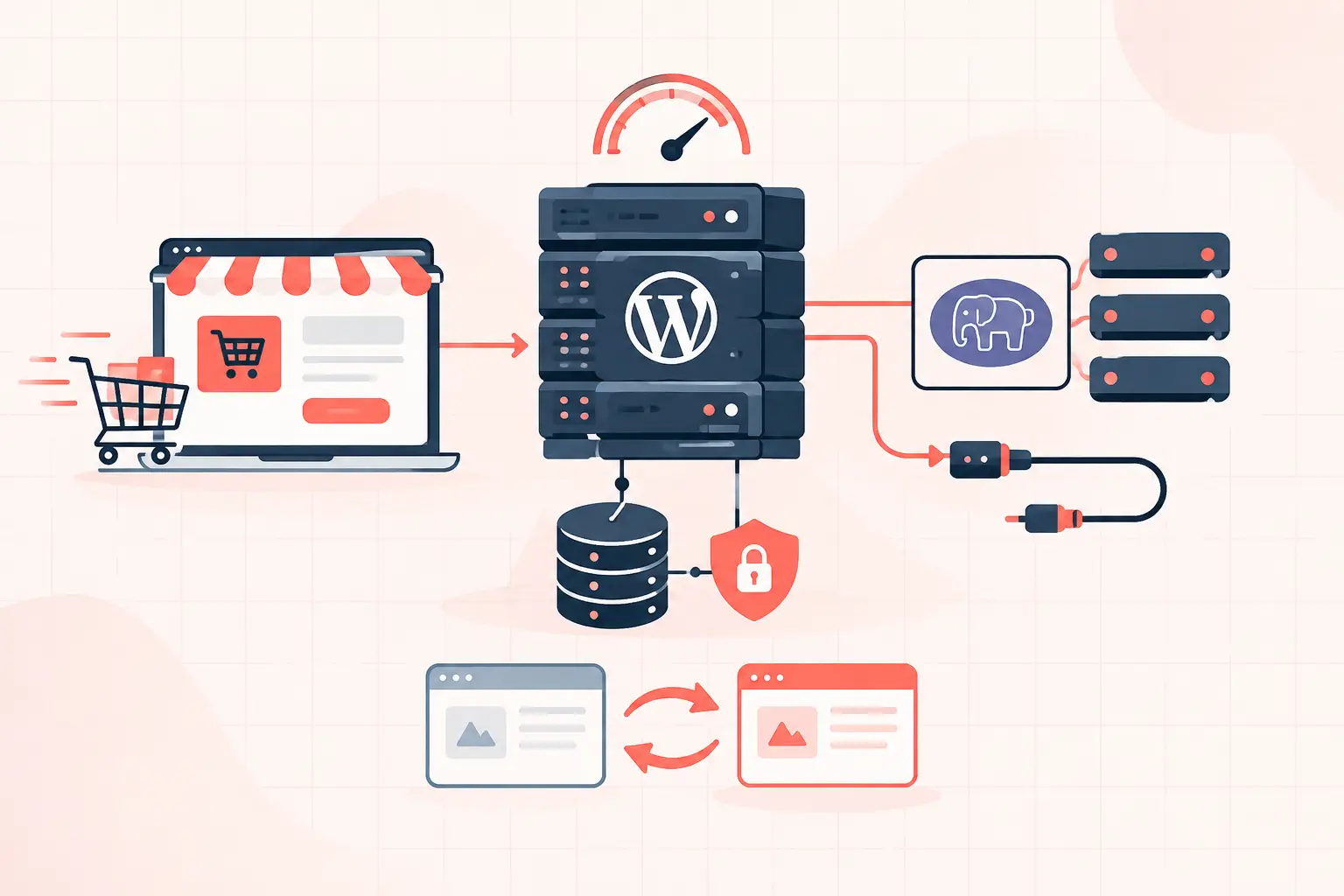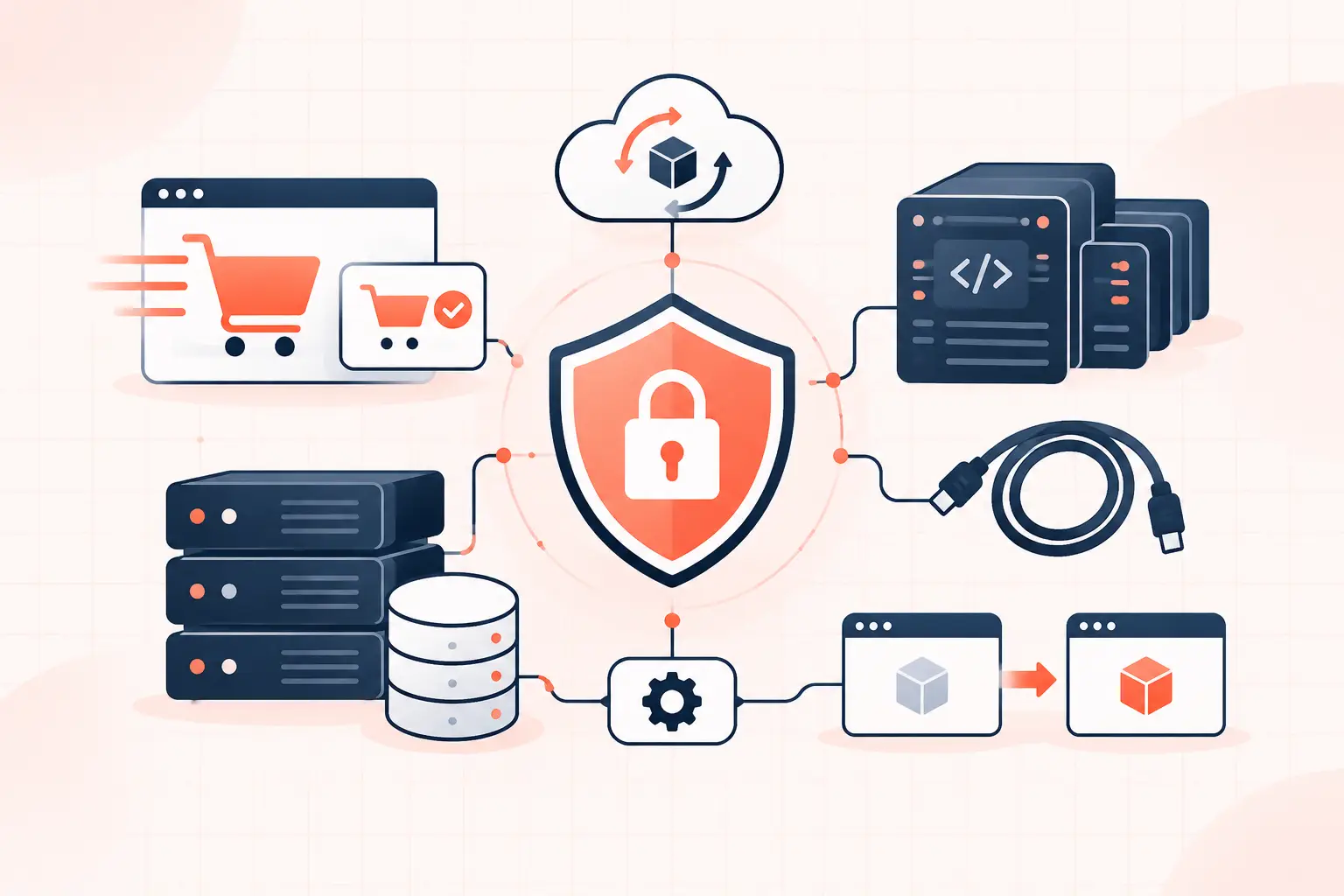

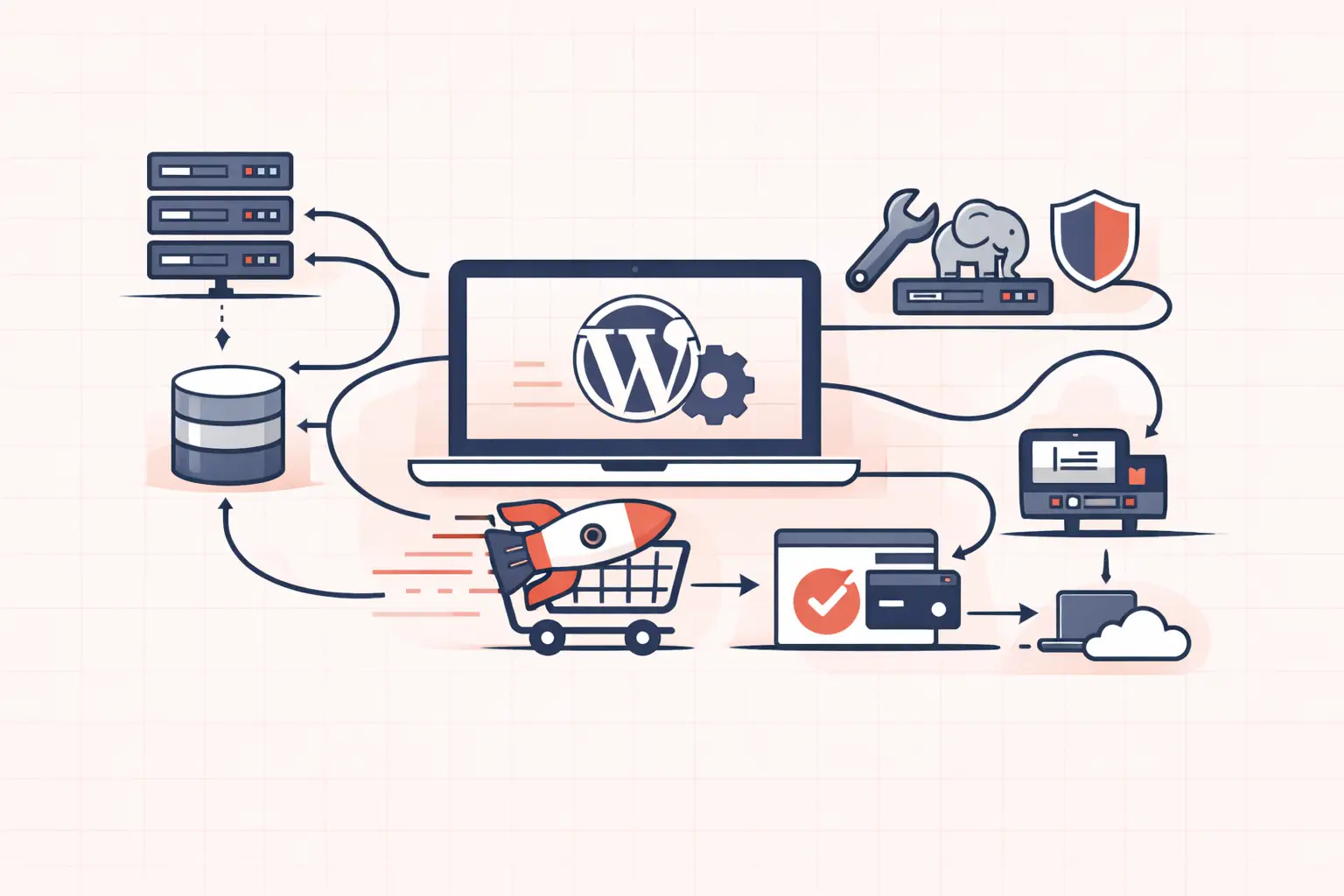
A support ticket that says “clear your cache” is not support when your WooCommerce checkout is timing out, PHP workers are saturated, or a plugin update has taken down the admin. WordPress hosting with US support engineers is valuable when it puts someone who can read server metrics, trace the failing request, and make a safe correction on the case. The location alone is not the feature. The feature is direct access to engineers who understand the WordPress stack and can act during your business hours.
For agencies, developers, and store owners, that changes the outcome of an incident. You spend less time translating a technical problem through multiple support layers and more time fixing the actual constraint: a slow database query, exhausted PHP-FPM workers, an uncached API route, or an overloaded origin server.
What US-based WordPress engineering support should mean
“US support” is often used loosely. It may mean a US sales team, a ticket desk operating in US time zones, or an outsourced team following a response script. None of those guarantees that the person responding can investigate your site at the infrastructure level.
A useful support engineer can move beyond WordPress dashboard advice. They should be able to determine whether a 504 error came from PHP execution time, an upstream database stall, a third-party API call, a full disk, or an NGINX timeout. They should also explain the finding in plain language, including what was changed and what remains your responsibility.
For a production WordPress environment, look for support that can work across these layers:
- Web server and caching behavior, including NGINX or LiteSpeed rules, cache bypasses, and response headers
- PHP-FPM worker capacity, slow logs, memory exhaustion, and process contention
- MySQL or MariaDB query analysis, database table growth, and connection limits
- WordPress application behavior, including plugin conflicts, cron jobs, REST requests, and WP-CLI maintenance
- Recovery operations, such as staging validation, file restoration, database rollback, and malware containment
That does not mean an engineer should edit a custom theme without review or become the maintainer of every plugin on your site. Clear boundaries are healthy. It does mean they can identify where the failure lives and give you an evidence-based fix rather than a generic checklist.
Why support quality affects uptime and revenue
A slow site is rarely “just slow.” The symptom might be a poor Largest Contentful Paint score, elevated Time to First Byte, checkout abandonment, or an intermittent critical error. The root cause may be entirely different in each case.
Consider a WooCommerce store that slows down during a promotion. Full-page caching can accelerate catalog pages, but cart, checkout, account, and many AJAX or Store API requests cannot be treated like static pages. If every checkout request waits behind long-running PHP processes, increasing the cache TTL will not solve it. An engineer needs to inspect worker usage, request duration, and the queries triggered by the checkout path.
The same is true for update failures. A plugin update may expose an incompatible PHP version, run out of memory during an autoload operation, or collide with a must-use plugin. Restoring a backup immediately can be the right business decision, but it is not a diagnosis. A competent team preserves logs, reproduces the issue on staging where possible, and prevents the next failed deployment.
Time zone alignment matters most when the people responding can make decisions. A US-based engineering team can be easier to reach during the hours when your marketing team launches campaigns, your agency deploys changes, or your staff notices a broken checkout. But do not confuse geography with competence. Ask who receives escalations, whether they have server access, and whether they can explain their investigation.
Questions to ask before choosing WordPress hosting with US support engineers
Hosting marketing pages rarely tell you how an incident is handled. Ask operational questions instead of asking whether support is “premium.” The answers will reveal whether you are dealing with a real technical team or a ticket-routing system.
Ask how they investigate a 502, 504, or critical error
A useful answer mentions logs and correlation. The team should check web server errors, PHP-FPM logs, WordPress debug output when safely enabled, and database health around the time of the failure. If the answer begins and ends with disabling plugins, expect trial-and-error troubleshooting.
For WordPress-level logging, a temporary configuration can help capture application errors without displaying them publicly:
define( 'WP_DEBUG', true ); define( 'WP_DEBUG_LOG', true ); define( 'WP_DEBUG_DISPLAY', false );This is not a permanent performance setting. Debug logs can grow quickly and may contain sensitive details. Turn it off after the incident and protect the log from public access.
Ask what metrics are visible during a slowdown
At minimum, support should be able to discuss CPU utilization, memory pressure, PHP worker activity, disk capacity, response times, and database connections. For high-traffic sites, averages are not enough. A server can look quiet over an hour while a five-minute traffic burst exhausts all PHP workers.
Ask whether they can distinguish cached from uncached requests. A low TTFB on a cached homepage does not prove that your logged-in users, checkout flow, or REST API are healthy.
Ask how backups and restores work
A backup policy is only useful if restoration is practical under pressure. Confirm the retention period, restore granularity, expected recovery time, and whether files and databases can be restored independently. Hourly restore points are especially useful for active stores, where reverting an entire day can erase orders, customer accounts, or inventory changes.
Also ask whether a restore can be performed into staging first. For a malware incident or a rushed plugin update, that extra validation step can prevent a recovery from creating a second outage.
The infrastructure still matters
Excellent engineers cannot compensate indefinitely for an undersized or overcrowded platform. Hosting support and hosting architecture are connected: the faster and more observable the platform, the faster an engineer can isolate a problem.
High-frequency CPU performance matters for WordPress because many page loads are still latency-sensitive and sequential. A request may need to boot WordPress, load active plugins, run hooks, query the database, generate markup, and contact an external service before it can send a response. More CPU cores help with concurrency, but strong single-thread performance often improves individual uncached request time.
That is why modern dedicated hardware, such as AMD Ryzen 9950X systems, is meaningful when resource allocation is transparent and the surrounding stack is configured correctly. It is not a magic cure for a plugin that runs 800 database queries per request. It provides headroom and faster execution for a well-maintained application, especially during bursts of dynamic traffic.
Server-level object caching is another practical example. Redis can reduce repeated database work for options, transients, and frequently accessed objects. Yet it needs discipline. An object cache will not fix inefficient queries that generate unique keys every request, and stale cache behavior can confuse troubleshooting. Support should know when to inspect cache hit rates and when to bypass the cache to verify the underlying behavior.
How to make support escalation faster
Even excellent engineers lose time when a report contains no usable evidence. Before opening a ticket, capture the URL or endpoint affected, the approximate start time with time zone, the error message or status code, and whether the issue affects all visitors or only logged-in users. For stores, say whether add-to-cart, cart, checkout, payment confirmation, or order emails are failing.
If you have shell access, record basic application state rather than making random production changes. These WP-CLI commands can quickly identify active components and scheduled task pressure:
wp plugin list --status=active wp theme list --status=active wp cron event list --fields=hook,next_run_relative --format=tableDo not deactivate production plugins simply because support asks for “a plugin test” without a plan. On a revenue site, reproduce the issue on staging, use a maintenance window, or disable one component with a rollback path. A careful engineer will help you choose the least risky method.
When this type of hosting is worth the premium
Not every brochure site needs an engineering-led managed platform. A low-traffic site with a simple theme, few plugins, and no revenue-critical transaction path may be adequately served by a lower-cost host and a capable developer on call.
The calculation changes for WooCommerce, membership sites, lead-generation sites with paid traffic, publishing operations, and agencies managing many client sites. In those cases, the cost of a slow response is not limited to a support subscription. It can include lost orders, wasted ad spend, missed leads, damaged client trust, and rushed fixes that create deeper technical debt.
WP Tango is built around that operational reality, pairing high-performance WordPress infrastructure on dedicated AMD Ryzen 9950X hardware with people who can troubleshoot the stack rather than merely acknowledge a ticket. That combination is most useful when your site cannot wait for a script to reach an escalation queue.
The right support relationship should make incidents less dramatic. Choose a team that will show you the failing layer, explain the trade-off, and help you leave the site healthier than they found it.