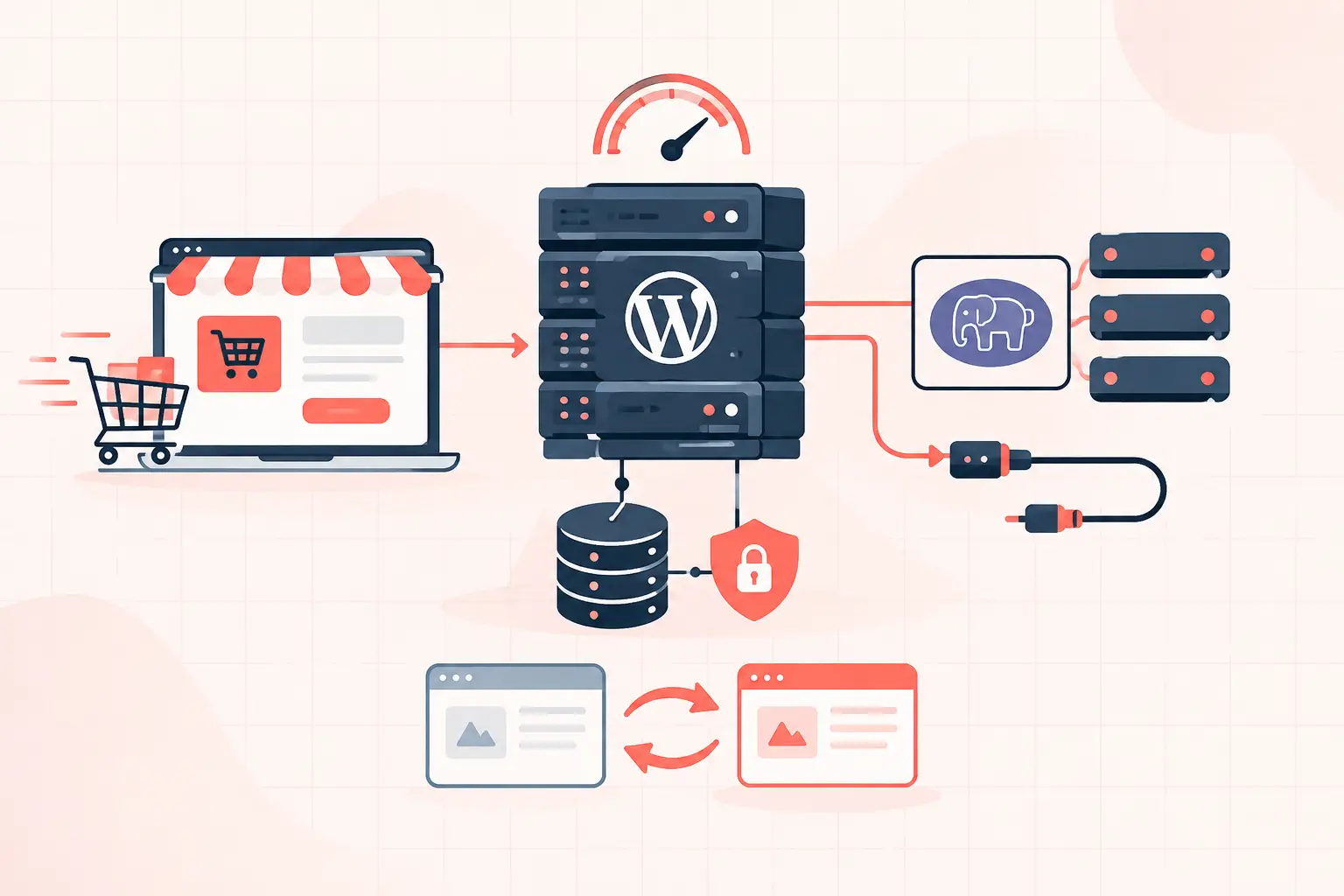


A traffic spike does not usually take down WordPress because a server ran out of disk space. It fails because uncached requests pile up faster than PHP, MySQL, or an external API can finish them. Good wordpress hosting for high traffic sites prevents that pileup with full-page caching, enough CPU and PHP worker capacity for dynamic traffic, low-latency database performance, and monitoring that shows the bottleneck before customers see an error.
Do not choose a plan based on monthly visits alone. A 500,000-visit content site with a 95% cache hit rate can need fewer resources than a WooCommerce store handling 30,000 visits, logged-in users, cart fragments, inventory checks, and payment callbacks. The request mix matters more than the traffic headline.
What high-traffic WordPress hosting must handle
High traffic is not a single condition. A news publisher may receive thousands of mostly cacheable page requests after a story breaks. A membership site may have fewer visitors, but each one is logged in and bypasses page cache. WooCommerce is harder still: product pages may cache well, while cart, checkout, account, and AJAX requests must be processed dynamically.
A capable hosting stack separates these workloads instead of treating every request the same. Cached anonymous visitors should be served from NGINX or LiteSpeed without booting WordPress or consuming a PHP worker. Dynamic requests need predictable PHP execution time, persistent object caching, and a database that can answer queries without locking up under concurrency.
When evaluating a provider, ask for real operational answers: How many PHP workers are allocated? Is Redis or another object cache included at the server level? What happens when workers are busy? Are CPU and memory limits fixed, visible, and enforced? Can support show database slow-query data and upstream response timing? If the answer is a vague claim about “unlimited” traffic, keep looking.
The metrics that reveal whether your site can scale
Traffic numbers are useful for planning, but they do not diagnose capacity. Monitor the request path from browser to database.
| Metric | What it tells you | Common warning sign |
|---|---|---|
| TTFB | Server response speed before page download | Slow even on cached pages |
| Cache hit rate | How often WordPress and PHP are avoided | Logged-out pages repeatedly miss cache |
| PHP worker utilization | Whether dynamic requests are waiting to run | Queues, 502/504 errors, slow checkout |
| Database query time | Whether MySQL is delaying page generation | Slow admin, cart, and uncached pages |
| CPU steal or saturation | Whether the host node is contended | Performance varies with no site change |
| Error rate | Whether capacity failures reach users | 429, 500, 502, or 504 bursts |
TTFB needs context. A cached public page should typically return quickly because WordPress is not involved. A 1.5-second cached TTFB points to a server, network, cache configuration, or overloaded-node problem. A dynamic checkout request may take longer, but it should remain consistent. The concern is not a single slow request. It is a rising baseline as concurrent users increase.
Cache aggressively, but do not cache the wrong pages
Full-page cache is the first line of defense for public content. It turns hundreds of PHP-heavy page generations into one generated response served repeatedly from memory or disk cache. Add a CDN for static assets and edge delivery, but do not assume a CDN fixes a slow origin. Dynamic requests still return to your server.
For most high-traffic WordPress sites, use three layers: browser and CDN cache for assets, server-level full-page cache for anonymous HTML, and Redis object caching for repeated database objects and transients. Each layer solves a different problem.
The exception rules are where sites get damaged. Never blindly cache WooCommerce cart, checkout, account, or pages that vary by customer session. Exclude paths and cookies required by your commerce or membership plugin. Then test as a guest, a logged-in user, and a shopper with products in the cart. A cache configuration that makes checkout faster by showing one customer another customer’s cart is not an optimization.
Verify cache headers instead of trusting a plugin dashboard
Use your browser’s network panel or a command-line request to inspect headers:
curl -I https://example.com/Look for the cache-status header used by your stack, along with sensible `cache-control` values. Request the page twice. If both requests are misses after warmup, find out why before increasing server resources. Common causes include unnecessary cookies, cache-busting query strings, pages marked private by a plugin, and a cache layer placed behind PHP instead of in front of it.
PHP workers are the hidden limit on busy sites
A PHP worker handles one dynamic request at a time. If a request takes two seconds and you have 10 available workers, only about five dynamic requests per second can complete before a queue begins to form. This is simplified math, but it explains why a store can feel fine in light testing and fall apart during a promotion.
Adding workers is not always the answer. More workers create more simultaneous database connections and consume more memory. If a slow plugin query is the actual problem, increasing worker count can turn a manageable delay into database contention.
Start by measuring slow dynamic endpoints. For WooCommerce, inspect `/cart/`, `/checkout/`, account pages, `wc-ajax` calls, payment webhooks, and scheduled actions. For publishers, inspect search, authenticated dashboards, comment submissions, and API endpoints. Reduce unnecessary work first: remove expensive plugins, defer third-party calls, clean autoloaded options, and stop running large background jobs during peak periods.
A high-frequency CPU also matters here. WordPress remains heavily dependent on fast single-thread execution for many requests. Dedicated modern hardware, such as AMD Ryzen 9950X-based infrastructure, can reduce PHP execution time substantially compared with overloaded shared hosting. That improves capacity, but it does not excuse a broken query or a plugin making five remote calls on every page view.
Fix the database before it becomes the incident
WordPress database trouble often appears as random slowness: the homepage is fast, then the admin hangs, checkout times out, or cron jobs fail. The underlying cause can be a bloated `wp_options` table, missing indexes in plugin tables, long-running Action Scheduler tasks, or too many concurrent queries.
Check autoloaded option size first. WordPress loads autoloaded options on most requests, so a large pile of stale plugin data adds work everywhere. Also inspect scheduled tasks. WooCommerce stores with a backlog of subscription renewals, analytics jobs, or failed actions can create a self-inflicted traffic event overnight.
Use a proper staging copy before deleting options or altering indexes. In production, take a backup that can be restored quickly and test changes during a quiet window. Database maintenance is not glamorous, but it is often the difference between buying capacity and actually using the capacity you already pay for.
Test wordpress hosting for high traffic sites with realistic load
Synthetic load tests are useful only when they resemble your users. Hammering the homepage with anonymous requests mainly tests cache throughput. That can be valuable, but it says little about whether 40 shoppers can check out at once.
Build a small set of realistic scenarios: anonymous product browsing, logged-in account activity, add-to-cart actions, checkout requests using a test gateway, and API or webhook traffic. Increase concurrency gradually while watching TTFB, PHP worker queues, CPU, memory, database latency, and errors. Stop when latency rises sharply or failure rates appear. That knee in the curve is your current limit.
Run the same test after plugin updates, major design changes, new marketing scripts, or a hosting migration. Performance regressions are cheaper to catch in a controlled test than during a paid campaign.
Recovery and operations matter as much as raw speed
A fast server is not enough if an update corrupts the site at 2 a.m. High-traffic sites need isolated staging, tested rollback procedures, malware monitoring, and frequent backups with a known restoration path. “Daily backups” can mean you lose an entire day of orders. For active stores, hourly backup points are far more practical.
Also separate WordPress cron from visitor traffic. A busy site should use a real server scheduler rather than rely solely on requests to `wp-cron.php`. In `wp-config.php`, this is commonly disabled before configuring a system-level cron job:
define('DISABLE_WP_CRON', true);That change is only safe when a real cron replacement is active. Otherwise, scheduled publishing, order processing, and cleanup jobs may stop.
The right host should make these controls visible, not hide them behind an opaque dashboard. You need clear resource boundaries, useful logs, knowledgeable escalation, and an infrastructure team that can distinguish a cache miss from PHP worker exhaustion.
Your site does not need an oversized server on day one. It needs a measured baseline, clean caching rules, healthy database behavior, and enough headroom for the requests that cannot be cached. Build those foundations before the next spike, when you still have time to fix the cause instead of explaining the outage.