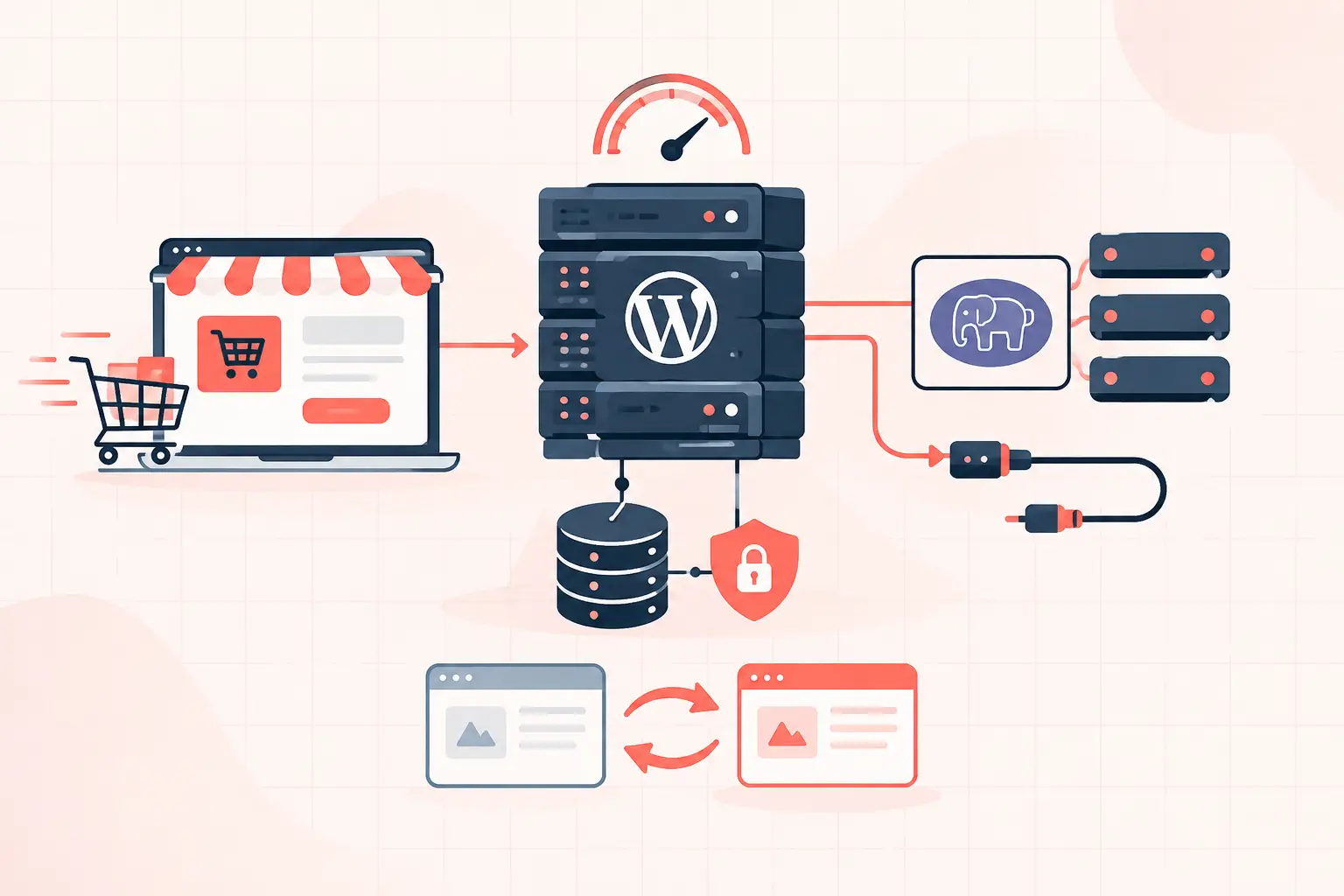


A flash sale fails when traffic reaches the parts of WooCommerce that cannot be page-cached: cart fragments, customer sessions, stock checks, payment requests, and checkout. WooCommerce flash sale scaling starts by protecting those dynamic requests, measuring PHP worker and database saturation, then load-testing the exact sale path before customers arrive. A fast homepage is not evidence that your store can process 500 orders in five minutes.
The practical target is simple: keep product and category pages cacheable, keep dynamic requests short, and ensure the server has enough CPU, PHP capacity, database headroom, and payment-provider tolerance for the expected order rate. If any one of those layers queues up, customers see spinning checkouts, payment failures, or stock oversells.
What Actually Breaks During a Flash Sale
Most stores do not collapse because the web server cannot return HTML. They collapse because too many uncached requests compete for too few PHP workers. Every visitor who adds an item to the cart, refreshes the mini-cart, applies a coupon, or reaches checkout creates work that a full-page cache cannot safely serve.
A common failure sequence looks like this: sale traffic increases, PHP workers become occupied by slow WooCommerce requests, new requests wait in a queue, response times rise, and customers retry. Those retries create more concurrent work just as inventory updates and payment callbacks add database pressure. By the time CPU usage looks alarming, the checkout queue has often been building for several minutes.
Do not treat a high CPU graph as the diagnosis. Identify what is holding workers open. On a production store, that is often one of these four causes:
- `wc-ajax=get_refreshed_fragments` firing repeatedly because of a heavy theme or plugin
- Slow `admin-ajax.php` requests from marketing, chat, or tracking plugins
- Expensive database queries against orders, sessions, product meta, or coupon data
- External API latency from payment gateways, tax tools, fraud checks, or shipping integrations
Each needs a different fix. Adding CPU helps a site that is genuinely compute-bound. It does very little when 20 PHP workers are waiting on an external service or blocked by inefficient database queries.
Build the Cache Boundary First
Cache every page that does not depend on an individual shopper. For most WooCommerce stores, that includes the homepage, campaign landing pages, product archives, and product pages. A CDN or server-level full-page cache should serve those pages without invoking PHP for anonymous visitors.
Exclude the cart, checkout, My Account area, and any endpoint carrying customer-specific state. Also verify that your cache plugin or reverse proxy respects WooCommerce cookies such as `woocommerce_items_in_cart` and `woocommerce_cart_hash`. Incorrect exclusions can produce the worst possible flash-sale bug: one shopper sees another shopper's cart.
The trade-off is cart freshness. Many themes refresh cart fragments globally so a header counter updates on every page. That behavior is convenient, but it creates AJAX traffic across otherwise cacheable pages. During a sale, evaluate whether the live cart counter is worth the load. Disable unnecessary fragment refreshes, or limit them to pages where shoppers actively interact with the cart.
Test cache behavior with a clean browser session and with an item in the cart. Confirm that product pages return cache hits for anonymous users, while cart and checkout still show the correct customer state. Do not make this change ten minutes before launch. Cache mistakes need real session testing, not assumptions.
Size PHP for Checkout, Not Page Views
PHP workers are a concurrency limit. If a checkout request takes three seconds and you have 10 available workers, only about 10 such requests can execute at once. The rest wait. A store receiving 100 requests per second does not need 100 workers if most requests are cached, but it may need materially more capacity than usual if dozens of shoppers are checking out concurrently.
Start with observed request duration. Review PHP-FPM slow logs, application performance monitoring traces, and upstream response times for `/?wc-ajax=`, `/cart/`, `/checkout/`, and payment callback endpoints. If checkout regularly takes four to six seconds before a sale, fix that first. More workers can hide the issue briefly, but they also create more simultaneous database connections and more memory consumption.
A useful capacity estimate is:
required active workers = peak dynamic requests per second × average dynamic request timeAdd headroom because flash-sale traffic is bursty. If you expect 12 dynamic requests per second and they average 2.5 seconds, 30 active workers is the mathematical baseline, not a safe production ceiling. Whether that worker count is sensible depends on available RAM, PHP memory limits, query cost, and CPU performance.
On high-frequency dedicated hardware, such as AMD Ryzen 9950X infrastructure, short PHP execution bursts can complete quickly. That is valuable for WooCommerce. It does not eliminate the need to cap runaway workers, profile slow requests, and leave memory for MySQL, Redis, and the operating system.
Reduce Database Work Before Traffic Arrives
WooCommerce puts pressure on MySQL through sessions, cart data, product meta, inventory updates, orders, and plugins that query those records. A store can have a healthy-looking database at normal traffic and still hit lock waits or slow queries once customers purchase the same limited product at once.
First, enable persistent object caching with Redis. This reduces repeated reads for options, product data, and transient-heavy plugins. It is not a substitute for full-page caching, and it will not solve write contention during stock reduction, but it removes avoidable database reads from the busiest path.
Next, inspect slow-query logs or APM traces. Look for queries that scan large `wp_postmeta` tables, repeatedly load autoloaded options, or query orders through outdated post-based order storage patterns. If your WooCommerce version and extensions support High-Performance Order Storage, evaluate it on staging before the sale. HPOS can improve order-query behavior, but compatibility must be verified with every payment, fulfillment, subscription, and reporting extension you rely on.
Also clean up the quiet sources of bloat. Expired transients, oversized autoloaded options, abandoned-action queues, and analytics plugins running reports on the live database can all steal time from checkout. Pause nonessential reporting jobs, imports, backups that heavily scan files, and bulk email tasks during the sale window.
Treat Inventory and Payments as Separate Bottlenecks
Limited-stock campaigns are harder than ordinary promotions because many shoppers may attempt to buy the final units at the same time. WooCommerce stock reduction must remain accurate, which means you cannot cache or bypass it. Test the exact product type, stock setting, and fulfillment flow you will use.
If you sell variations, bundles, or products managed by a third-party inventory system, test concurrent purchases against the real integration in a staging environment that resembles production. A simple product with local stock behaves very differently from a bundle that triggers several external API calls.
Payment gateways deserve the same attention. Confirm API rate limits, webhook delivery behavior, fraud-screening latency, and fallback messaging. A gateway delay can tie up PHP workers while the store waits for a remote response. Set sensible connection and response timeouts where your gateway supports them, but do not set them so low that valid payments are abandoned during brief provider delays.
Load Test the Purchase Journey, Not Just the Homepage
A useful test simulates a realistic mix of cached browsing and uncached customer actions. Test product-page views, add-to-cart requests, cart updates, checkout page loads, coupon application, and completed payments. Use test-mode payments where possible. If you only request the homepage thousands of times, you are testing your cache, not your store.
During the test, watch more than average load time. Track p95 and p99 response time, PHP-FPM active and maxed workers, MySQL slow queries, Redis memory and evictions, CPU steal time on virtualized environments, error rates, and gateway responses. Averages can look fine while a meaningful group of customers waits 20 seconds at checkout.
Run one test at a modest level, fix the first bottleneck, then increase concurrency. Keep a rollback plan for recent plugin, theme, cache, and database changes. Hourly backups are useful, but a tested rollback procedure is better than discovering mid-sale that a restore is your only option.
Flash Sale Launch Checklist
The final hour should be operationally boring. Confirm that caches are warm, scheduled jobs are paused, monitoring alerts reach a human, and support staff know how to identify checkout failures versus normal customer questions. Keep access to server metrics, PHP logs, web-server logs, and payment dashboards open.
Avoid last-minute optimization plugins, database cleaners, or theme edits. A flash sale is not the time to experiment with settings copied from a forum. If your store has passed a realistic load test and each dynamic layer has headroom, let the infrastructure do its job and spend the launch watching the signals that matter: completed orders, checkout latency, worker saturation, and payment errors.
When the sale ends, preserve the data. The traces, slow logs, and capacity numbers from one successful event are the baseline that makes the next launch less risky.